Nanome is a collaborative molecular visualization and drug discovery platform built for VR and XR. You load a protein or small molecule, then walk around it, grab it, and reshape it at true 3D scale with your hands. It runs on major headsets, and there's a browser web app for anyone without one, so a whole team can join the same structure at once.
A monitor draws a 3D object as a flat projection, and the depth has to be rebuilt by spinning the view. In a headset the depth arrives with the molecule.
What VR adds to molecular modeling
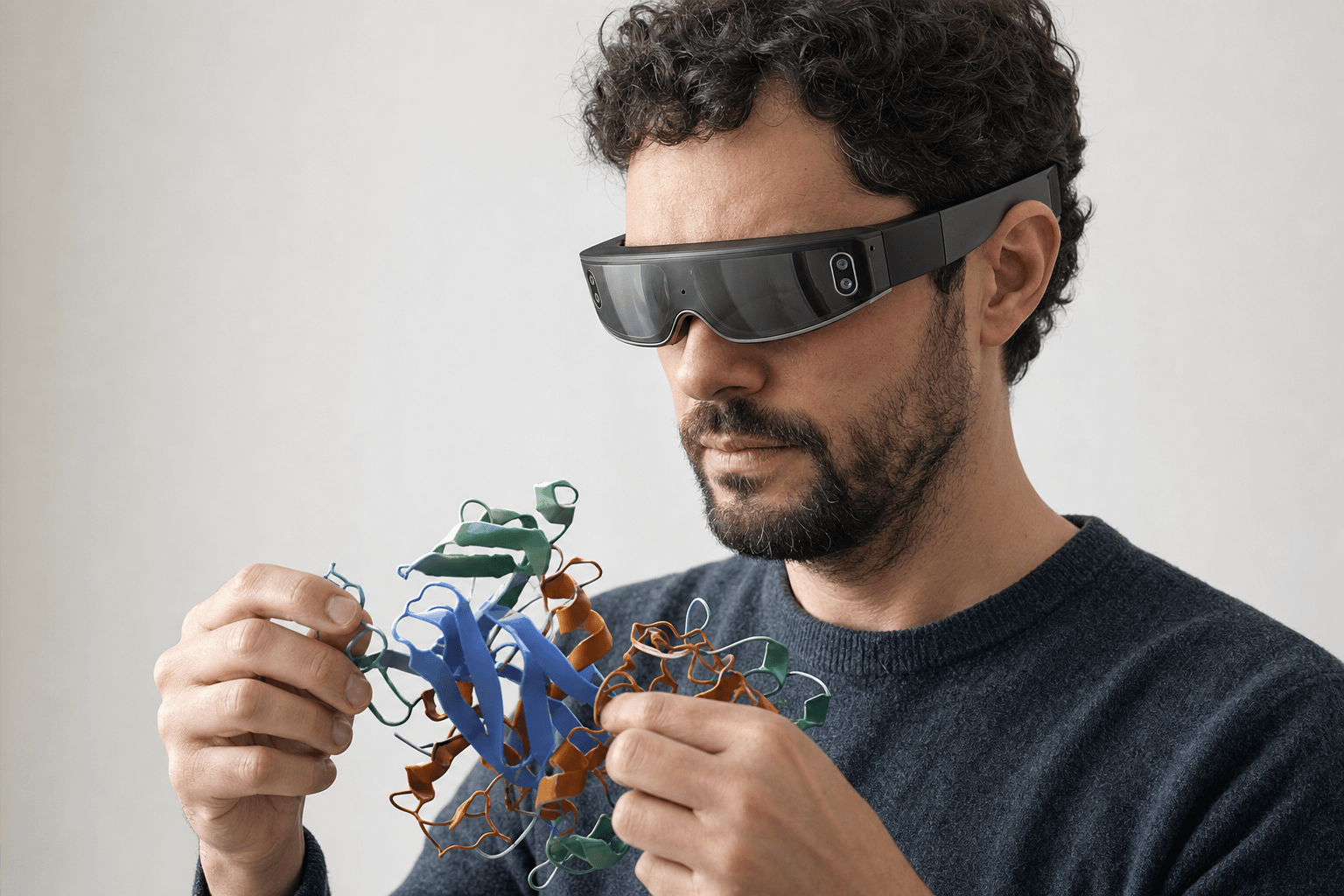 A researcher wearing an ultra-thin VR headset studies a ribbon-cartoon protein structure held close to the chest
Four things change once the structure is an object in the room rather than a picture of one.
Depth. Stereo vision puts every atom at its real distance. A binding pocket reads as a cavity with a floor and walls, and a subpocket behind the ligand stops hiding.
Scale. A ligand can sit in your palm while you check a torsion angle. A minute later the same protein can fill the room and you can stand at the mouth of the active site.
Hands. Rotating, translating and adjusting a structure happens by moving your hands through the space it occupies, with no keyboard modifier between the gesture and the motion.
Company. Several people hold one workspace at the same time. A chemist in San Diego and a biologist in Boston can point at the same residue, and the pointing lands on the atom itself instead of on a description of it.
| What changes | On a flat screen | In Nanome VR/XR |
|---|---|---|
| Depth perception | Rebuilt by rotating the view | Seen directly in stereo 3D |
| Scale | A zoom level | Anything from palm-sized to room-sized |
| Manipulation | Mouse plus keyboard modifiers | Both hands on the structure |
| Collaboration | Screen-share with one driver | Everyone in the same room around one molecule |
Which devices run it
| Device | Type | Headset needed |
|---|---|---|
| Meta Quest | VR headset | Yes |
| HTC Vive Focus 3 | VR headset | Yes |
| Pico Neo | VR headset | Yes |
| Apple Vision Pro | XR headset | Yes |
| Windows desktop | Desktop app | No |
| Web app (browser) | Browser | No |
That last row does the most work. Headsets are rarely one per desk, and a review can go ahead regardless: a medicinal chemist joins from a laptop while a colleague works in full immersion, and the two of them are in one live session on one structure. Running a whole group that way, across sites and clocks, gets a fuller treatment in collaborative drug discovery software for remote teams.
Structures arrive by accession code from RCSB PDB, PubChem, DrugBank, UniProt, ChEMBL and AlphaFold DB, or straight off a drive, so the molecule is in the room a few seconds after the session opens.
Running real tools inside the headset
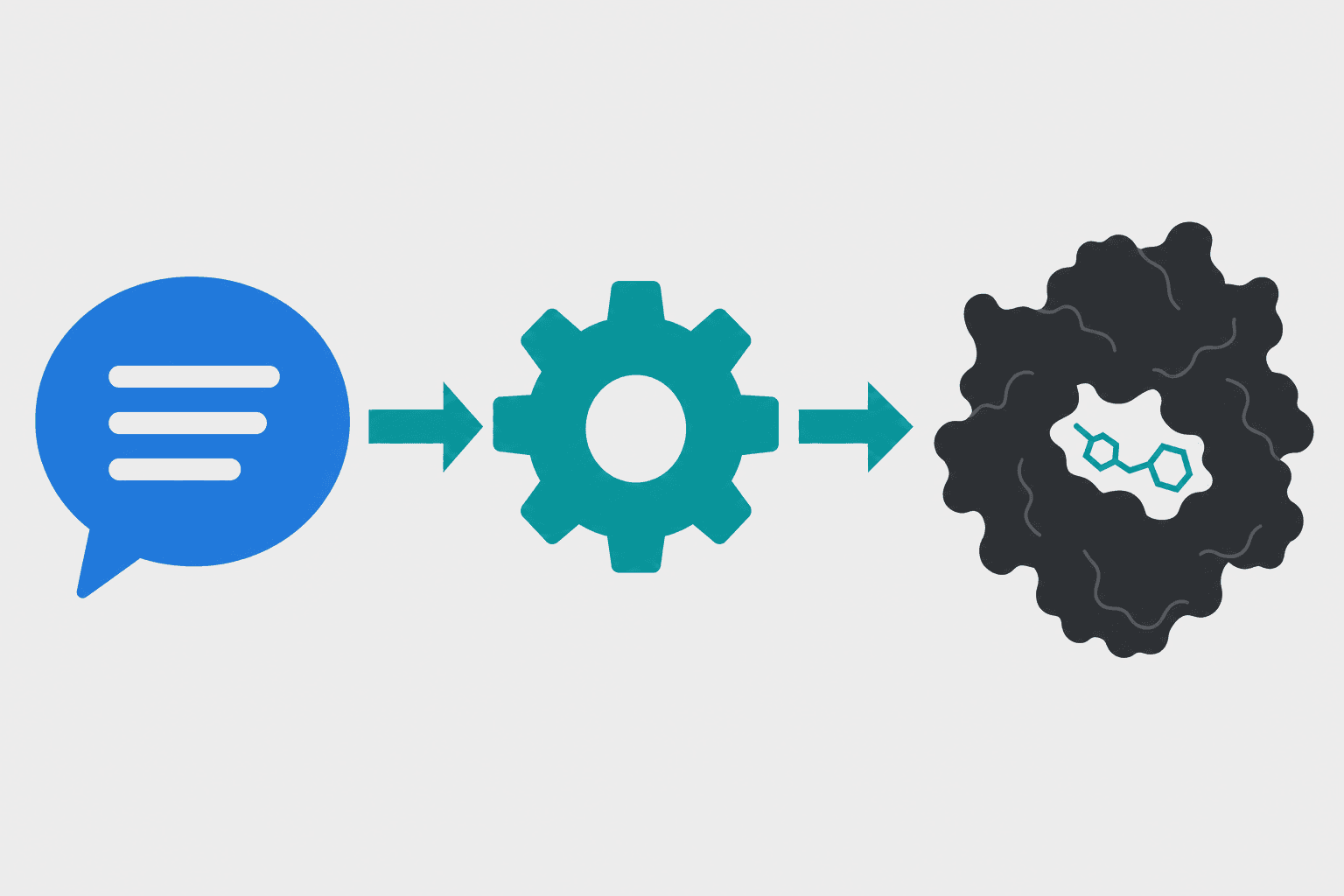 A plain-English voice command flows through a computational tool and returns a docked ligand result in one connected step.
Seeing a molecule in 3D is half the job. The other half is the calculation that says whether an idea survives contact with a number, and MARA, Nanome's AI copilot, covers that half without anyone leaving the structure.
You describe the job in plain English. MARA chooses the tool, runs it, and keeps a record of the run: the tool by name, the structure it was handed, the file that came back. 300+ tools across 26 categories sit behind that one request, and a REST API plus MCP servers open the same catalogue to scripts.
Some of what it can call:
- Docking on Smina and DiffDock-L
- Electrostatics through APBS
- ADMET and toxicity prediction
- Fold and complex prediction with AlphaFold 3, Boltz-2, OpenFold3 and Chai-1
- Sequence design with ProteinMPNN, plus ANARCI for antibody numbering and CDR loops
- De novo binder design with RFdiffusion3 (beta)
- Cheminformatics
In a headset the request can be spoken out loud. Both hands stay on the structure, you say what you want run, and the result comes back onto the molecule you're still holding.
That makes docking something you do where the structure already is. Ask for a compound to be placed in the pocket you're standing inside, then turn the pose over and read the contacts yourself. What a careful pass over those contacts involves is the subject of how to analyze protein-ligand interactions.
How this sits next to the desktop tools


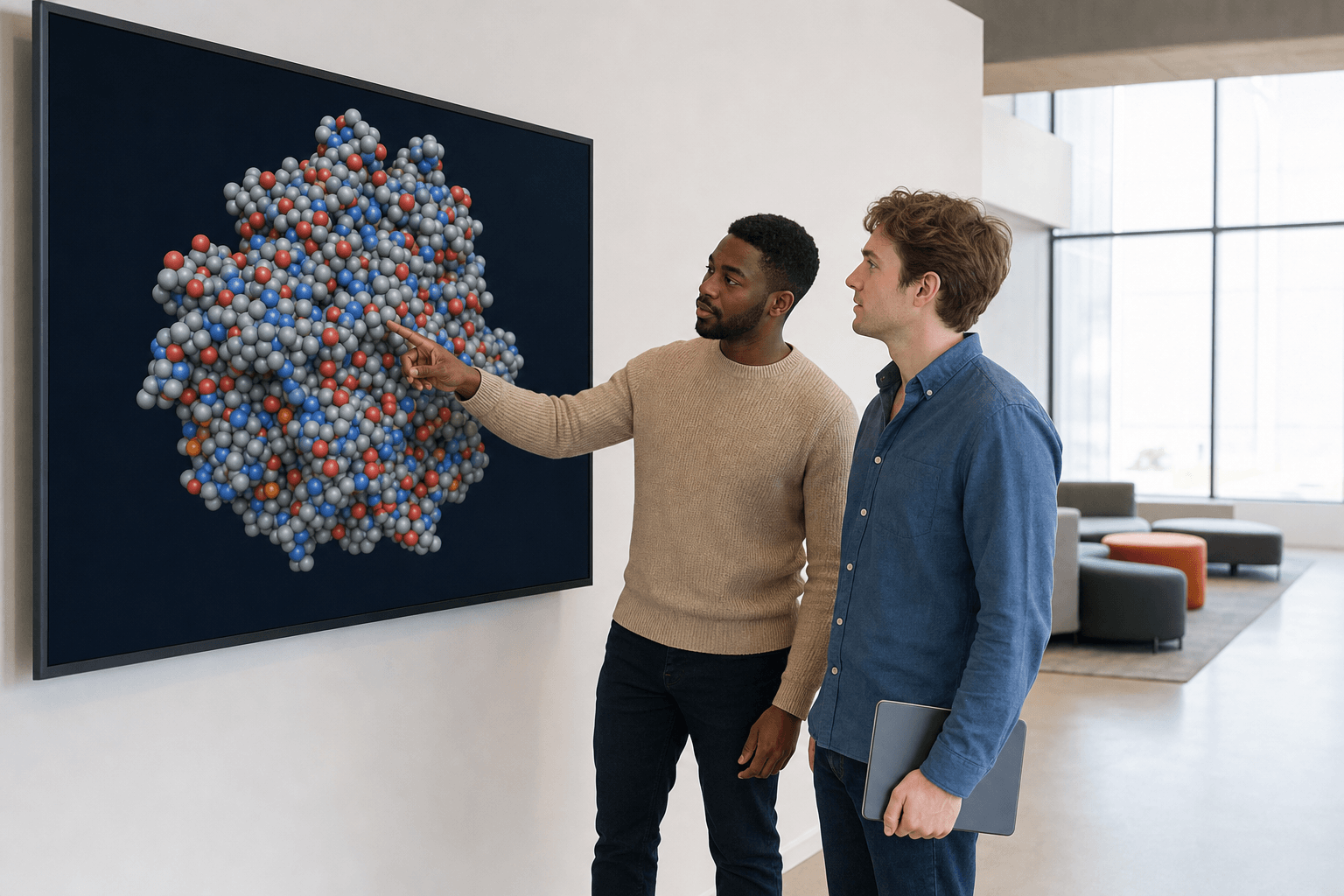 Two colleagues in casual professional attire discuss a space-filling protein structure on a large wall display in a modern research lounge.
A lot of excellent modeling software was written for one scientist at one keyboard, and it is very good at that. Here is how the pieces divide up.
| Tool | Its strength | What immersive 3D adds beside it |
|---|---|---|
| PyMOL, ChimeraX, VMD | Desktop rendering, scripting, figures for a paper | A structure a group can walk around together, live |
| Avogadro, Coot | Building and correcting geometry | Editing by hand at the scale of the pocket itself |
| Schrödinger Maestro, MOE, BIOVIA Discovery Studio | Full desktop comp-chem suites | Several are Nanome integrations, and their output opens in a shared room |
Their files cross over without a conversion step in between. Nanome opens PyMOL .pse sessions, Maestro .mae and .maegz, and MOE .moe files, all three as imports. The everyday structure files open too, which is what ChimeraX, VMD, Coot and Discovery Studio write: PDB, mmCIF, SDF, MOL and MOL2, XYZ and PQR. More on supported formats.
Pipelines connect as well. Schrödinger LiveDesign, Cresset Flare, CDD Vault, OpenEye / Cadence, the OpenFold Consortium, KNIME and Jupyter all feed it. When the numbers get produced in one of those, Nanome is where the group stands around the result.
Some work belongs elsewhere. A headless screen across a million compounds belongs in a script, and a single static figure for a journal belongs in a desktop renderer. Immersion pays when one person has to understand a 3D arrangement, or when several people have to agree about one. Carrying that agreement to colleagues who were never in the session is a separate craft, worked through in what a modern molecular presentation looks like.
Chemistry designed this way does leave the headset. Oak Ridge National Laboratory built a new inhibitor of the SARS-CoV-2 main protease inside Nanome, adding a chlorine atom that bound the protease more tightly, and the compound showed superior inhibition in vitro. The Journal of Medicinal Chemistry carries the work, and if it clears further development it will be the first ever drug discovered in virtual reality. That paper and the rest of the peer-reviewed record sit under publications, and the project write-ups are at nanome.ai/case-studies.
FAQ
What is the best VR tool for molecular modeling?
Nanome is purpose-built for it. It runs on Apple Vision Pro, Meta Quest, Pico Neo and HTC Vive Focus 3, plus a Windows desktop app and a browser web app for anyone off-headset, and several people share one live structure at a time. MARA runs the computational tools inside that same session.
Can I use Nanome without a headset?
Yes. The browser web app and the Windows desktop app both join the same session, so a colleague on a laptop takes part fully while a teammate works in full immersion.
Can I run computational chemistry in VR, or only look at molecules?
Real tools run. MARA takes the request in plain English and calls docking, co-folding, electrostatics, ADMET or structure prediction, then names the tool it used and what came back. 300+ tools across 26 categories are reachable that way.
What file formats and databases does Nanome support?
Structures import as PDB (.pdb, .ent), mmCIF (.cif, .mmcif), SDF, MOL and MOL2, SMILES, XYZ, PQR, and PDBQT (converted to PDB, with charges dropped). Vendor and session files import as well: PyMOL .pse, Maestro .mae and .maegz, MOE .moe. An electrostatic map (.dx) overlays onto a structure that is already open. Export is PDB, SDF or SMILES, single frame, which leaves mmCIF, MAE, MOE and PSE import-only. Databases: fetch by code from RCSB PDB, PubChem, DrugBank, UniProt, ChEMBL and AlphaFold DB. Full detail is in the format docs.