Nanome is a collaborative molecular visualization and drug discovery platform that runs on the web and in XR headsets. Inside it, an AI copilot called MARA runs scientific tools from plain-English requests. PyMOL, now maintained by Schrödinger, is a script-driven desktop viewer that's widely used for publication-quality images and precise rendering. Both open the same PDB and SDF files, so the real difference is how you work with a structure once it's loaded: PyMOL gives you one person at a keyboard, and Nanome adds real-time multiplayer sessions and native VR around the same coordinates.
They overlap on the file and separate on what happens after it opens.
Where PyMOL is strong


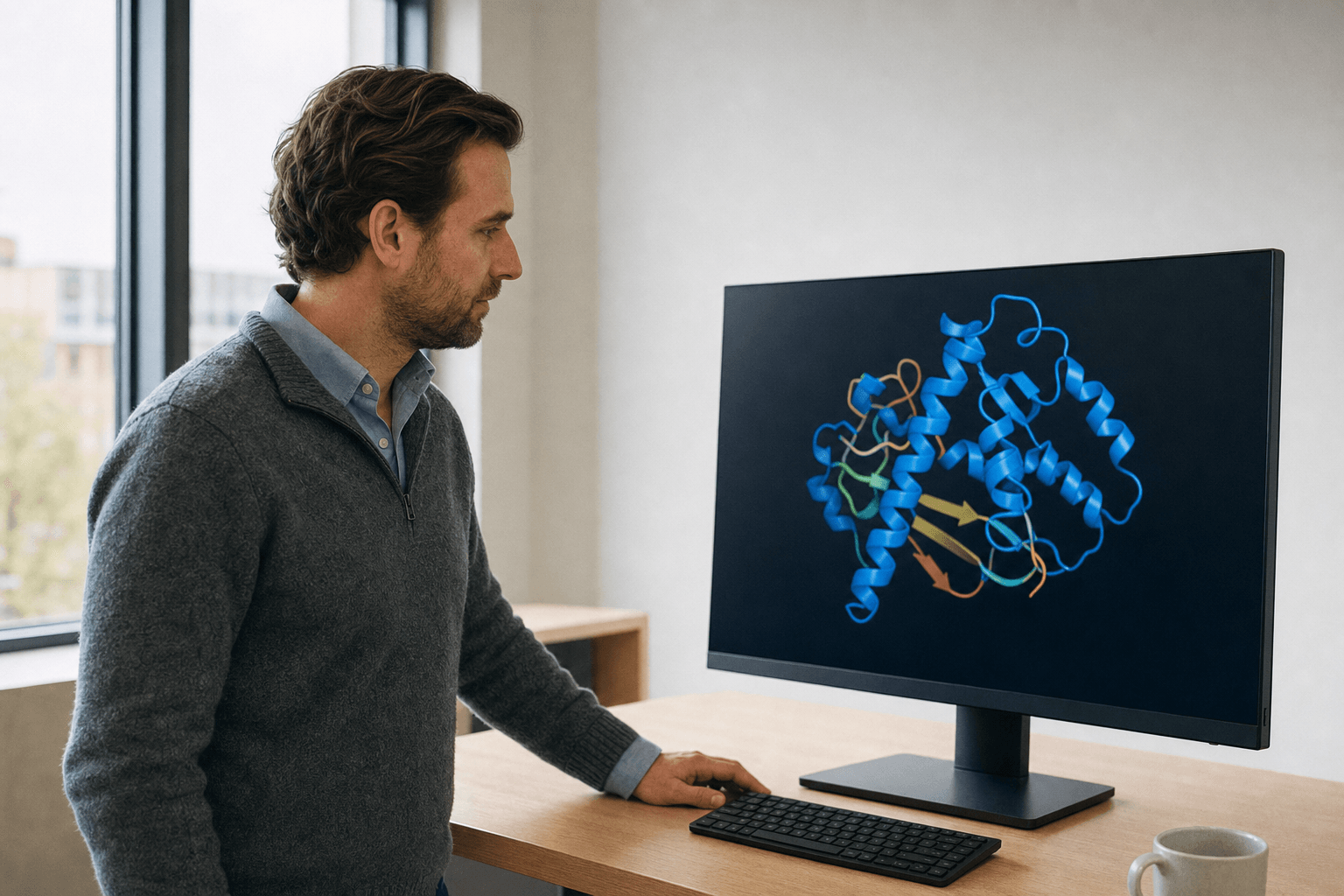 A researcher in a knit sweater reviews a ribbon-rendered protein structure on a flat monitor in a naturally lit office.
PyMOL has been a lab staple for over 20 years. It renders beautiful ray-traced images, its scripting language gives you exact control over every atom and camera angle, and there's a deep well of community scripts and tutorials. For a figure in a paper, a reproducible rendering pipeline, or quick single-user structure inspection, it's a solid pick and often the right one.
Nanome imports PyMOL .pse sessions, so a scene built there can open in a shared workspace. Which PyMOL session versions are validated isn't documented, and QM/MM link atoms can break the parse, so a test load is worth doing before a meeting depends on the file. Traffic runs one way. Nanome writes PDB, SDF or SMILES, single frame, and there's no .pse writer. What imports and what exports.
VMD and UCSF ChimeraX sit in the same neighborhood. VMD is strong for molecular dynamics trajectory work, and ChimeraX is a modern desktop viewer with excellent analysis and rendering. All 3 are desktop, mostly single-user, and driven by a GUI or a command line.
Nanome loads and plays back MD trajectories. A .gro file loads on its own; .xtc, .trr, and .dcd attach to a model already in the workspace and have to match its atom count. Frame-trajectory playback carries a 2000-frame cap, and surfaces switch off while a trajectory plays. More on supported formats.
Where Nanome is different
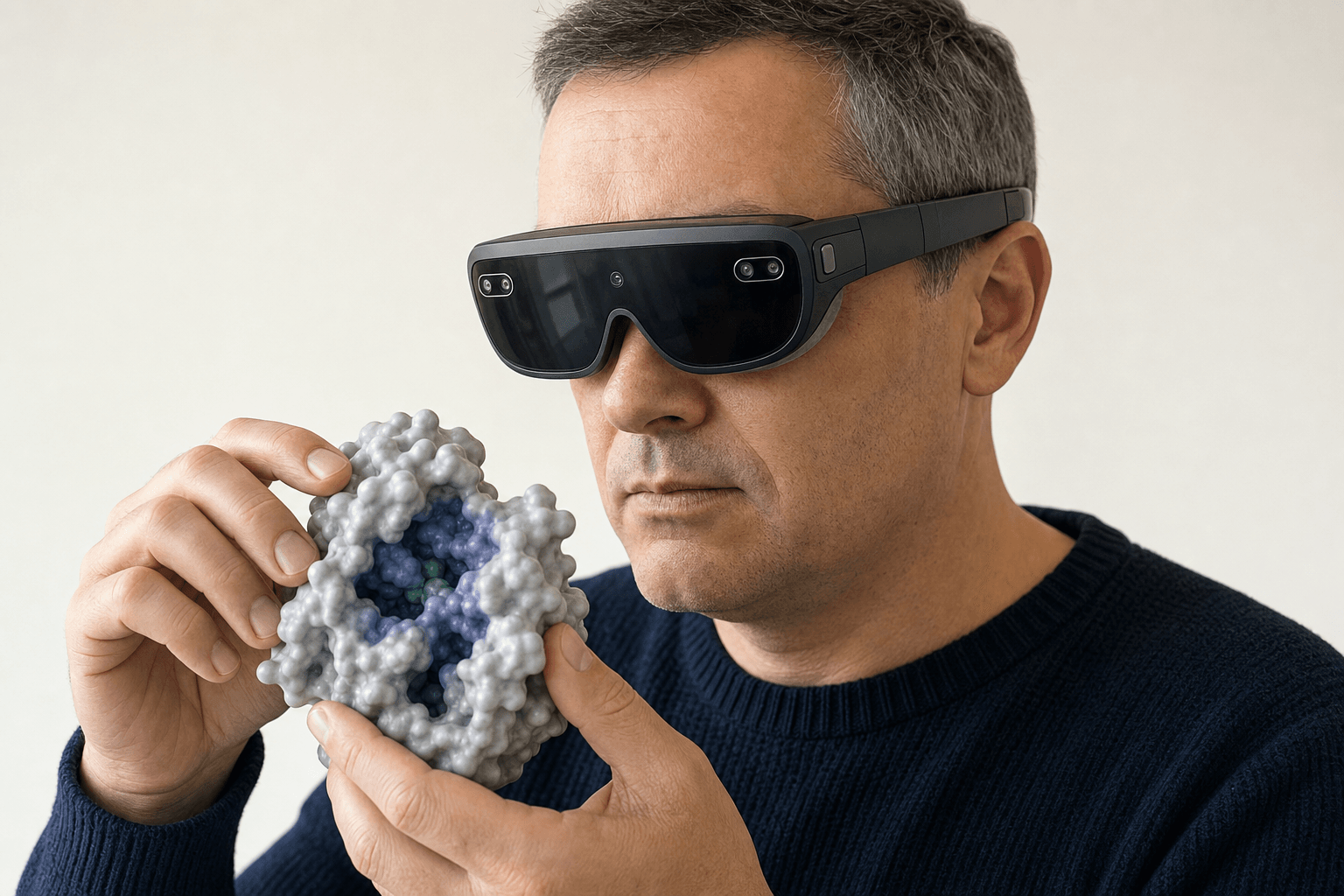 A researcher wearing a slim VR headset examines a solid protein surface model floating at chest height in an open studio.
Nanome starts from the same files and goes in a different direction: shared 3D space, immersive hardware, and an AI copilot.
| PyMOL is good at | Where Nanome is different |
|---|---|
| Publication-quality ray-traced images | Real-time multiplayer sessions where several people edit one structure together |
| Precise scripting control over rendering | Native XR and VR on Meta Quest and Apple Vision Pro, plus HTC Vive Focus 3 and Pico Neo |
| Single-user desktop inspection | A browser app that needs no headset, and a Windows desktop build |
| Community scripts for repeated tasks | MARA, an AI copilot that runs 300+ scientific tools from plain-English requests |
| Local files on your machine | Structures fetched straight from RCSB PDB, PubChem, and DrugBank into the session |
The multiplayer part matters more than it sounds. In Nanome, 2 chemists in different cities can stand around the same protein in VR, point at a pocket, and rotate the ligand together in real time. That's a different kind of review than screen-sharing a static render.
PyMOL renders the figure that goes in the paper, and Nanome holds the object the group turns during the talk. Most teams do both, which is the argument in what a modern molecular presentation looks like.
Then there's MARA. You describe the job in plain English and it runs, so the compute lands next to the structure instead of in another window. It covers docking (Smina, DiffDock-L), electrostatics with APBS, ADMET prediction, structure prediction and co-folding with AlphaFold 3 and Boltz-2, antibody numbering and CDR definition with ANARCI, sequence design with ProteinMPNN, and de novo binder design with RFdiffusion3 (beta). Each run reports the tool it called, the inputs it used, and what came back, so the work is checkable.
Nanome fits into the stack around it. Since Schrödinger maintains PyMOL, the LiveDesign connection is the relevant one: Nanome imports Maestro .mae and .maegz, the format LiveDesign uses to hand structures off. It also connects to OpenEye (Cadence), Cresset Flare, CDD Vault, KNIME, and Jupyter. The REST API and MCP servers are open, for whatever isn't on that list.
The comparison has a published number behind it. The 2019 platform paper (Kingsley et al., J. Mol. Graph. Model. 89, 234-241), written with a Novartis GNF team, timed Nanome's surface generation against PyMOL, Discovery Studio, Chimera and ChimeraX and found it several times faster, while holding 90+ frames per second across two eye views. That was 2019 hardware and 2019 code on every side, so treat the number as a floor. The publications page has the rest.
When PyMOL is the right pick
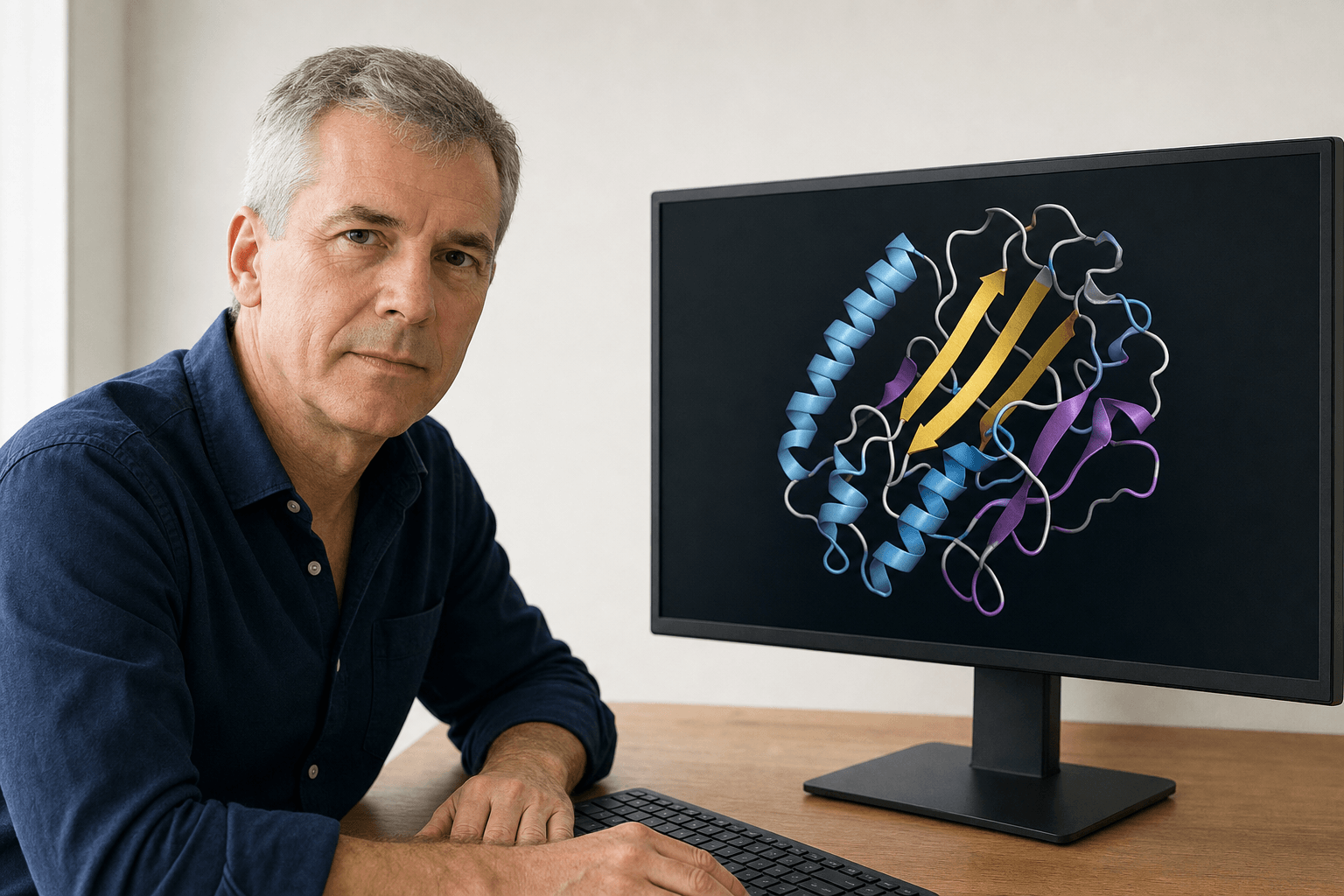 A researcher at a bare desk studies a ribbon-cartoon protein structure displayed on a flat monitor in a quietly lit office.
If the deliverable is a polished static figure, a scripted rendering pipeline under version control, or fast single-user inspection on a laptop, PyMOL (or ChimeraX, or VMD) does that well. A clean image of a binding site needs no multiplayer and no headset.
Nanome covers the other half of the week: collaborative review, structures where true 3D scale changes what you notice, and jobs that are quicker to describe than to script. Plenty of groups run both, PyMOL for the final figure and Nanome for the exploration and the group review behind it. The same split shows up against BIOVIA Discovery Studio and CCG MOE, where MOE also happens to be a listed Nanome integration. The case studies show what that collaborative half looked like on live programs.
FAQ
Is Nanome an alternative to PyMOL?
For part of the job, yes. It opens the same structures and covers visualization, then adds live multi-user sessions, native XR and VR, and MARA for the compute. Some groups move a slice of their PyMOL workflow across, and others keep both and use each where it's stronger.
What file formats does Nanome support?
Structures import as PDB (.pdb, .ent), mmCIF (.cif, .mmcif, .bcif), SDF (.sdf, .mol), MOL2, SMILES, XYZ, PQR, and PDBQT. Vendor and session files come in too: PyMOL .pse, Maestro .mae and .maegz, and MOE .moe. MD trajectories arrive as .gro standalone, or as .xtc, .trr and .dcd attached to an open model with a matching atom count, and .dx maps overlay a loaded model. Export is narrower: PDB, SDF or SMILES, single frame, which makes mmCIF, MAE, MOE and PSE import-only. More on supported formats.
Can I use Nanome without a headset?
Yes. It runs in a browser and on Windows desktop. Headset support covers Meta Quest and Apple Vision Pro, plus HTC Vive Focus 3 and Pico Neo, for when immersive 3D is the point.
What can MARA actually run?
300+ tools across 26 categories, called from plain-English requests: docking, co-folding, electrostatics, ADMET and toxicity prediction, antibody numbering and CDR definition, de novo binder design, structure prediction, cheminformatics, and MD trajectory analysis. Each answer names the tool it used and shows what came back.