Nanome is a collaborative molecular visualization and drug discovery platform that runs across a browser web app and XR headsets. It carries an AI copilot called MARA that runs scientific tools from requests written in plain English. VMD, from the University of Illinois, is free for non-commercial and internal use, and molecular dynamics groups trust it for looking at and measuring trajectories, with a scripting console deep enough to write whatever analysis a project needs. The two overlap on trajectories and separate on everything around them: who else stands in the scene, what hardware draws it, and how an analysis gets asked for. Which one fits a given week depends on whether the hard part is the analysis or getting the rest of the project to see what it showed.
Both open the files you already have. Nanome reads PDB and mmCIF, SDF and MOL2, plus XYZ and PQR, and it fetches structures straight from RCSB PDB, PubChem and DrugBank. Simulation output loads too: a .gro file stands on its own, while .xtc, .trr and .dcd frames attach to a model that is already open and have to match its atom count. More on supported formats.
Where the two tools differ
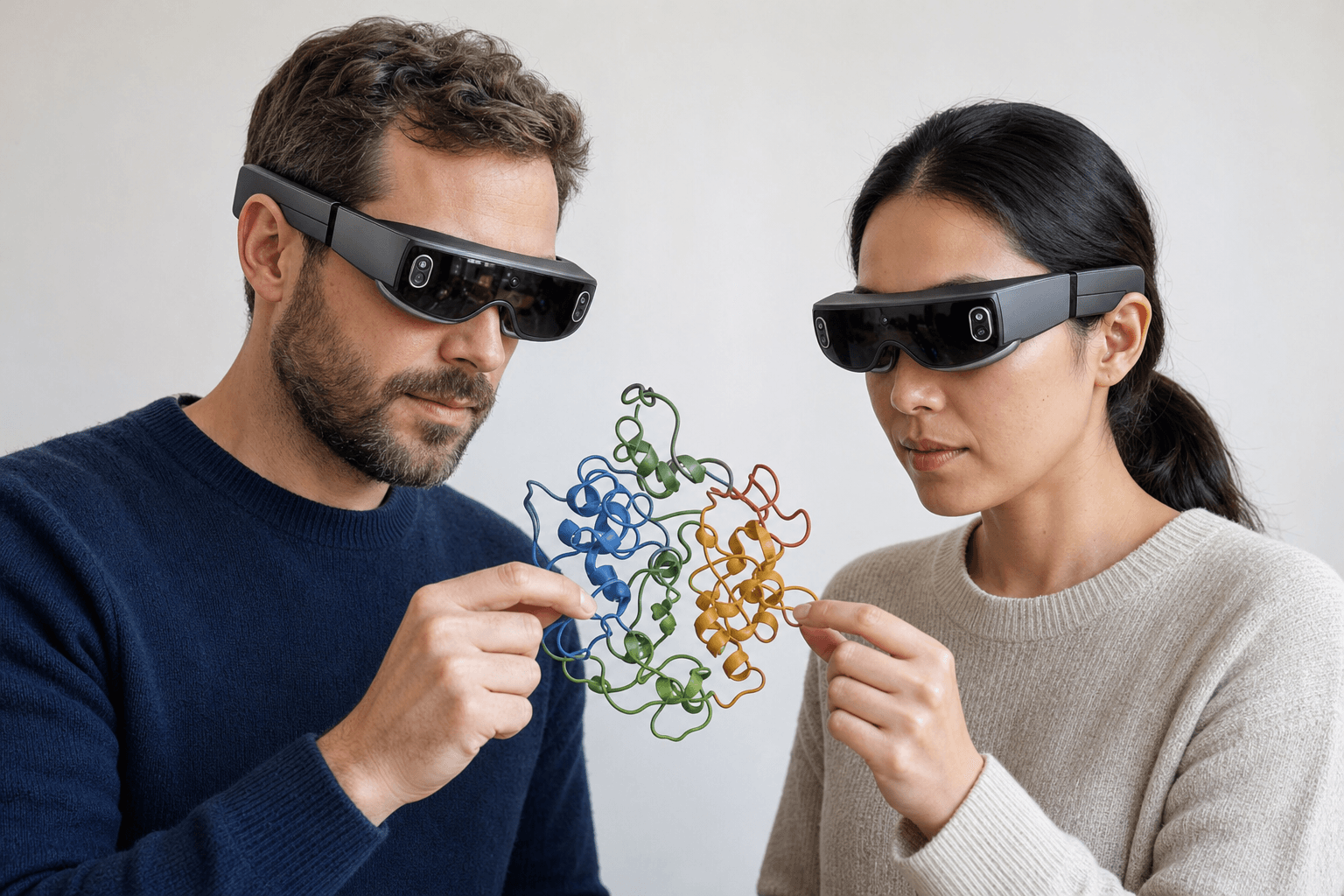 Two colleagues wearing ultra-thin VR headsets examine the same ribbon-cartoon protein structure floating between them
VMD is built for one person at a workstation, with a console for whatever trajectory analysis that person wants to write. Nanome wraps a few layers around the viewer: other people standing in the same 3D scene, headset rendering, and an AI that takes requests in words.
| Tool | Strengths | What Nanome adds |
|---|---|---|
| VMD | Free trajectory visualization and measurement, scripted analysis, comfortable with very large simulation datasets | Shared sessions, headset rendering, and MARA running tools on the same structures from plain-English requests |
| Nanome | Multi-user review in XR and the browser, the MARA copilot, 300+ integrated tools | The platform under discussion here |
Four things separate them in practice.
Several people in one scene. A Nanome session holds more than one scientist at a time, each with their own vantage point, pointing at the same residue. A peer-reviewed evaluation of the platform puts the ceiling at 20 participants, with roughly 6 as the comfortable number once everyone is actively building.
Headsets, and a browser for everyone else. Nanome runs on Apple Vision Pro, Meta Quest, Pico Neo and HTC Vive Focus 3, with a Windows desktop build and a browser app that wants no headset at all. Inside a headset you stand beside a binding pocket at arm's length rather than orbiting it with a mouse.
MARA, the copilot. Ask for an analysis in ordinary words and MARA runs it. The built-in library spans 26 categories: docking with Smina and DiffDock-L, co-folding and structure prediction across several engines including AlphaFold 3 and Boltz-2, electrostatics through APBS, ADMET and toxicity prediction, ProteinMPNN for sequence design and ANARCI for antibody numbering and CDR loops, RFdiffusion3 (beta) for de novo binders, and molecular dynamics trajectory analysis on whatever is loaded. Each run lists its inputs and its outputs, so a reviewer can retrace it.
Playback with company. Nanome plays back the frame trajectories a simulation produces, with a 2000-frame ceiling on each one. Nanome is the only one of the two where the trajectory plays in a live multi-user session that a colleague joins from a standalone headset or a browser tab, with nothing to install.
That last point decided a two-year standoff at Resonac. Its computational group had GROMACS trajectories showing which fatty-alcohol additives wrapped a vitamin C derivative in a tight micelle and which stacked into flat lamellar layers, and its experimental group, reasonably, wanted more than plots and cross-sections before changing an established protocol. Both groups opened the same trajectories in Nanome, walked around the aggregates together, and agreed inside an afternoon. A six-month experimental iteration cycle came down to two or three days. The peer-reviewed Kingsley et al. 2019 study, written with a Novartis team, described the same communication gap years earlier, and it sits alongside Nanome's other published work.
Nanome slots into a stack rather than replacing one. There's a REST API, MCP servers and a Nanome Claude Code Skill for scripted access, plus connections to Schrödinger LiveDesign, KNIME, Jupyter, CDD Vault, Cresset Flare, OpenEye (Cadence) and the OpenFold Consortium.
When VMD is the right pick
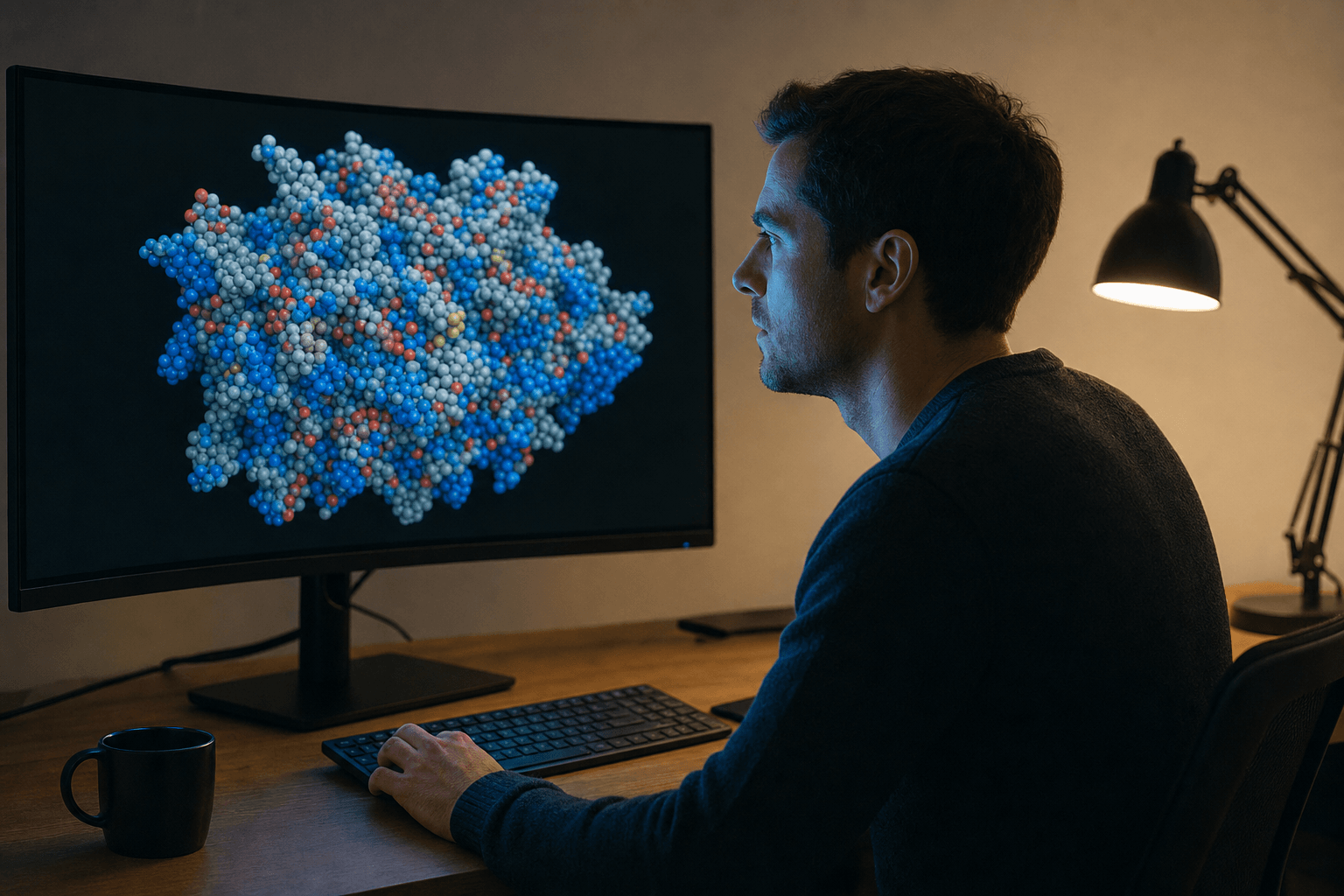 A researcher studies overlaid molecular dynamics trajectory frames rendered in space-filling style on a large curved display in a quiet research office.
A group whose week is mostly simulation, running long jobs and writing code to slice the output a particular way, is well served by VMD. It costs nothing, it stays quick on enormous datasets, and its scripting is the reason it has held its place in molecular dynamics for decades. Plenty of scientists run both, with VMD doing the heavy trajectory scripting and Nanome carrying the group review and the analysis requests that are quicker to say than to script.
That pairing shows up across the rest of this comparison set. The PyMOL write-up is the hub for all of them, and there are separate pieces on BIOVIA Discovery Studio and on MOE, which happens to be a listed Nanome integration as well as a comparison.
Deployment and access
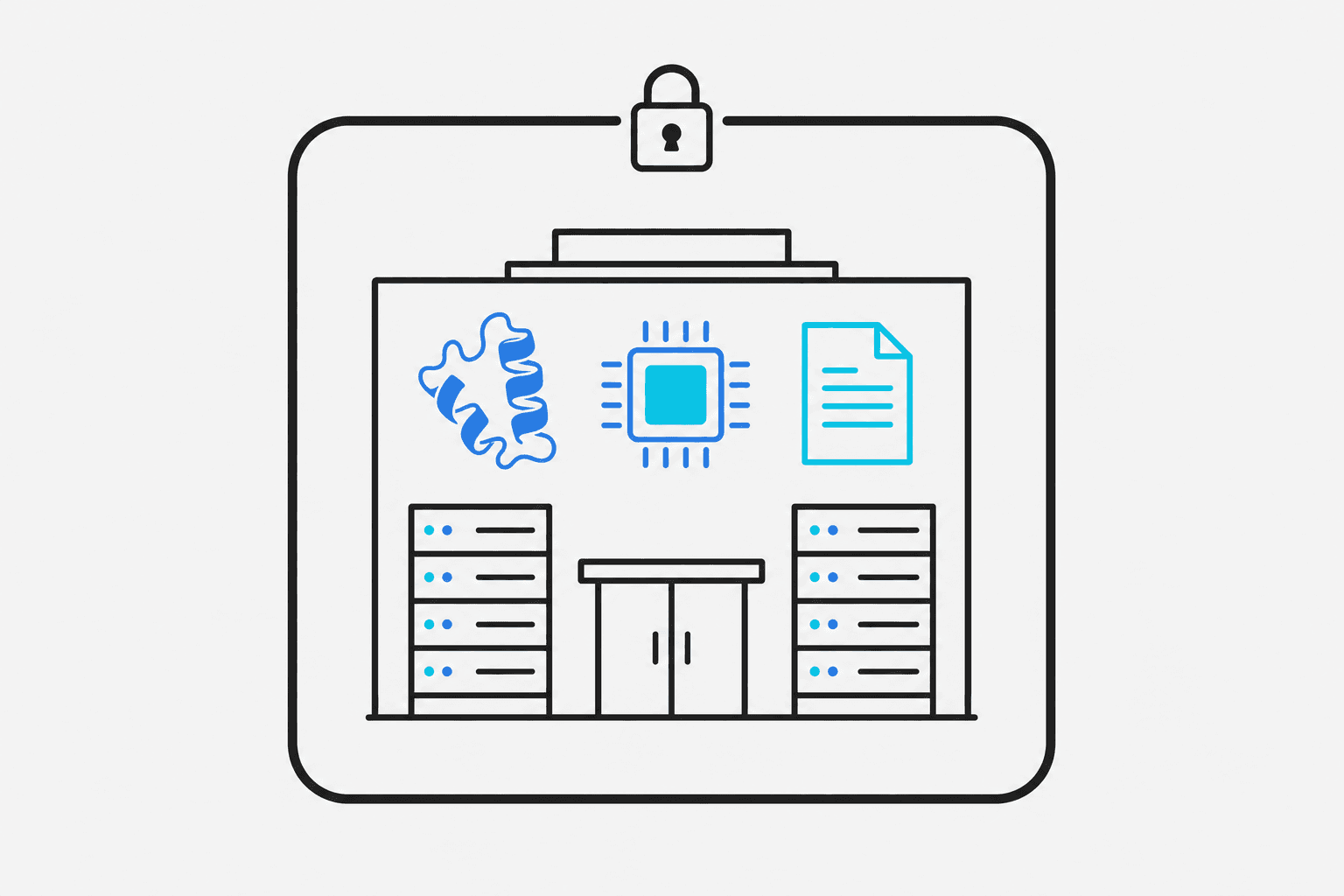 A flat vector diagram showing a building outline containing a molecule, an AI chip, and a document, all enclosed within a bold firewall boundary with a lock icon.
Enterprise deployments, MARA included, stay inside your own network, as single-tenant cloud or fully on-prem. Structures, sequences and tool outputs never cross that boundary. A collaborator with no headset and no admin rights on their laptop still joins the same session from a browser tab.
The case studies cover what those sessions looked like on live programs, Resonac's among them.
FAQ
What are good alternatives to VMD?
Nanome is one, for groups that want several people in the structure at once and immersive 3D on a headset. It opens the same trajectory files, plays them back, and adds the MARA copilot for analysis requested in words. Where the work is trajectory analysis written and re-run as scripts, VMD itself is still a sound answer.
Can Nanome handle molecular dynamics trajectories like VMD?
Nanome plays back frame trajectories: .gro on its own, and .xtc, .trr or .dcd attached to a structure already loaded, with atom counts matching. MARA can then run trajectory analysis on top. VMD was built around molecular dynamics and its scripting goes deeper, so heavy custom simulation analysis often stays there.
Is Nanome free like VMD?
VMD is free for non-commercial and internal use under its University of Illinois license. Nanome is a commercial platform, and its enterprise deployments run inside a customer's own network.
Can I use Nanome without a headset?
Yes. The browser web app needs no headset and no install, and someone using it shares a session with colleagues who are wearing one. There's also a Windows desktop build.
What file formats does Nanome read?
Structures come in as PDB, mmCIF, SDF, MOL and MOL2, XYZ, PQR, SMILES, and .pdbqt from AutoDock (converted to PDB, charges dropped). Session files import for viewing: Maestro .mae and .maegz, .moe, and PyMOL .pse. Trajectories use the frame-trajectory path: .gro standalone, with .xtc, .trr and .dcd attaching to a model already loaded. A .dx electrostatic map overlays a loaded model. Export runs to PDB, SDF or SMILES, a single frame at a time, and mmCIF, MAE, MOE and PSE are read-only. Electron density maps (CCP4, MRC, DSN6) and native LAMMPS trajectories aren't supported. Full list.