A molecular presentation is how a team shows a 3D structure to the people who have to act on it: the pocket, the pose, and the evidence behind the recommendation. Nanome builds one as a set of scenes, saved 3D views of a real structure, each carrying its own camera angle, representations, and labels, that colleagues open on the web or in a headset. The molecule stays a molecule the whole way through, so anyone watching can turn it and look at what you're describing from their own side of it.
Scenes shipped with Nanome 2.0 and gained a per-scene point of view in v2.1.1. MARA, the AI copilot inside Nanome, builds and arranges them from plain-English requests, and generates a PowerPoint slide from one when the deck still has to exist.
What a molecular presentation has to do
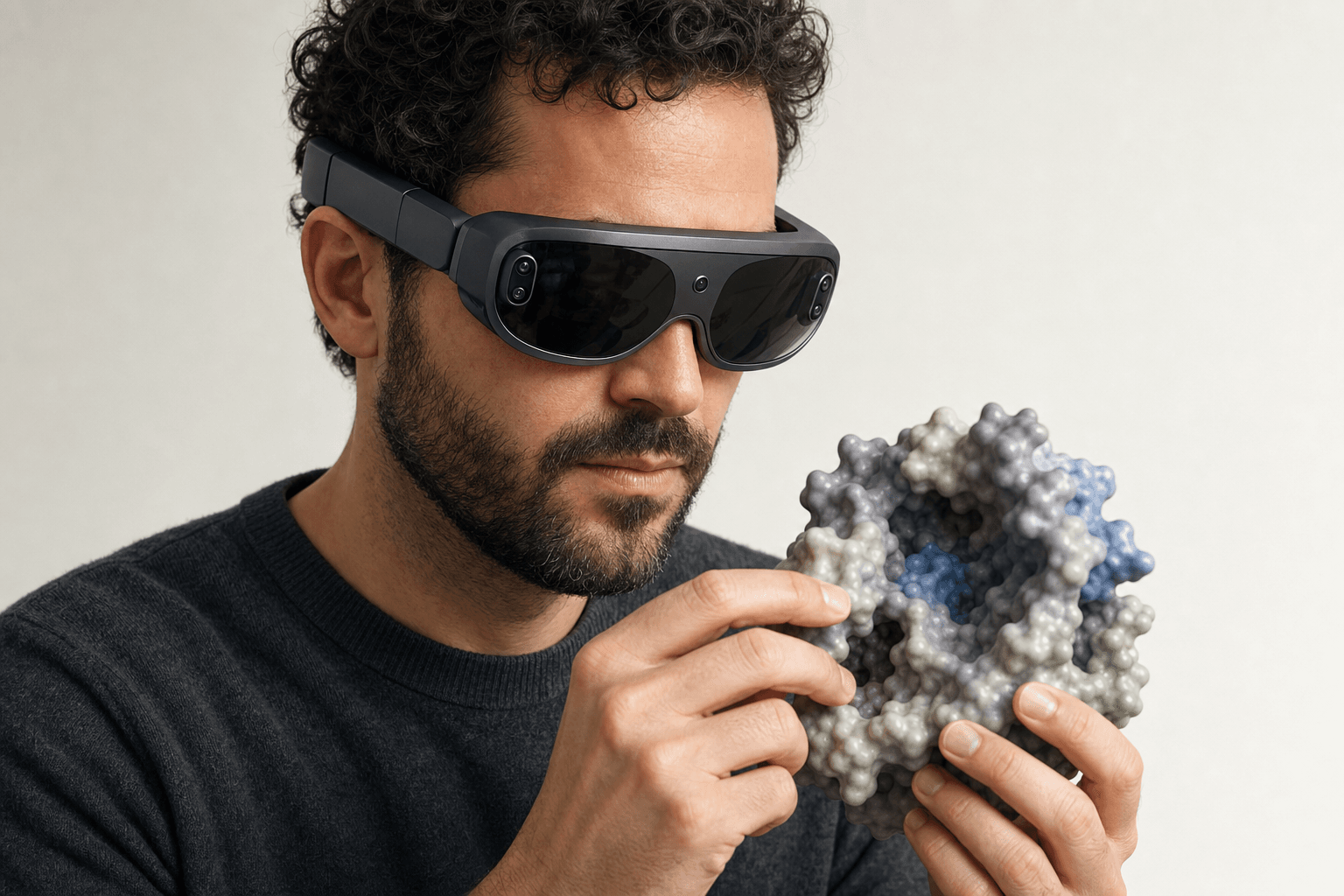 A researcher wearing an ultra-thin VR headset studies a solid protein surface model with a visible binding pocket held close to the chest
A structure slide is a photograph of a 3D object, shot from an angle that got chosen before anyone in the room had asked a question. Questions about a different angle cost a round trip, and by the time the new render comes back the discussion has usually moved somewhere else.
Four jobs sit behind a structure review, whatever software draws it.
- Establish the object. Before an argument about a pocket means anything, everyone has to be looking at the same pocket: the right chain, the right ligand, the residue numbering the project actually uses.
- Direct attention. A walkthrough is a sequence of "look here, then here". On a flat image that's a laser pointer and a spoken description. In 3D it can be a camera position the whole room lands on at once.
- Carry the evidence. Docking scores, interaction distances, ADMET flags. The numbers that produced the recommendation read better sitting next to the geometry they came from.
- Survive the handoff. A good share of the audience for any structure review was never in the meeting. Whatever they open 3 weeks later has to still make the case with nobody narrating it.
That last job runs the longest, which is why the form the material is stored in matters as much as the delivery. A fixed image answers the questions its author anticipated. Structural biologists reviewing an interface claim tend to want the other angles, and a live structure has them.
The parts of a modern one
| Part | What it does | How it works in Nanome |
|---|---|---|
| The scene | One saved 3D view of the live structure. The unit a walkthrough gets built from | Create a scene from the workspace, then drag scenes into the order the argument runs in. Shipped in Nanome 2.0 |
| Point of view | Pins the camera to the scene, so what a colleague opens is a chosen framing rather than wherever the last person left it | Each scene stores its own point of view, added in v2.1.1 |
| Representations and labels | Carries what the scene is about: surface for a pocket, sticks for the ligand, labels on the residues under discussion | Set per scene, so scene 3 can show the surface and scene 4 can strip back to sticks on the same molecule |
| The shared workspace | Puts the structure in front of people who weren't there, with nothing to install | Share Workspace invites colleagues into the same scenes. Shareable workspaces arrived with app.nanome.ai in v2.5, alongside projects and permissions |
| Presenter view | Puts the room on one perspective while somebody talks through it | Spotlight Mode. "Spotlighting Me" makes your view the shared one for everybody following, and colored dots show which scene each person is on |
| The generated slide | The artifact that goes into the deck, the board pack, the email thread | MARA generates a PowerPoint slide from a scene |
Spotlight Mode and the colored dots are the two halves of running a room. One pulls everybody onto the presenter's perspective for the part that has to be seen the same way. The other shows who has wandered off to scene 5 to check something, which is often the most useful thing happening in the meeting.
MARA does the assembly on request. create_scene_in_nanome_workspace makes a scene, manage_scene_representations_in_nanome_workspace sets how each one is drawn, and generate_a_powerpoint_slide produces the slide. A request like "make a scene for each pose, same angle on all of them, surface on the protein" covers all 3 of those steps in one sentence.
The prep work is real. Building 6 scenes takes roughly as long as building 6 slides. What it buys is that the 7th question doesn't need a 7th slide.
Where the tools sit today


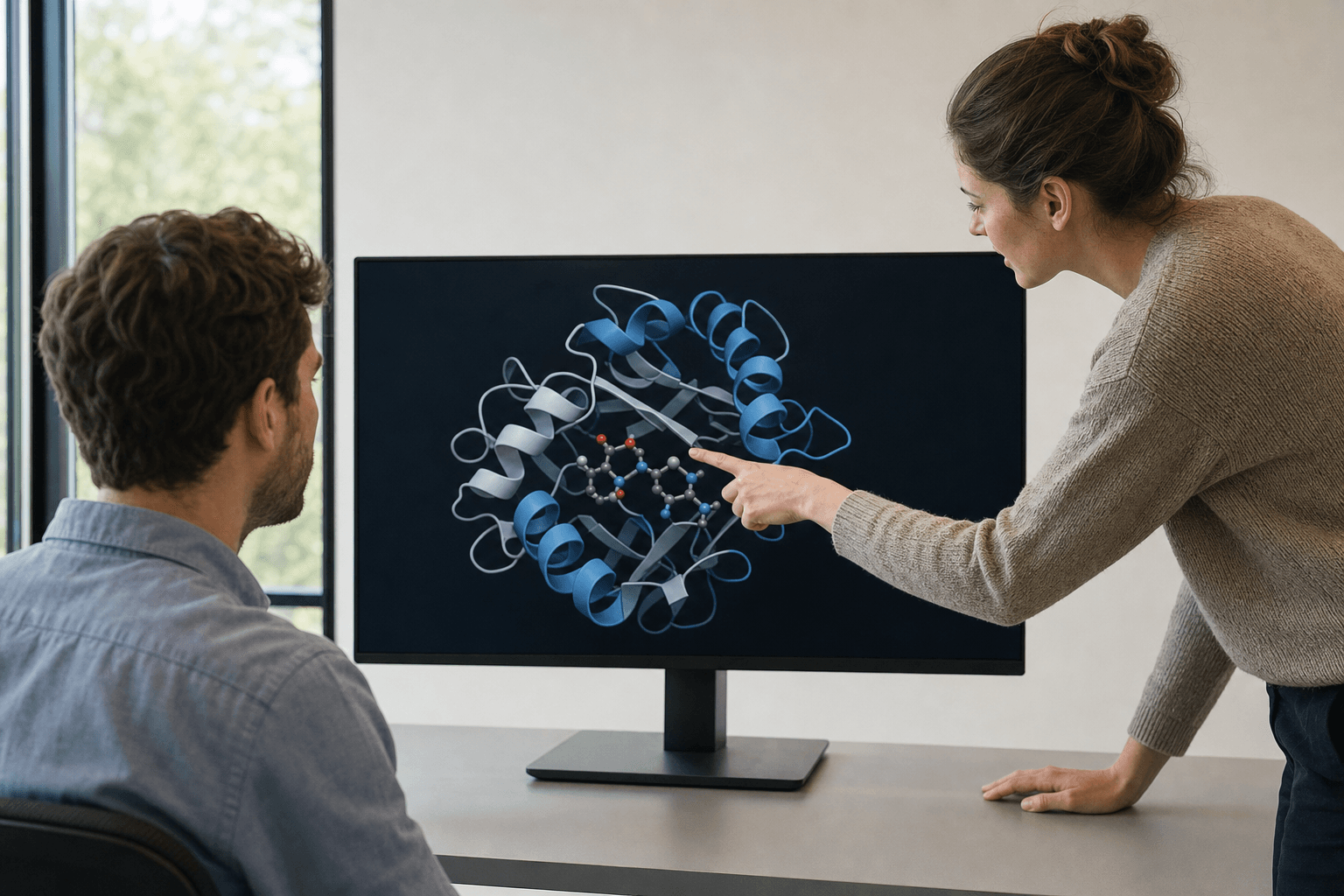 Two colleagues review a ribbon-cartoon protein structure together on a large monitor in a sunlit research office.
| Approach | Where it's strongest | How Nanome's scenes sit next to it |
|---|---|---|
| PowerPoint plus a PyMOL render | Universal. Anybody can open the file, and PyMOL stills are as good as molecular figures get | The render stays. The scene is where the framing gets decided, and MARA generates the slide from it |
ChimeraX movie | Scripted, reproducible animation rendered to a video file at whatever quality the script asks for | The same frames come back on every run. A scene stays live instead, so a viewer can stop and turn the molecule |
| Mol* embedded viewer | An interactive structure inside a web page, with no account and nothing to install on the viewer's end | Similar reach through the browser web app, with a saved order of views and several people able to share the session |
| Recorded screen-share | Captures the narration and the reasoning, and the link works for anyone | Nanome's equivalent is the live session plus the scenes it leaves behind, which stay turnable afterwards |
| Nanome scenes | Ordered 3D views of the live structure, opened together in a session or alone later, in a browser or a headset | The source the slide, the still and the walkthrough all come from |
Most groups end up running 2 or 3 of these at once, and the split usually falls along how permanent the artifact has to be. A figure going into a manuscript is permanent by design. A review that will generate 5 follow-up questions is not.
Where Nanome fits
The gap this sits on was described in print before we had a product name for it. Kingsley and co-authors published "Development of a virtual reality platform for effective communication of structural data in drug discovery" in the Journal of Molecular Graphics and Modelling 89 in 2019, written with a Novartis GNF team. The title is the argument. The hard part they set out to fix was the communication of structural data, and their opening example is a single kinase binding site drawn 3 different 2D ways, each version losing what the other two keep, so the chemist or biologist reading it gets a partial picture. The rest of the peer-reviewed record is under publications.
Molecular communication is the job Nanome takes: the structure and the argument about it travel together, in one object, to whoever has to act on it. A design review that spans 2 sites runs on the same scenes a solo colleague steps through the next morning, and what a medicinal chemist gets out of the 3D is the same thing the audience gets: true depth, real clashes, and the ability to point at an atom by pointing at it.
The deck still gets made. What changes is which direction it's made in. When the slide comes out of the scene, the 3D is the source and the slide is one view drawn off it, so the next question about a different angle gets answered by opening the workspace instead of queuing another render.
When a slide is the right pick
Plenty of the time, a flat artifact is the correct answer, and 4 cases come up constantly.
A one-slide summary in a board deck. The audience needs the conclusion and 1 image. Interactivity would be noise.
A static figure in a manuscript. Journals specify figure formats, and PyMOL and ChimeraX have decades of rendering polish behind them for exactly this.
A regulatory document. The submission is a fixed record. It has to look the same in 2029 as it does today.
An audience with no account. For public structures, a Mol* embedded viewer wins on reach and we don't have an answer to it. The page carries the viewer, so a reader clicks and the structure is on screen, with no provisioning step anywhere in the chain.
Animation is a similar story. ChimeraX has a real movie command: a mature, scripted renderer with a long track record, and the right call for an animation that has to come out byte-identical on every run. Nanome's answer to motion is a live session somebody can interrupt, which suits a review and doesn't suit a rendered deliverable.
The pattern that seems to hold: the scene is where the thinking happens, and the flat artifact is what gets filed. Write-ups of projects that ran this way are at nanome.ai/case-studies.
FAQ
How do you present a protein structure to a team?
The presenter loads the structure once, saves a scene for each point the review has to make, and sets each scene's point of view so it opens framed the way the argument needs. Sharing the workspace puts those scenes in front of colleagues in a browser tab or a headset. During the meeting, Spotlight Mode makes the presenter's perspective the shared one, and colored dots show which scene each person is on. Afterwards the scenes stay where they are, so anyone who missed it walks the same order at their own desk.
What is a molecular scene?
A saved 3D view of a structure inside a Nanome workspace. It holds its own camera angle (the point of view, added in v2.1.1), its own representations and its own labels, so scene 2 can show a surface and scene 3 can strip back to sticks on the same molecule. Scenes reorder by dragging, which makes the running order of a talk something you can rearrange 5 minutes before it starts. They shipped with Nanome 2.0, and visualizing proteins in VR covers getting a structure in there in the first place.
Can I still get a PowerPoint slide out of it?
Yes. MARA generates a PowerPoint slide from a scene, so the deck gets made and the 3D is what it came from. The scene stays live in the workspace, which means a question about a different angle is answered by opening it rather than by rebuilding the figure.
Does the audience need a headset to view the presentation?
No. Shared workspaces open in the browser web app, so a colleague needs a link and a laptop. A headset adds scale and depth for whoever has one, and Nanome runs on Meta Quest, Apple Vision Pro, HTC Vive Focus 3 and Pico Neo. Mixed audiences are the normal case, with some people in a headset and some in a browser tab, moving through the same scenes.