Nanome is collaborative drug discovery software built for remote teams. It runs real-time shared sessions where a chemist in a headset and a colleague on the web app look at the same molecule at the same time, across sites, and reason about it together. It's a molecular visualization and drug discovery platform that spans XR headsets, Windows desktop, and a browser. Nanome's AI copilot, MARA, runs the analysis tools inside that same session.
The problem with remote structural biology is that a protein is a 3D object, and a screen-share flattens it. One person drives, everyone else watches a video of a mouse. Nanome puts the whole group inside one shared 3D room instead, so pointing at a residue means actually pointing at it.
What a shared session looks like
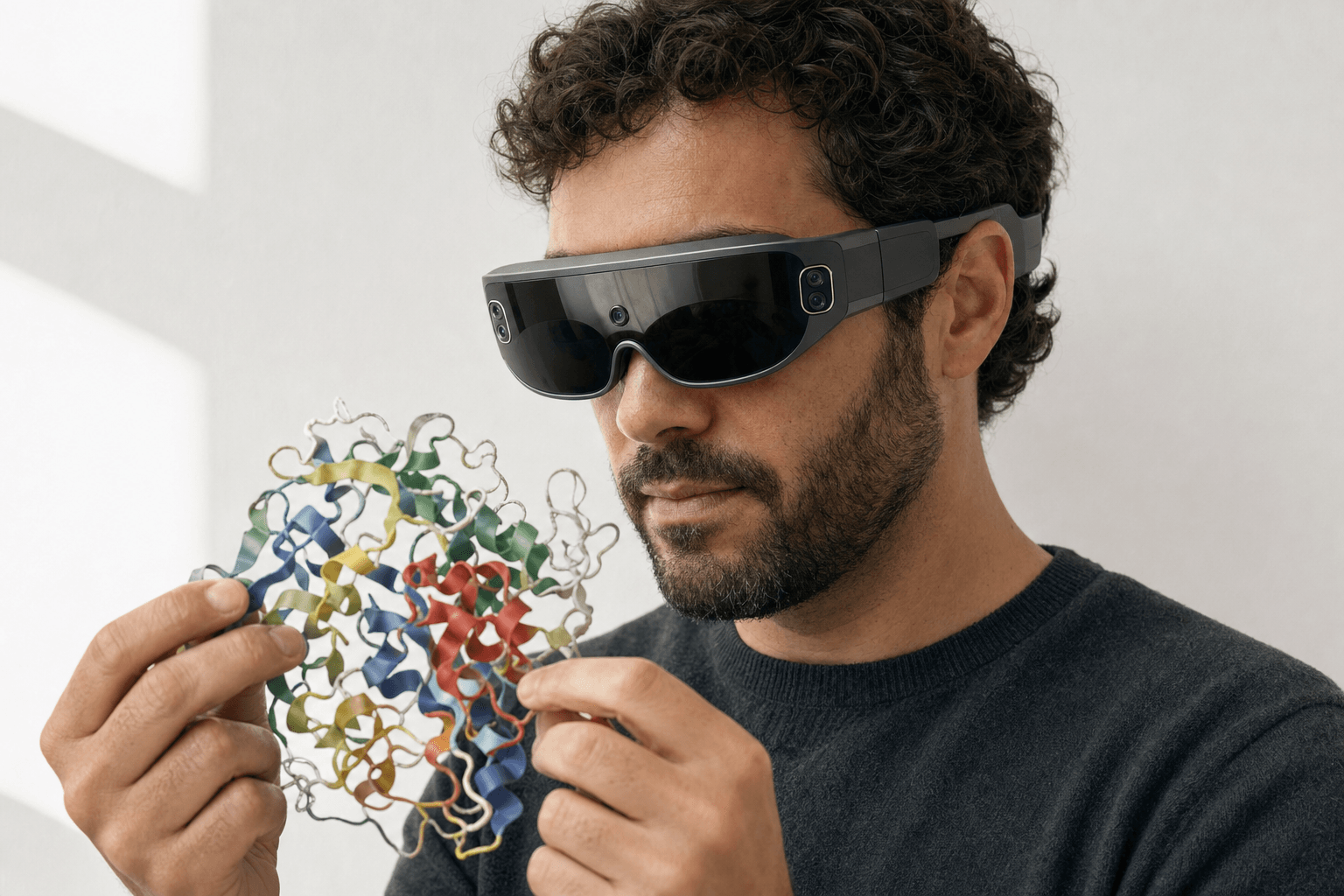 A researcher wearing an ultra-thin VR headset studies a ribbon-cartoon protein structure held close to the chest
A docked pose needs a second opinion. A medicinal chemist in San Diego puts on a Meta Quest and steps into the binding pocket at room scale. A structural biologist in Boston opens the same session in a browser on a laptop, no headset needed. They're in one workspace, looking at one molecule.
The chemist grabs the ligand with their hands and rotates it. The biologist sees it move in real time and points at a clash near a backbone carbonyl. Both know which atom, because they're pointing at the same object in the same space.
That's the whole idea. Presence in place of a screen-share. Everyone gets depth, everyone gets scale, and nobody has to say "no, the other one, up and to the left."
Collaboration features for remote teams
| Feature | What it does for a remote team |
|---|---|
| Real-time shared sessions | Several people join one workspace and see every change live, no screen-share |
| Cross-device presence | A headset user and a web user share the same molecule at the same time |
| Web app, no headset | Anyone can join from a browser on a laptop, so headset access never blocks a review |
| Native immersive 3D | Depth and scale are seen directly, so a whole team reads the structure the same way |
| Hand-based manipulation | Grab, rotate, and resize a structure so collaborators follow the reasoning as it happens |
| Shared file loading | Fetch a structure by code from RCSB PDB, UniProt, ChEMBL, PubChem or DrugBank, or drop in a file, and it lands in the live session |
| MARA in the room | Ask in plain English, run a tool, and the result lands in the scene everyone is looking at |
| Behind-the-firewall deploy | Single-tenant cloud or on-prem, so IP stays inside the building |
Web and XR in the same room
The web app is what makes this practical for a real team. Headsets are rarely one per person, and a review can't wait for a device to free up. A collaborator joins from a browser, gets the same shared structure, and takes part fully.
The headsets are Meta Quest, Pico Neo, Apple Vision Pro and HTC Vive Focus 3. Windows desktop and the browser cover everyone else. A single session mixes them freely: two people in headsets, three on laptops, one molecule, all in sync.
Structures arrive by code from RCSB PDB, UniProt, ChEMBL, PubChem or DrugBank, or straight off someone's disk, so a session can open with the real thing in front of the group in seconds. For the wider tour of what opens a structure in 3D, we went through the options in how to view PDB files in 3D.
Running real tools together
Looking at a structure is half of a review. The other half is the calculation that says whether a change helps.
MARA handles that half. You ask in plain English, MARA runs the tool, and the result returns into the same shared scene. It reaches 300+ integrated scientific tools. Every run is recorded with its inputs and its outputs, so a colleague who joins the session late can trace how a number was produced.
A few of the things it runs:
- Docking with Smina or DiffDock-L, and co-folding
- Structure prediction with AlphaFold 3, Boltz-2 and Chai-1
- Electrostatics through APBS
- ADMET and toxicity prediction
- Sequence design with ProteinMPNN, and ANARCI for antibody numbering and CDR loops
- De novo binder design with RFdiffusion3 (beta)
- Cheminformatics
A remote team can dock a compound into the pocket they're standing in and argue about the result on the spot, with nobody exporting a file and emailing it around. From there the group is reading contacts together, and how to analyze protein-ligand interactions covers what a careful pass looks like.
From calculation to shared decision
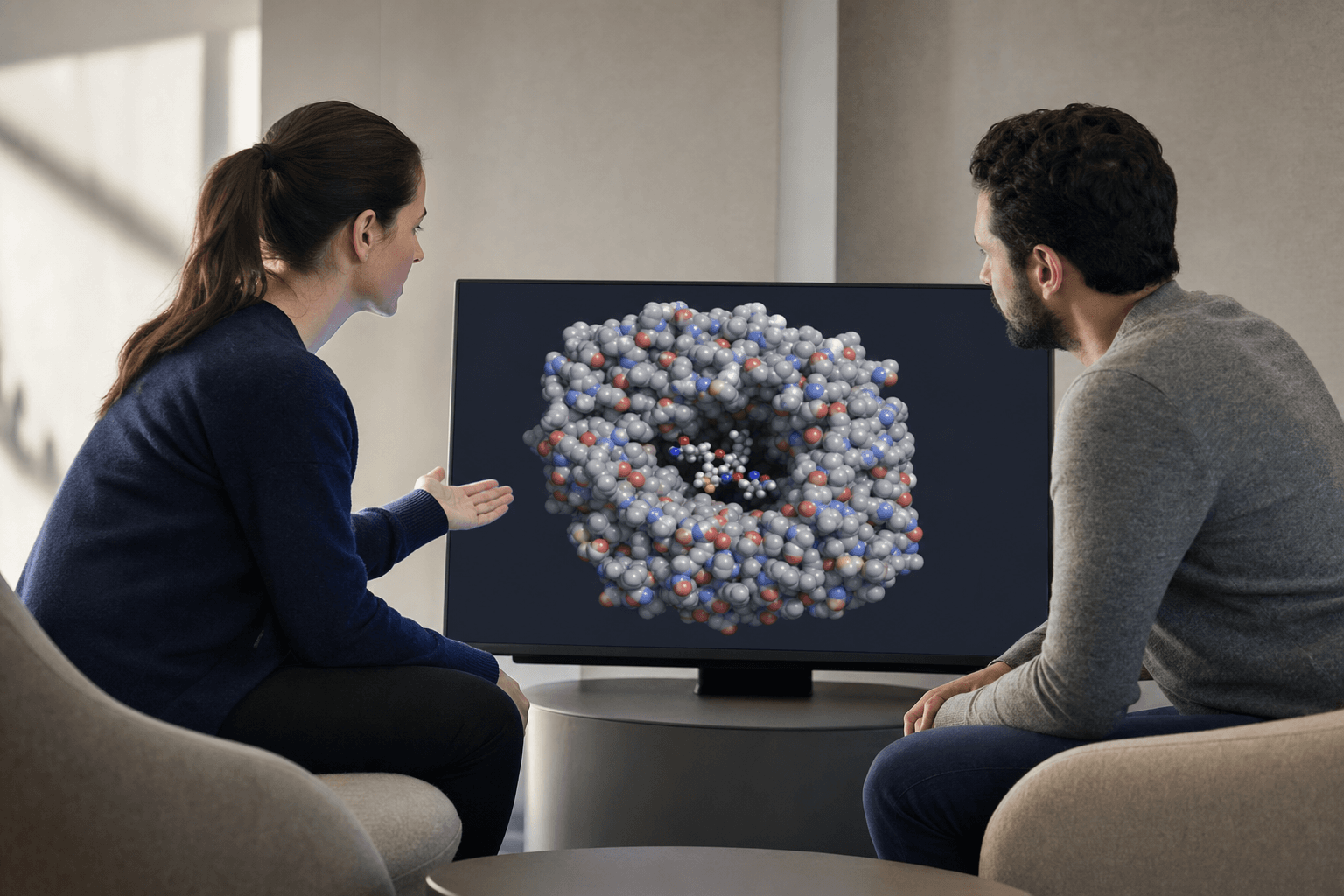 Two colleagues in a lounge area review a molecular dynamics trajectory together on a shared display, one gesturing toward the structure.
A result moves a program only once everyone reads it the same way, and that is where distributed groups stall. Novartis ran its COVID-19 drug discovery discussions inside Nanome in 2020, with colleagues in the United States and Switzerland joining from their homes. The molecule was in the room even though the team wasn't.
Time zones do more damage to a review than distance does. A colleague 8 hours out can open the sequence of views you saved and walk it at their own desk, rather than waiting for an hour that suits both clocks.
Enterprise and behind-the-firewall
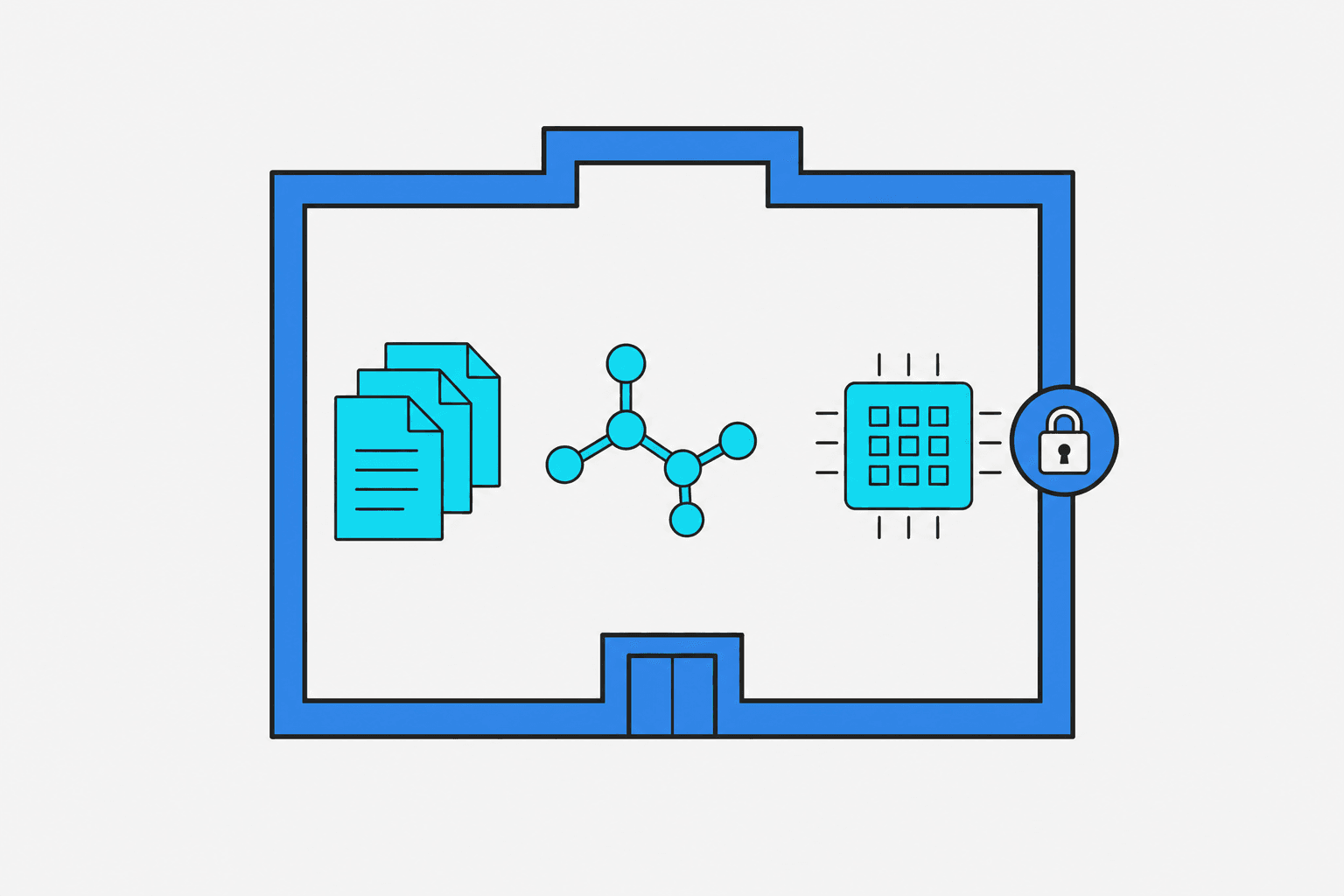 A flat vector diagram showing data, molecules, and computation contained entirely within a secure building perimeter, nothing crossing outside.
Drug discovery IP can't leave the building, and remote collaboration usually means data crossing sites. Nanome's enterprise deployments, MARA included, sit behind your own firewall as single-tenant cloud or on-prem hardware. A REST API and MCP servers are open for internal tooling, and there's a Nanome Claude Code Skill for teams that work that way.
Nanome also plugs into pipelines a group already runs: Schrödinger LiveDesign, Cresset Flare, OpenEye / Cadence, CDD Vault, KNIME and Jupyter. When the pipeline lives in one of those, Nanome becomes the front end where a distributed team reviews its output together.
How Nanome compares for remote collaboration
| Option | Strength | What a shared session adds |
|---|---|---|
| PyMOL, ChimeraX, VMD | Desktop viewers, mostly single-user, script or GUI driven | Real-time multiplayer rooms that span web and XR |
| Schrödinger Maestro, MOE, BIOVIA Discovery Studio | Full desktop comp-chem suites | Nanome integrates with several of them, then puts the output in a room the team can walk into |
| Screen-share over a video call | Quick way to show a structure to one room | Everyone holds their own view of one live molecule |
Where a desktop viewer still wins
For solo work, like scripting a figure for a paper, a desktop viewer such as PyMOL or ChimeraX is quicker. When the team needs to gather around the same structure, Nanome opens PyMOL .pse sessions directly, along with the everyday structure files: PDB, mmCIF, SDF, XYZ, PQR and MOL/MOL2.
If a calculation lives inside a Schrödinger or MOE workflow, that workflow can stay where it is. Nanome imports Maestro .mae and .maegz files, the format LiveDesign also ingests, plus MOE .moe files, so the output opens in a shared session for the group to gather around.
Groups already work across sites and clocks this way, and their stories are written up at nanome.ai/case-studies.
FAQ
What is collaborative drug discovery software for remote teams?
Software that lets a distributed team view and work on the same molecular structure together in real time. Nanome does it with shared sessions spanning XR headsets, Windows desktop and a browser, so a headset user and a web user hold one live molecule between them.
What is the best software for remote structural biology collaboration?
Nanome is built for it. Several people join one shared 3D session across web and XR, point at the same residues, and run real tools through MARA, with every change synced across sites.
Do remote collaborators need a headset?
No. There's a browser web app and a Windows desktop app, so a colleague can join from a laptop while teammates work in full immersion on headsets.
What file formats can a shared session open?
Structures import as PDB (.pdb, .ent), mmCIF (.cif, .mmcif), SDF, MOL and MOL2, SMILES, XYZ, PQR, and PDBQT (converted to PDB, with charges dropped). Session and vendor files import too: PyMOL .pse, Maestro .mae and .maegz, and MOE .moe. An electrostatic map (.dx) overlays onto a structure that is already loaded. Export is PDB, SDF or SMILES, single frame, which makes mmCIF, MAE, MOE and PSE import-only. Full detail sits in the format docs.
Can a remote team keep its data behind the firewall?
Yes. Enterprise deployments, MARA included, run as single-tenant cloud or on-prem, so structures and results stay inside your environment.