Spatial computing for pharmaceutical research means viewing and manipulating molecular structures as true 3D objects in immersive space, then working on them with your team as if you were standing around the same physical model. Nanome is one platform pharma teams use for this. It's a collaborative molecular visualization and drug discovery platform that runs on XR headsets, Windows desktop, and a browser web app. Nanome's AI copilot, MARA, runs the analysis tools.
A protein has depth, and a headset hands that depth back. Someone can walk around the structure at whatever scale suits the question, put a hand into the binding pocket, and turn it while a colleague standing opposite watches the same atoms move. The headsets in play are Meta Quest, HTC Vive Focus 3, Apple Vision Pro and Pico Neo, with a Windows app and a browser for anyone without one.
What spatial computing changes in R&D
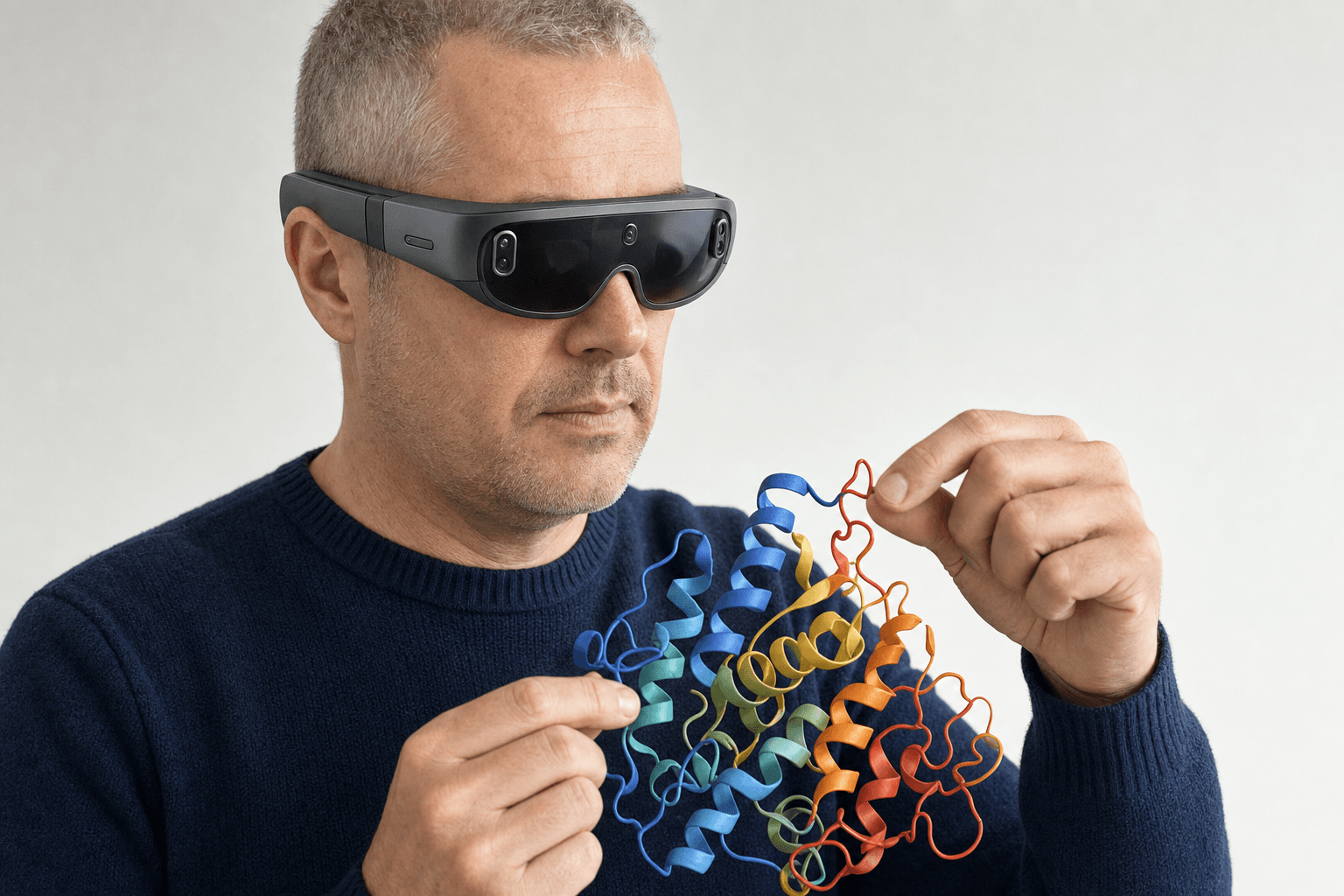 A researcher wearing a slim VR headset turns a ribbon-cartoon protein structure floating at chest height in an open studio space, both hands engaged with the model.
Depth carries most of the argument. On a flat screen, shading and rotation stand in for the third dimension, and the reconstruction happens in the head of whoever is looking. Give the structure real volume and real scale and that step drops out. A pocket reads as a cavity with room in it, and a bad contact sitting behind a side chain is visible on the first turn.
Presence is the second change. Two scientists on opposite coasts stand in one room and argue about a docked pose that sits in front of both of them, which is the working pattern collaborative drug discovery software for remote teams goes through in detail.
Immersive space is doing interface work here. It puts a person at the scale the chemistry happens on, which is where molecular design has been short for a while.
On an org chart, spatial computing turns up in the review meeting, where the shared view is the object a chemist, a biologist and a modeler can all point at, and what a modern molecular presentation looks like covers how that session gets built.
Where the tools come in
A session opens on the real thing. A structure arrives by accession code from RCSB PDB, PubChem, DrugBank, ChEMBL or UniProt, or straight off a disk. Seeing it settles some questions; whether a compound binds, folds, or trips a toxicity flag takes a calculation.
That half goes to MARA, Nanome's AI copilot, which carries 300+ integrated scientific tools spread over 26 categories. Ask for one in plain English and the result lands back in the same 3D scene. With a headset on, the request can be spoken out loud instead of typed, which keeps both hands on the molecule.
Some of the ground it covers: docking with Smina or DiffDock-L; folding and co-folding through AlphaFold 3, Boltz-2, OpenFold3 and Chai-1; electrostatics with APBS; ADMET and toxicity models; ProteinMPNN for sequence design, with ANARCI numbering antibody variable domains and marking their CDR loops; and RFdiffusion3 (beta) for de novo binders.
Each run leaves a record of the tool, what went into it and what came out, so a number on a slide can be walked back to the job behind it. Once a pose is seated, how to analyze protein-ligand interactions covers the measurements that follow.
How Nanome compares to other visualization tools



| Tool | Its strength | What immersive space adds |
|---|---|---|
| PyMOL, ChimeraX, VMD | Deep scripting and rendering on the desktop, one operator at a time | A structure at body scale that a group holds together |
| Schrödinger Maestro, MOE, BIOVIA Discovery Studio | Full comp-chem suites for the modeling itself | Nanome connects to several of them (Schrödinger LiveDesign) and puts their output in a room |
| Web-only molecular viewers | Fast structure lookups in a browser tab | Nanome's web app covers that, then carries the same session into a headset |
Nanome imports PyMOL .pse sessions, along with the structure files those desktop tools write every day: PDB, mmCIF, SDF, MOL and MOL2, XYZ and PQR. From the Schrödinger side it takes Maestro .mae and .maegz, the format LiveDesign ingests, and it reads .moe files from MOE. More on supported formats.
Whatever pipeline a group already runs can stay put. Nanome connects to Schrödinger LiveDesign, Cresset Flare, OpenEye / Cadence, CDD Vault, KNIME, Jupyter, and the OpenFold Consortium.
Real work done this way
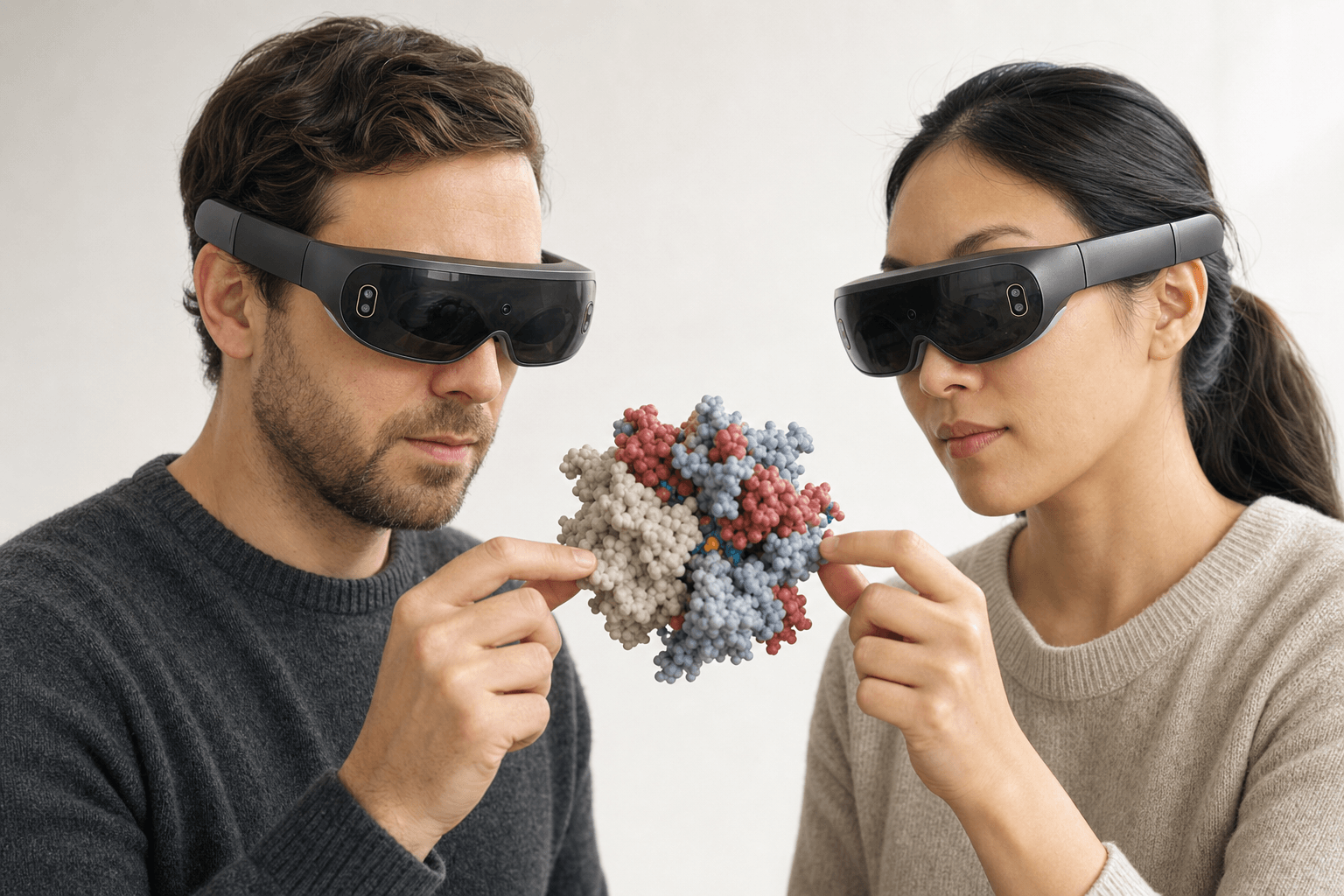 Two colleagues wearing ultra-thin VR headsets examine the same space-filling protein model floating between them
Nimbus Therapeutics had settled on a selectivity strategy for the AMPKβ2 enzyme. Seeing the protein in motion in VR, the team spotted a better synthetic vector and changed course, and the compounds that came out of the new plan were more active on the target.
Nimbus works against a lead-optimization cycle that runs 12 to 18 months, and a course correction found in a review arrives before the chemistry gets made.
Deployment and security
 A flat vector diagram shows a molecular structure and an AI model both contained inside a single building outline, with no data crossing the perimeter wall.
For internal tooling there's an open REST API, MCP servers, and a Nanome Claude Code Skill.
What a desktop tool still does better
Scripting a publication figure is quicker in PyMOL or ChimeraX, and for solo rendering work that's usually the better route. A calculation that already lives in a Schrödinger or MOE workflow can stay exactly where it is; Nanome takes the output and puts it in front of the group in 3D.
nanome.ai/case-studies collects write-ups of how different groups run this in practice.
FAQ
What is spatial computing for pharmaceutical research?
Using immersive 3D and XR headsets to view, manipulate, and collaborate on molecular structures as real spatial objects. Nanome is one platform pharma teams use for it, on Pico Neo, HTC Vive Focus 3, Meta Quest and Apple Vision Pro, and on Windows desktop and in a browser.
Do I need a headset to use Nanome?
No. The browser web app runs without one, and there's a Windows desktop app as well. Full immersion needs a headset; loading structures and running MARA tools does not.
Does Apple Vision Pro work with Nanome?
Yes. Apple Vision Pro is supported, and so are the Quest, Focus 3 and Neo headsets.
What file formats can Nanome open?
Structures first: PDB (.pdb, .ent), SDF, MOL and MOL2, mmCIF (.cif, .mmcif, .bcif), SMILES, XYZ, PQR, and PDBQT, which comes in as PDB with its charges dropped. Vendor and session files load too: Maestro .mae and .maegz, MOE .moe, and PyMOL .pse. An electrostatic map (.dx) overlays a structure that's already open. Coming back out, a molecule saves as PDB, SDF or SMILES, and only the frame on screen travels with it, which leaves mmCIF, MAE, MOE and PSE on the import side. The full table sits in the format docs.
Can spatial computing run real drug discovery calculations, or is it only visualization?
Both. Through MARA, Nanome reaches 300+ tools covering docking, co-folding, ADMET prediction, binder design and structure prediction, with results returned into the same 3D scene and a record of every job that ran.