Sharing a 3D molecular structure with a colleague takes three things: a workspace they can open by link, a saved view for them to land on, and the link itself. The structure arrives already turned to the pocket, carrying the representations, coloring and labels you set, and the colleague can pick it up and look at it from their own angle.
Nanome is a collaborative molecular visualization and drug discovery platform built around that. Its saved views are called scenes. They shipped in version 2.0, gained a per-scene point of view in 2.1.1, and live in a workspace that opens in a browser web app with no install and no headset. MARA, the AI copilot inside Nanome, builds and arranges scenes from plain-English requests.
The 3-minute version
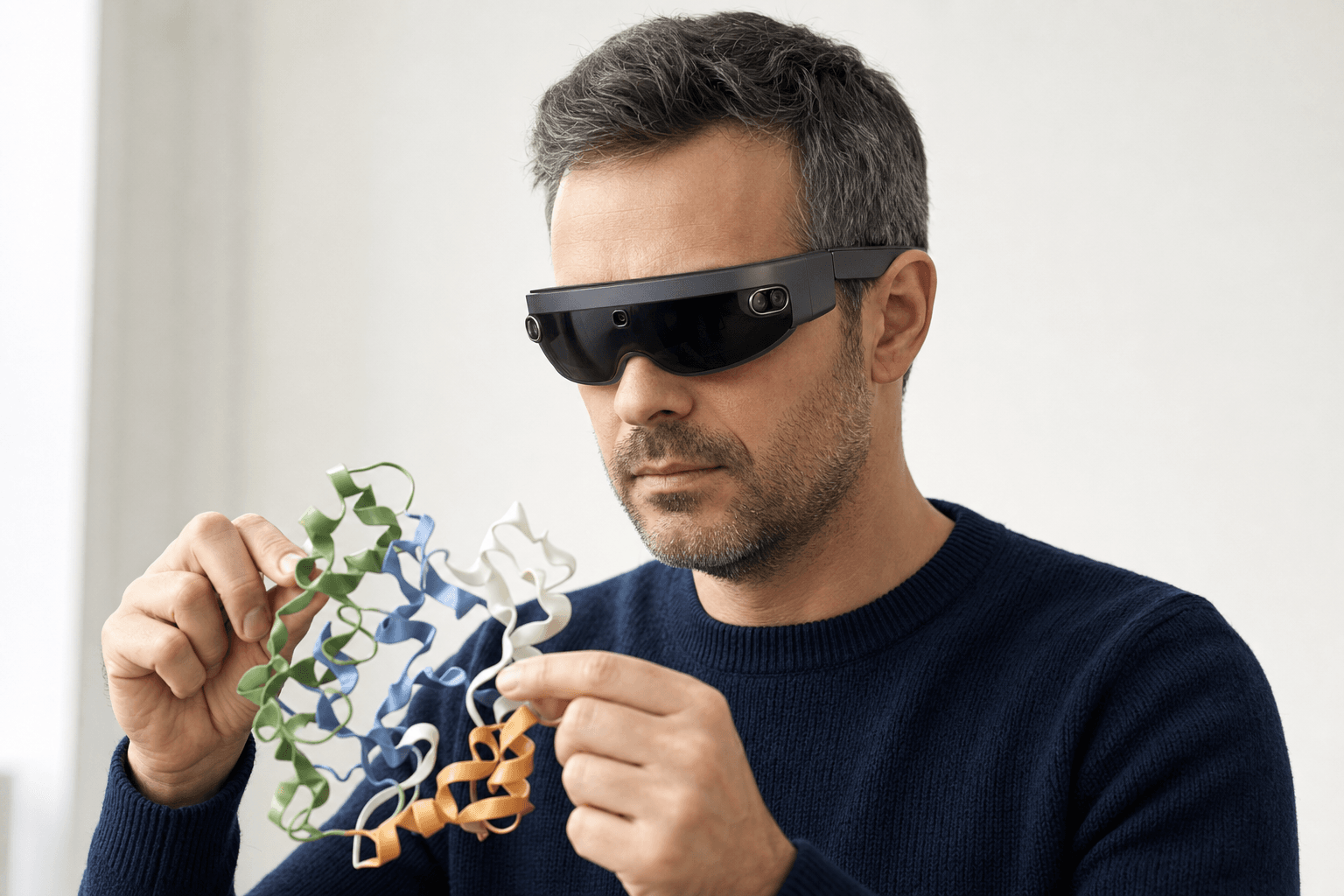 A researcher wearing an ultra-thin VR headset studies a ribbon-cartoon protein structure held close to the chest
- A structure lands in a workspace. You drop a file in, or pull an entry down from RCSB PDB by its 4-character code.
- You set the view. Representation and coloring, labels on the residues under discussion, and everything else hidden.
- The view saves as a scene. Each scene keeps its own point of view, so one can hold the whole complex while the next sits inside the pocket. Dragging reorders them. The scenes panel docs cover the controls.
- The workspace gets shared. You pick who can open it and what they're allowed to change.
- The link goes out. Your colleague opens it in a browser, lands on the first scene at the angle you saved, and walks the rest at their own pace.
What travels, and what doesn't
A coordinate file carries atoms. A shared workspace carries atoms plus the decisions made about them, which is the part a paragraph of setup notes usually has to describe.
Along with the link:
- Every structure loaded in the workspace, atoms and bonds intact.
- Representation and coloring, per entry. Cartoon, surface, sticks, ball-and-stick.
- Labels.
- The point of view stored on each scene, so the camera opens where it was left.
- The order the scenes are in.
Three honest limits sit on the other side of that.
A workspace has no file form. It lives in the database, and there's no portable workspace file to attach to an email, so access travels as a link plus a permission and the recipient needs an account on the same deployment.
What leaves as a file is coordinates. Export is PDB, SDF or SMILES, one frame at a time, and the camera, the coloring and the labels stay behind in the workspace.
The vendor and session formats read one way. PyMOL .pse, Maestro .mae and .maegz, and MOE .moe all open in Nanome, and none of them come back out.
How teams do this today


| How it goes out | What lands with the recipient | What they set up themselves |
|---|---|---|
| A PDB file by email, plus setup notes | Coordinates, and a written description of the view | Opening a viewer, choosing representations, finding the chain and the pocket, and working the camera toward what the notes describe |
| A screenshot in Slack | One image, in seconds, readable on any device | Nothing to set up. A different angle is a new request. |
| A screen-share on a call | Your live view, for the length of the call | Nothing during the call, and whatever they wrote down afterward |
A PyMOL .pse session | Coordinates, representations, colors and the saved scene, ready to edit | Owning PyMOL, and opening the file |
| A Mol* or RCSB PDB link | A public structure rendered in the browser, nothing installed | The representation, wherever the link doesn't already encode a state |
| A Nanome workspace link | The structures, representations, labels, and each scene's point of view | Nothing beyond opening the link, with an account on the same deployment |
Each row answers a different question. A screenshot wins on speed and reaches a phone. A .pse is the richest thing you can hand a PyMOL user. For the full run of tools that open a coordinate file in 3D, we went through them in how to view PDB files in 3D.
Where Nanome fits
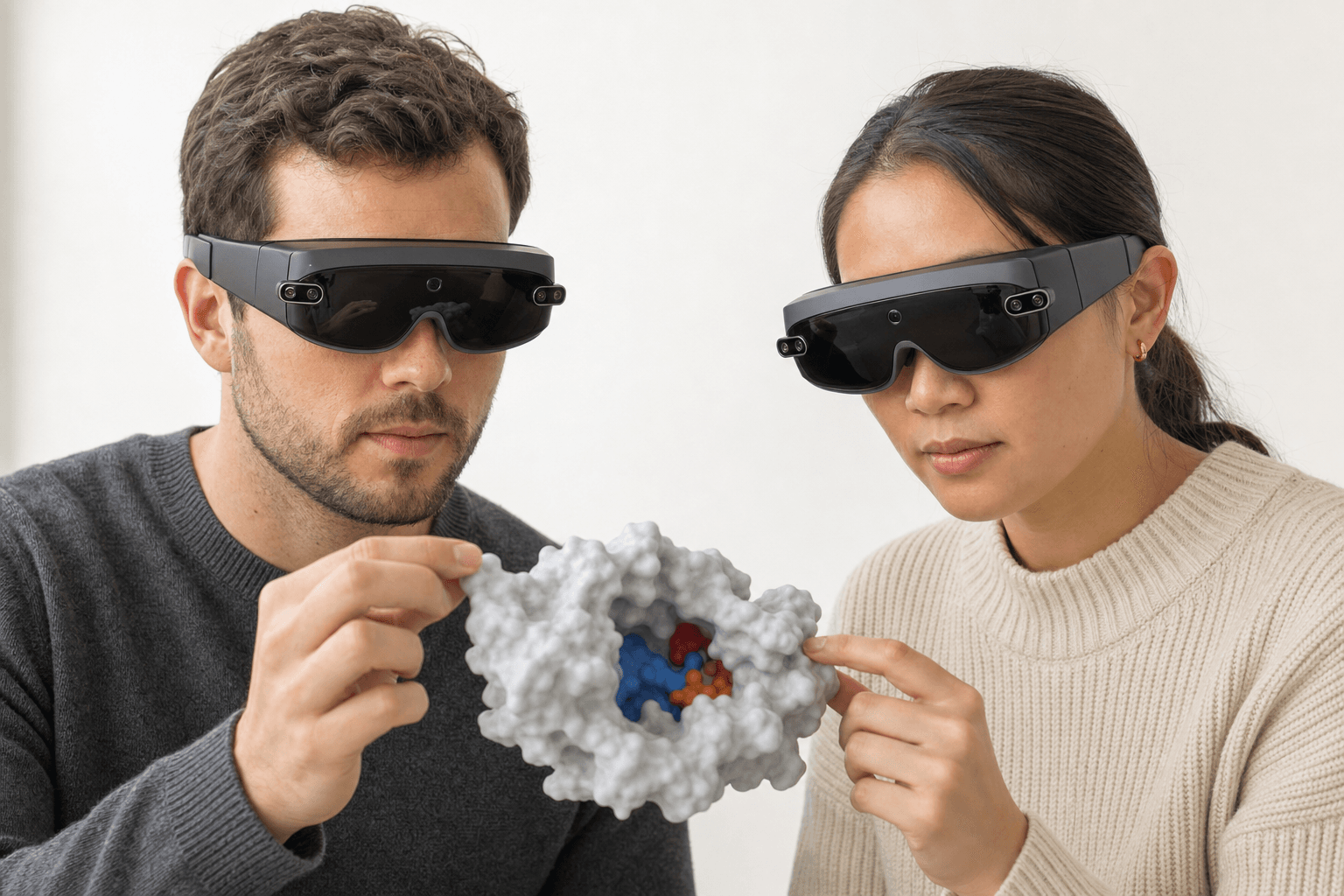 Two colleagues wearing ultra-thin VR headsets examine the same solid protein surface model with a visible binding pocket floating between them
The unit Nanome shares is a workspace, and the thing inside it that carries an argument is the scene. A scene holds the structure, how it's drawn, what's labeled, and where the camera sits. A sequence of them carries a walkthrough: the complex, then the pocket, then the substituent everyone is arguing about, in the order the reasoning goes. What a modern molecular presentation looks like works through building one.
Because the workspace opens in a browser, the person on the other end needs a laptop and a link. (When people do open it at the same time, Spotlight Mode makes one person's view the shared one for everybody following, and collaborative drug discovery software for remote teams covers the live side of that.)
The remaining question is usually how long it takes a first-time recipient to get their bearings once they're inside. Kingsley et al. 2019, in the Journal of Molecular Graphics and Modelling, recorded an answer while running a real project with a Novartis GNF group: new users were comfortable in the environment within a few minutes, and were pointing out candidate sites for macrocyclization shortly after.
Whatever produced the structure can hand it over as it is. Nanome reads PDB, mmCIF, SDF, SMILES, MOL and MOL2, XYZ, PQR and PDBQT, along with the PyMOL, Maestro and MOE session files above, so a share doesn't open with a conversion step. More on supported formats. Teams working this way have written up what came of it at nanome.ai/case-studies.
When sending a file is the right pick
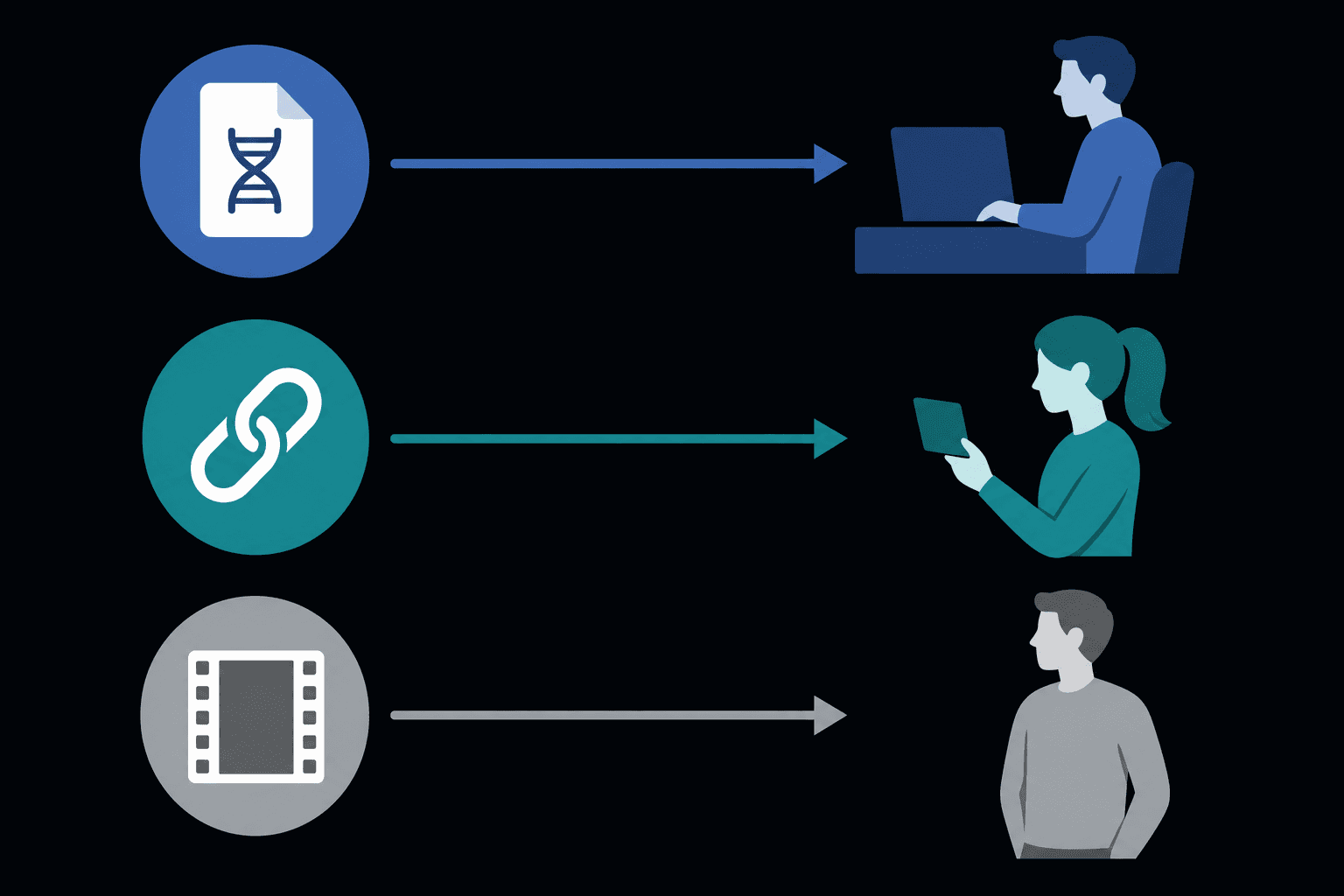 A flat diagram showing three sharing paths, a file, a link, and a video, each routed to a different kind of recipient.
Plenty of shares are files, and correctly so.
A collaborator who works in PyMOL and wants a session to keep editing is better served by a .pse out of PyMOL. Nanome reads those and doesn't write them, so the round trip stops there.
A deposition is a coordinate file by definition, and so is the structure that ships with a manuscript. A saved camera angle has no business in either.
For a public structure going to someone outside the org with no account, a Mol* embedded viewer or an RCSB PDB entry page beats a workspace link. The recipient needs a browser and nothing else, and there's nobody to invite. That advantage is real and it holds for anything already in the PDB.
And if what you want to send is a rendered animation that plays on any machine, ChimeraX has a movie command that produces one, and the file it writes travels anywhere a video does.
FAQ
How do I share a protein structure with someone who doesn't have a headset?
A workspace link covers it. Nanome's web app runs in a browser on an ordinary laptop, so your colleague opens the link, lands on the scene you saved, and turns the structure with a mouse. Headsets are one way in among several, alongside the Windows desktop app.
Can I control which view they land on?
Yes. Every scene stores its own point of view, which shipped in version 2.1.1, so the camera position and orientation you saved is what opens for them. Scenes are ordered and reorder by dragging, so the first thing on screen is the first thing you want talked about.
What happens to my representations and labels when I share?
They travel with the scene. Cartoon, surface, sticks, coloring and labels are part of what a scene stores, along with which entries are visible and which are hidden. A file export behaves differently: a PDB, SDF or SMILES leaving Nanome carries coordinates for a single frame, and the view stays in the workspace.
Can we do this with proprietary structures?
Yes. Enterprise deployments of Nanome, MARA included, run on infrastructure you control, either as a dedicated instance or on your own hardware, so a shared workspace never leaves your environment. Projects and permissions arrived with app.nanome.ai in version 2.5, and they govern who can open a workspace and what they can change once they're in it.