Nanome is a collaborative molecular visualization and drug discovery platform. It works on XR headsets and in a browser web app. An AI copilot called MARA sits inside it: Nanome plays back molecular dynamics trajectories frame by frame, and MARA analyzes them. You load your trajectory, scrub through the frames, and ask MARA for RMSD, pairwise distances, or a representative energy-minimum frame in plain English. For most MD work the well-known desktop tools are VMD and PyMOL, and Nanome adds immersive 3D playback plus a copilot that runs the analysis for you.
Trajectories come in the way the simulation wrote them. A .gro file loads on its own. Frames in .xtc, .trr or .dcd attach to a model already open in the workspace, and their atom count has to equal the host model's. Either route runs on the frame-trajectory substrate, which carries a 2000-frame ceiling per model. More on supported formats.
What trajectory visualization actually needs
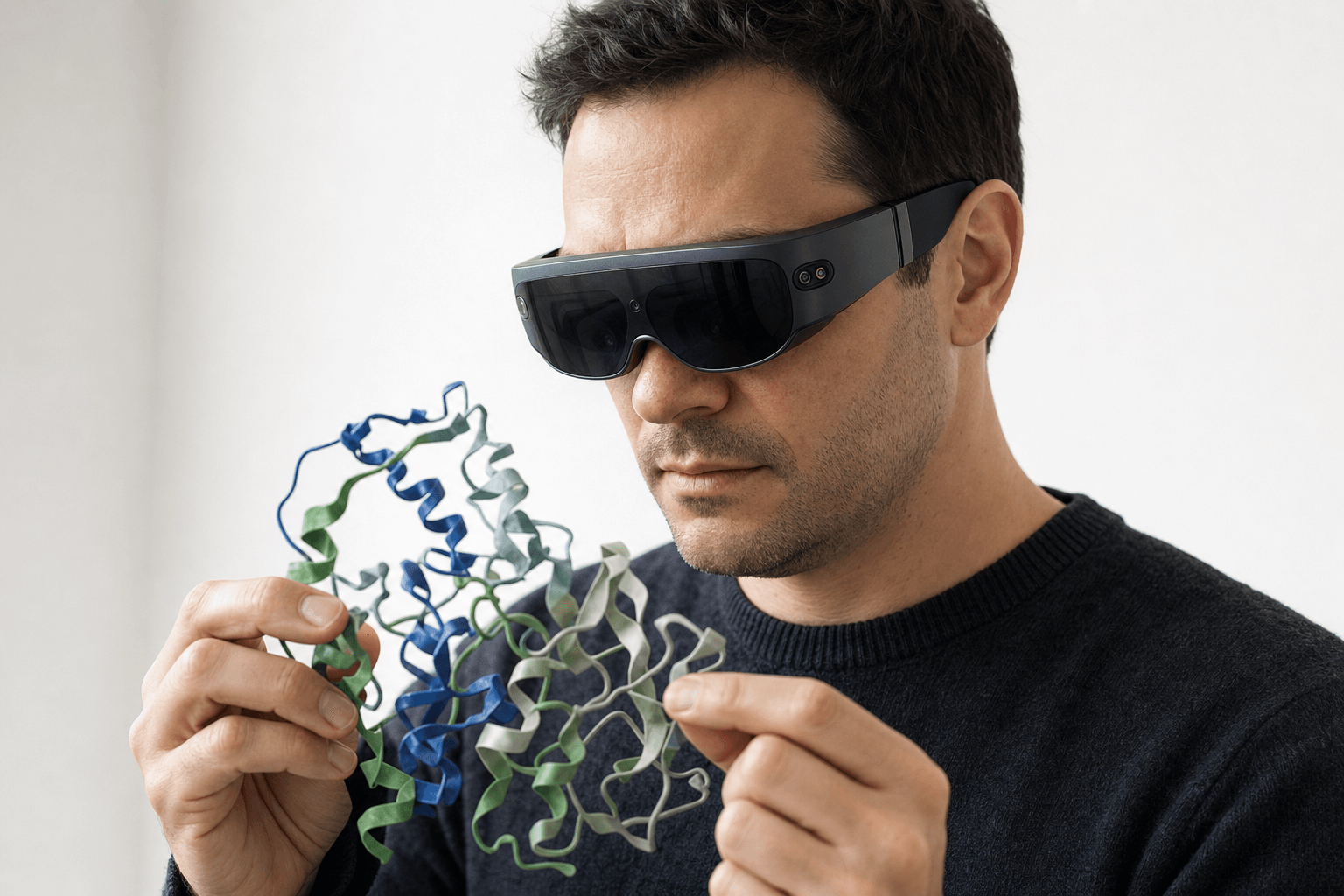 A researcher wearing an ultra-thin VR headset studies a ribbon-cartoon protein structure held close to the chest
An MD run is a movie of atoms, often thousands of frames long, and one saved snapshot throws away the part that cost the compute. Three jobs sit behind any useful look at a trajectory.
Playback. Load the run, step through frames, loop a stretch, watch a loop swing open or a ligand drift out of the pocket. That's the floor.
Quantitative analysis. Motion says something happened; numbers say whether it matters. RMSD against a reference frame measures how far the structure wandered. A pairwise distance tracks whether a hydrogen bond held. Clustering picks out the handful of frames that stand in for the whole run.
Per-frame inspection. Once a number points at a moment, an RMSD spike or a distance that snaps shut, you want that exact frame in front of you in 3D.
Software that keeps those 3 jobs in one place spares you the export-and-reimport shuffle between programs.
How the common tools compare




| Tool | Strength in MD work | How Nanome relates |
|---|---|---|
| VMD | Reads nearly every trajectory format, scripted analysis in Tcl and Python (RMSD, RDF, whatever a project needs), stays quick on very large systems | Nanome opens the same simulation output and plays it back for several people at once, with MARA taking the analysis request in ordinary words rather than a script |
| GROMACS | Runs the simulation itself, with a deep set of command-line analysis utilities alongside it | Nanome sits downstream. The .gro file it writes loads standalone, and .xtc or .trr frames attach to a model already open, atom counts matching |
| MDAnalysis | Python analysis across many trajectories at once, headless, scriptable, no GUI in the way | Nanome is where a result from that pipeline gets put in front of the whole project team in 3D |
| PyMOL | Rendering and figure-making, multi-state files, a deep Python API | Nanome imports a PyMOL .pse session for viewing (import only, and QM/MM link atoms can trip the load), then carries those structures into a shared session where MARA handles the trajectory math |
| ChimeraX | Modern rendering, morphing between states, solid trajectory support | Nanome reads the same everyday structure files (PDB, mmCIF, SDF, MOL2, MOL, XYZ and PQR) and adds shared XR sessions plus a copilot that names the tool behind every number |
| Schrödinger | Desmond simulations and Maestro preparation inside one commercial suite | Nanome imports Maestro .mae and .maegz for viewing, which is also the handoff format from LiveDesign |
| Nanome, with MARA | Frame-by-frame playback in the browser app and in XR, MARA trajectory analysis, 300+ integrated tools, deployable inside your own network | The immersive, collaborative, AI-assisted layer over the MD workflow you already run |
Where Nanome fits
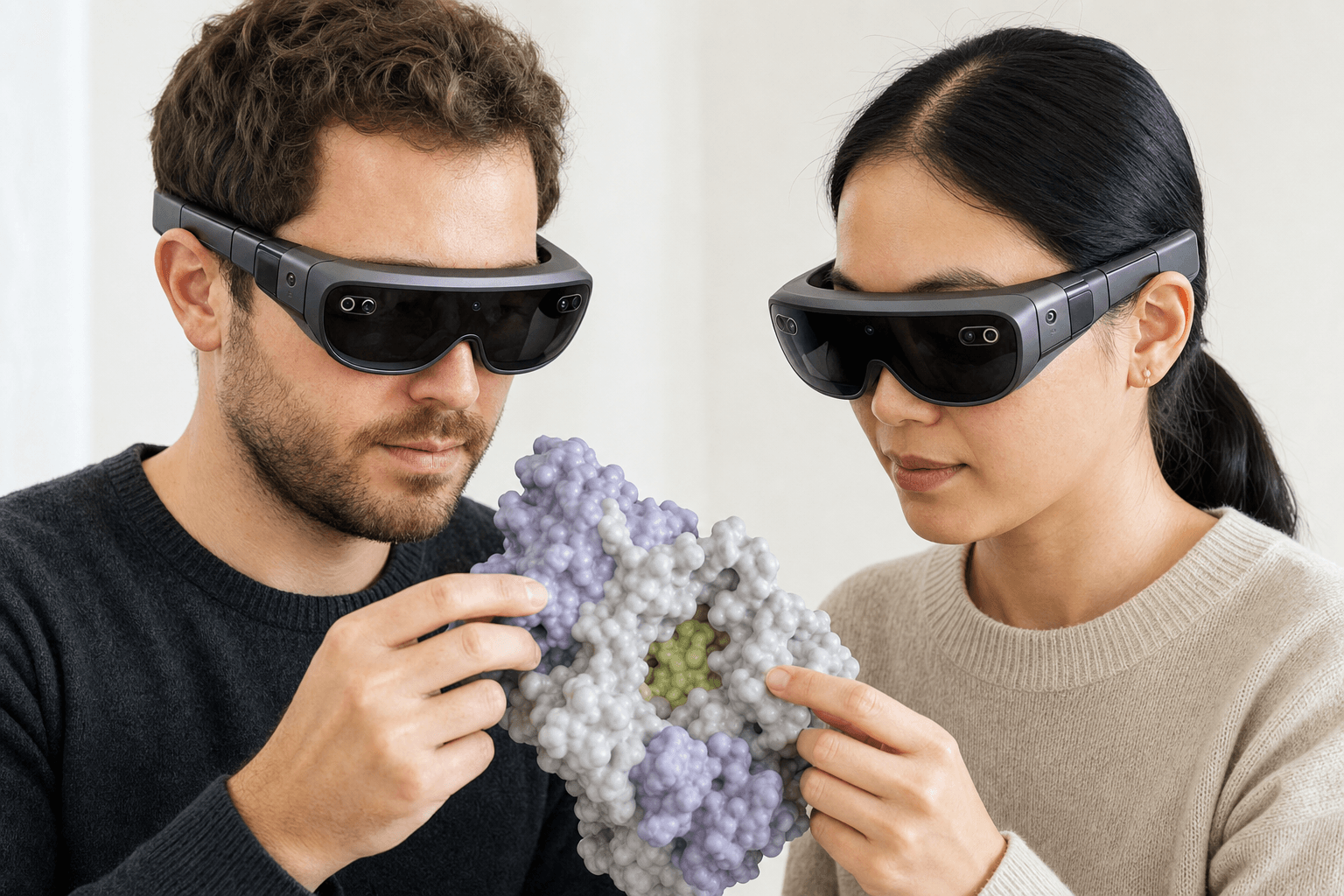 Two colleagues wearing ultra-thin VR headsets examine the same solid protein surface model with a visible binding pocket floating between them
Trajectory playback is a first-class part of the workspace. You bring a run in and step the frames in a browser tab, on a Windows desktop, or in a headset (Apple Vision Pro, Meta Quest, Pico Neo, HTC Vive Focus 3). Sessions hold more than one scientist, so 2 people in different time zones watch the same loop flex and point at the same residue in shared 3D.
Of the MD tools on this page, Nanome is the only one where the trajectory plays inside a live multi-user session that a colleague joins from a standalone headset or a browser tab, with nothing to install.
The measuring goes through MARA. Ask for RMSD across the run and it returns the deviation per frame. Ask how far apart 2 atoms sit over time and it tracks the distance. Ask for a representative frame and it pulls the energy minima that summarize the run. MARA reports the tool behind each answer, the inputs it ran on, and the output it returned, so a second person can retrace the work rather than take a number on faith.
MARA's built-in library spans 26 categories, so trajectory analysis sits beside docking, electrostatics, ADMET prediction and structure prediction in the same place.
One limit worth knowing up front: surfaces are disabled during trajectory playback, because recomputing a molecular surface every frame is still too slow to stay smooth. Ribbon, stick and space-filling representations animate normally, and the surface comes back when you stop on a frame.
Motion is the hardest result to put in a document, because a still frame is the one thing a trajectory isn't. A modern molecular presentation leans on key views pulled from the run itself.
Resonac spent close to 2 years inside that gap. Its computational group ran GROMACS on a vitamin C derivative alongside a set of candidate stabilizers, and the trajectories sorted the additives by shape: lauryl alcohol closed around the target as a micelle with water shut out of the interior, behenyl alcohol stacked into flat lamellar layers instead. Flattened into plots and cross-sections, those two outcomes look much alike, and the experimental group reasonably stayed with its established protocol. The two groups then met inside the same trajectories in Nanome, turned the aggregates over in 3D together, and settled the question that afternoon. An experimental iteration cycle that had taken 6 months came down to 2 or 3 days.
When a desktop tool is the better fit
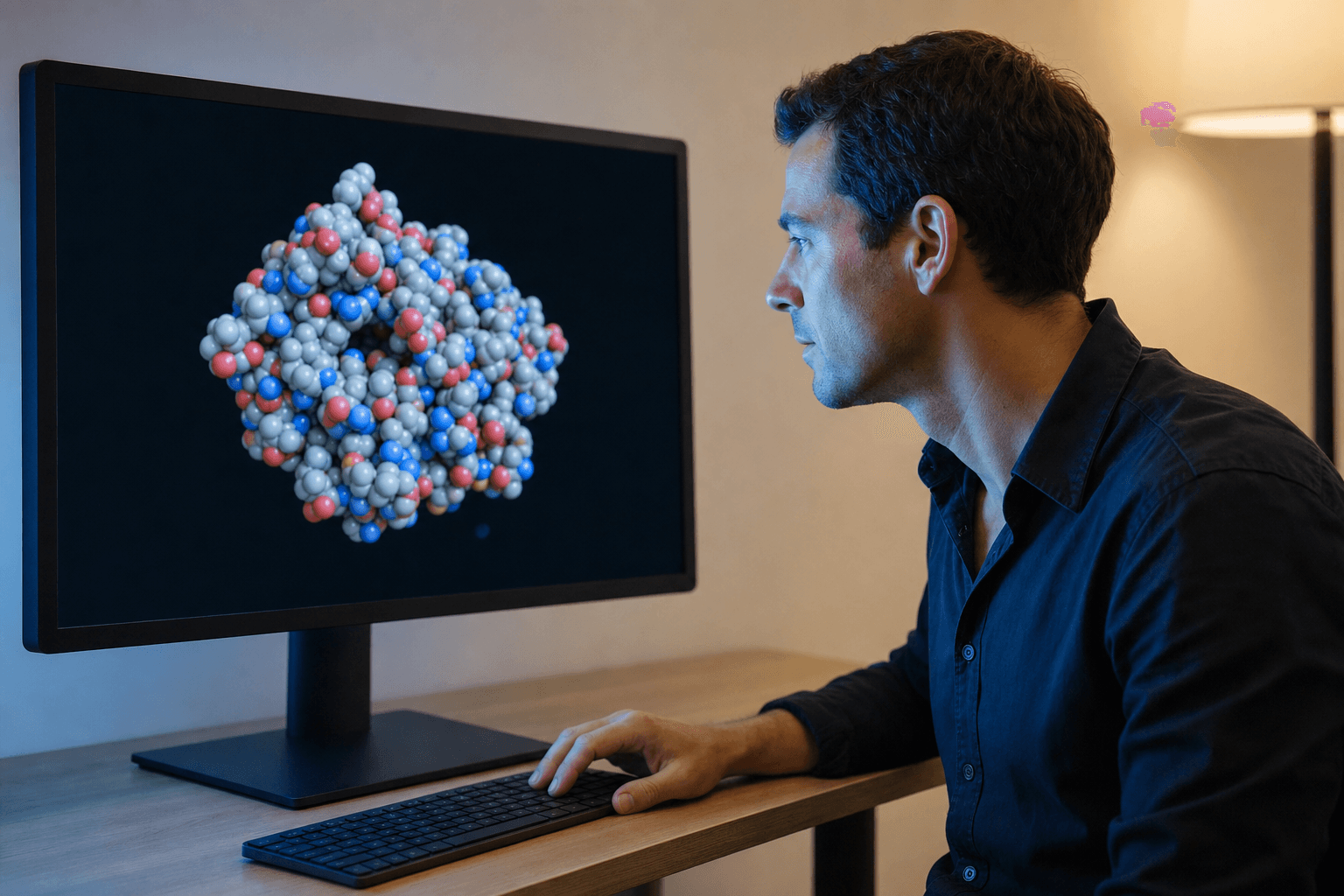 A researcher examines a space-filling protein structure on a large monitor in a quiet research office.
Batch-processing hundreds of trajectories on a headless cluster is VMD and MDAnalysis territory. A scripted pipeline with nobody watching has no use for an interactive 3D viewer, and both handle far larger systems than a headset will render at frame rate.
For a publication-quality still or a rendered movie, PyMOL and ChimeraX have decades of rendering polish behind them and remain the safe choice.
Nanome is the pick when a trajectory needs more than one pair of eyes on it, in 3D, with the RMSD and distance math coming back while everyone is still looking. It plugs into CDD Vault, Cresset Flare and Schrödinger LiveDesign rather than standing in for a simulation engine. A structure prepared in Maestro comes over as .mae or .maegz, the same file LiveDesign hands off, so it lands in the shared session without a conversion step. More on supported formats.
Trajectory work is one slice of a bigger picture. The broader roundup of molecular visualization tools covers the general-purpose viewers, drug discovery software for computational chemistry covers the stack around the simulation, and software for computational antibody design covers the antibody side, where a CDR loop's motion often decides the next round. Resonac's write-up and the rest live in the case studies.
FAQ
What's the best software for molecular dynamics trajectory visualization?
It depends on the job. VMD is the standard for scripted MD analysis and very large systems, while PyMOL and ChimeraX render the finest stills and movies. Nanome is the strong pick when a run has to be watched by several people at once, in immersive 3D, with RMSD, distances and representative frames coming back from a request written in plain English.
How do I visualize molecular dynamics?
Load the trajectory into a viewer that plays frames, step through it, then put numbers under what you saw. In Nanome that means opening the run in the browser app or a headset, scrubbing the frames, and asking MARA for RMSD or a pairwise distance to find the moments worth a closer look.
Does Nanome do RMSD and per-frame analysis?
Yes. MARA computes RMSD across a trajectory, tracks pairwise distances over time, and pulls representative energy-minimum frames. Every result comes back labeled with the tool that produced it and the settings it ran under.
Can I visualize trajectories without a VR headset?
Yes. Nanome's browser app runs in a tab with nothing installed, and there's a Windows desktop build as well. Whoever is in the browser stands in the same session as colleagues wearing headsets.
Which file formats does Nanome read for MD work?
Trajectories use the frame-trajectory path: .gro loads standalone, and .xtc, .trr or .dcd attach to a model already open, matching its atom count, up to a 2000-frame ceiling per model. 64-bit CHARMM DCD and fixed-atom DCD fall outside that. Structure files: PDB, mmCIF and SDF; MOL, MOL2, XYZ and PQR; SMILES typed or loaded; AutoDock .pdbqt, which lands as PDB with charges dropped. Three session formats import for viewing only, Maestro .mae and .maegz, CCG .moe, and PyMOL .pse. A .dx electrostatic map overlays a loaded model rather than standing alone. Export covers PDB, SDF and SMILES only, one frame per file, so mmCIF, MAE, MOE and PSE stay read-only and a trajectory can't be written back out. There's no support for electron density maps (CCP4, MRC, DSN6) or for native LAMMPS output, where XYZ is the only bridge. Full list.