To view a PDB file in 3D, open it in a molecular viewer like PyMOL, UCSF ChimeraX, or Mol*, then pick a representation (cartoon for the protein, sticks for a ligand). Nanome does this too, opening PDB and SDF files in a browser web app or in XR, and it pulls structures straight from the RCSB PDB by 4-character ID. A PDB file is just a text format holding atomic coordinates, so any of these tools reads it directly.
The 3-minute how-to

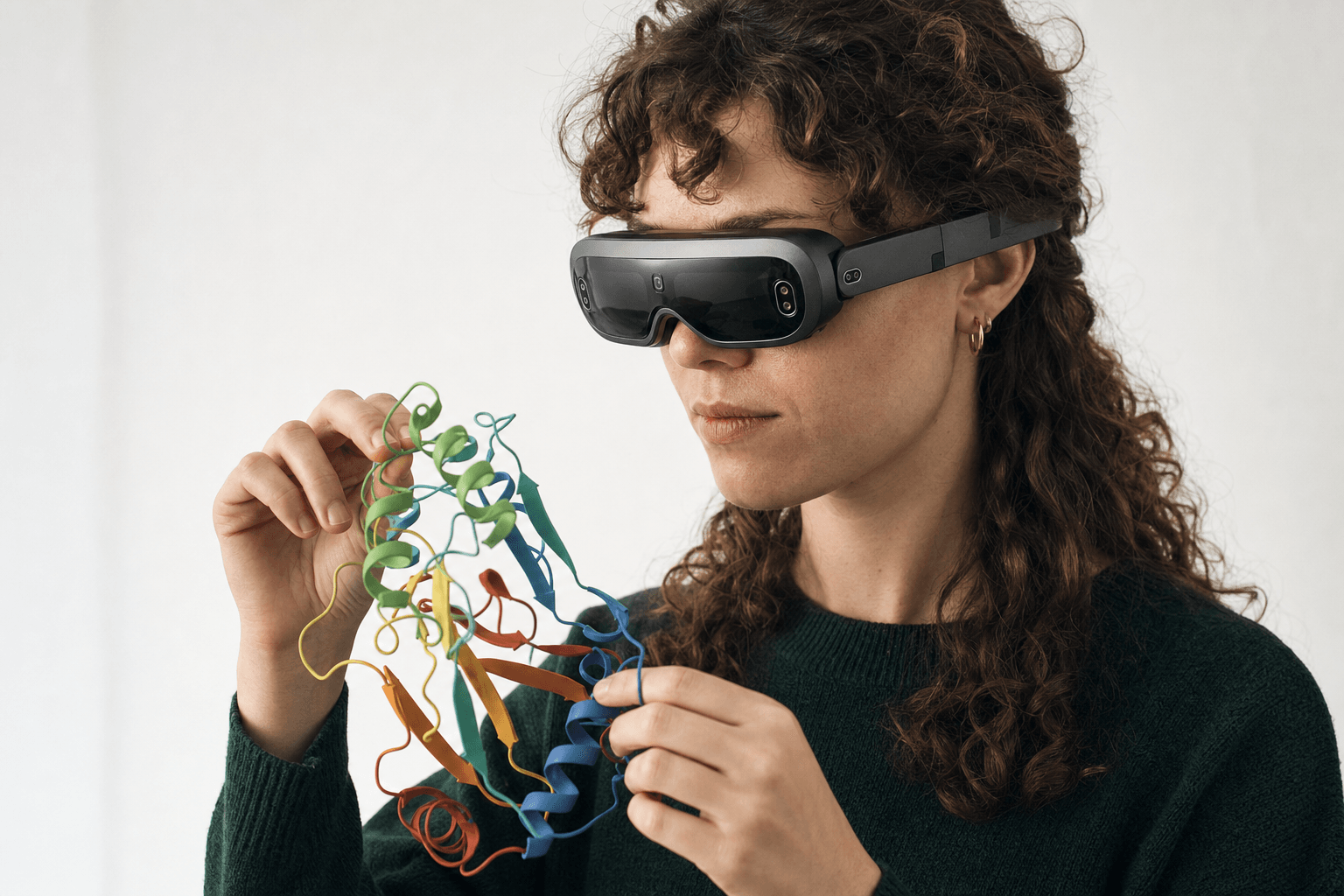 A researcher wearing an ultra-thin VR headset studies a ribbon-cartoon protein structure held close to the chest
Four steps take a 4-character PDB ID to a structure that turns on screen.
- Getting the file. rcsb.org takes a protein name (say hemoglobin) or an ID like 4HHB and hands back a
.pdbor a.cif. Small molecules from PubChem or DrugBank arrive as SDF instead. - Opening it. molstar.org/viewer accepts a dragged-in file with nothing installed. PyMOL, ChimeraX and Nanome's web app open the same file.
- Picking a representation. Protein backbones read best as cartoon or ribbon. Ligands and side chains read best as sticks or ball-and-stick. A surface is what shows the shape of a pocket.
- Getting oriented. Every viewer here rotates on a mouse drag and zooms on scroll, and coloring by chain or by element separates the parts. After that the questions get specific: which residues line the pocket, what the ligand actually touches, and that's analyzing protein-ligand interactions.
That's the loop. A typical PDB structure opens in any of these without special handling.
Common viewers, and where Nanome fits
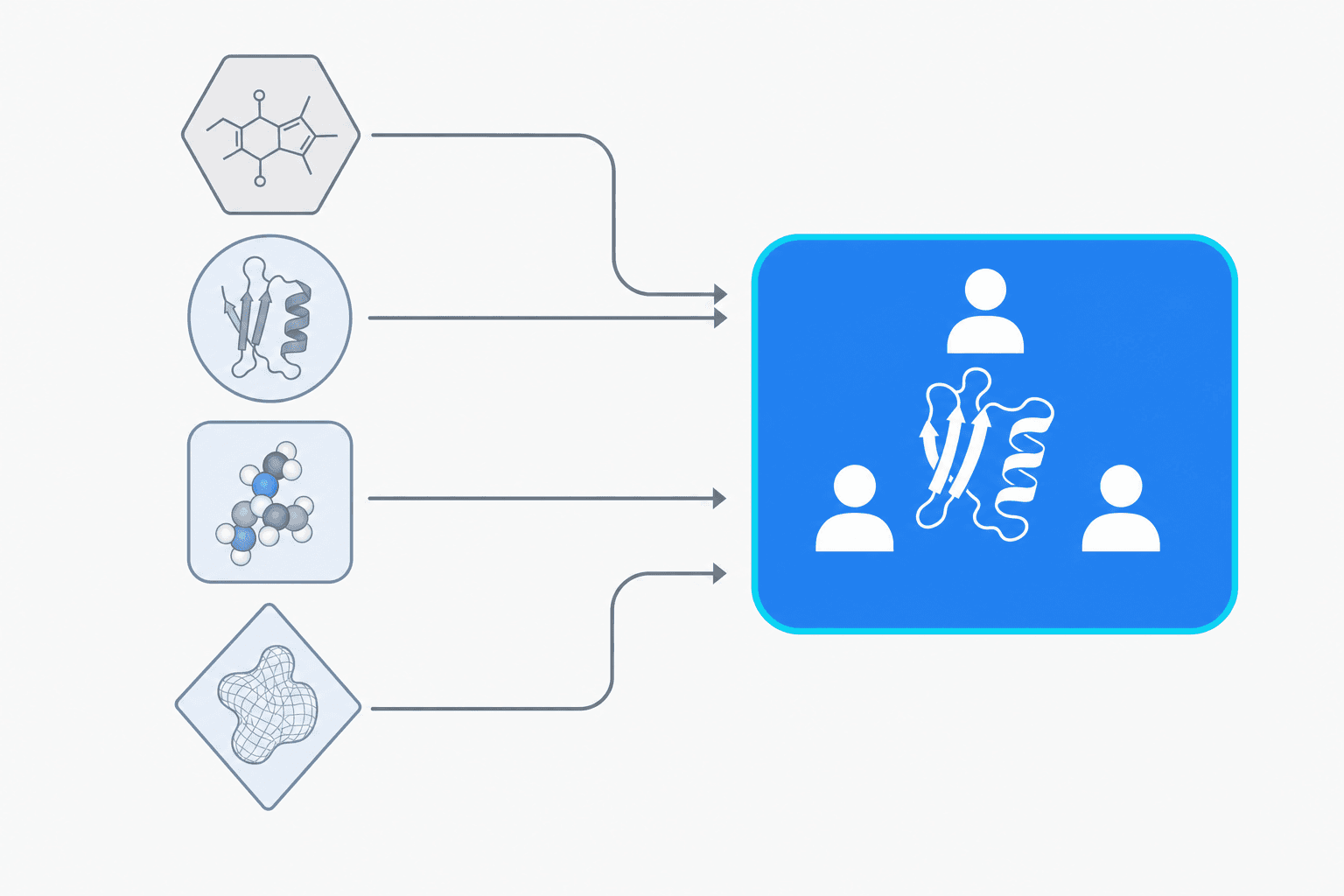 A flat diagram showing four separate viewer tools converging into one collaborative platform where multiple users share a single structure.
| Viewer | Where it's strong | How Nanome overlaps |
|---|---|---|
| PyMOL | Publication-quality renders, scripting, a deep plugin ecosystem | Nanome imports PyMOL .pse sessions and puts live multi-user review and native XR around the same PDB and SDF coordinates. Traffic runs one way, since there's no .pse writer. More on supported formats. |
| UCSF ChimeraX | Analysis, density maps, large complexes on the desktop | Nanome opens the same standard coordinate files (PDB, mmCIF, SDF, MOL2, XYZ, PQR) and adds a session colleagues can join, with RCSB fetch by ID inside the app. More on supported formats. |
| Mol* | Fast in-browser viewing, no install, clean embedding in web pages | Nanome's web app runs in the browser as well, reads the same PDB, mmCIF and SDF files, and brings headset support and the MARA copilot with it. More on supported formats. |
| VMD | Large systems, scripted analysis, a long history in simulation-heavy labs | Nanome opens the same coordinates and puts them in a room that several people can walk into, from a browser or a headset. More on supported formats. |
PyMOL, ChimeraX, Mol* and VMD are single-user tools driven by a GUI or a script. They're very good at that, and plenty of structural work never needs more than one of them on one screen.
What Nanome adds
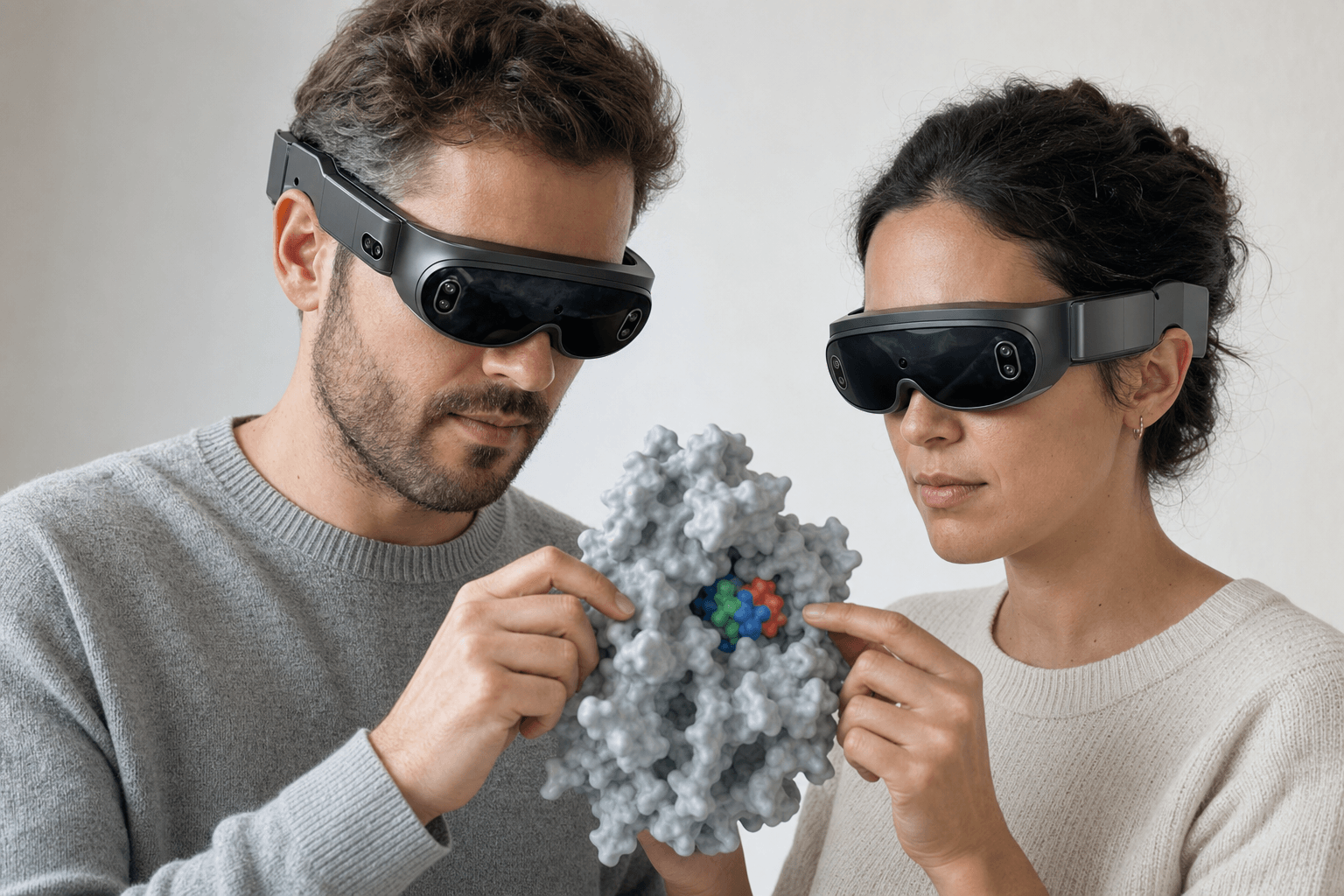 Two colleagues wearing ultra-thin VR headsets examine the same solid protein surface model with a small ligand visible in its binding pocket floating between them
Nanome is a collaborative molecular visualization and drug discovery platform that runs on the web and in XR headsets. It opens PDB and SDF structures and fetches from the RCSB PDB, PubChem and DrugBank, so a structure lands in the session without a download and a drag.
Two things separate it from a desktop viewer. The first is that several people hold one structure at the same time, reaching into the same model from wherever they are instead of watching someone's screen share. That side of it gets a full treatment in collaborative drug discovery software for remote teams.
The second is MARA, an AI copilot inside Nanome that runs scientific tools from plain-English requests. It covers docking, electrostatics with APBS, ADMET prediction, and structure prediction on engines including AlphaFold 3 and Boltz-2, part of a library of 300+ integrated scientific tools. Every run names the tool it called, the inputs it took and what came back, so the work stays checkable.
Nanome also sits alongside the rest of a stack rather than replacing it. Schrödinger LiveDesign, Cresset Flare and CDD Vault all connect, and Maestro .mae and .maegz files come in as they are, which is how LiveDesign passes a structure across. More on supported formats.
Turning any of this into something a room can follow is its own question, taken up in what a modern molecular presentation looks like.
For a scripted, publication-ready still image on one machine, PyMOL or ChimeraX is the better pick, and Nanome sits well next to either for the shared and immersive parts. The case studies show how groups have split the two on live programs.
FAQ
What's the best software for viewing PDB files?
For a look with nothing installed, Mol* in the browser is the quickest route. For scripting and rendered figures, PyMOL or ChimeraX. For a structure several people share across a browser and a headset, with RCSB fetch built in, Nanome.
How do I view a PDB structure in 3D without installing anything?
molstar.org/viewer opens a dragged-in .pdb file in the browser. Nanome's web app does the same in a browser tab, with no headset involved.
Can I load a protein and its ligand together?
Yes. A PDB file usually carries the protein or the complex, an SDF usually carries the small molecule, and Nanome, PyMOL and ChimeraX all read both, so the two sit in one workspace.
Which formats can Nanome open besides PDB?
Structures import as PDB (.pdb, .ent), mmCIF (.cif, .mmcif, .bcif), SDF (.sdf, .mol), MOL2, SMILES, XYZ, PQR and PDBQT. Vendor and session files come in too: PyMOL .pse, Maestro .mae and .maegz, and MOE .moe. Writing back out is narrower: PDB, SDF or SMILES, one frame at a time, which leaves mmCIF, MAE, MOE and PSE import-only. Simulation frame files and .dx maps follow their own rules, set out on the supported formats page.
Do I need a headset to use Nanome?
No. The web app runs in a normal browser, and there's a Windows desktop build. Headsets are there for when walking around a structure at full scale is the point: Meta Quest, Apple Vision Pro, HTC Vive Focus 3 and Pico Neo.