
Versions
Nanome downloads and release notes
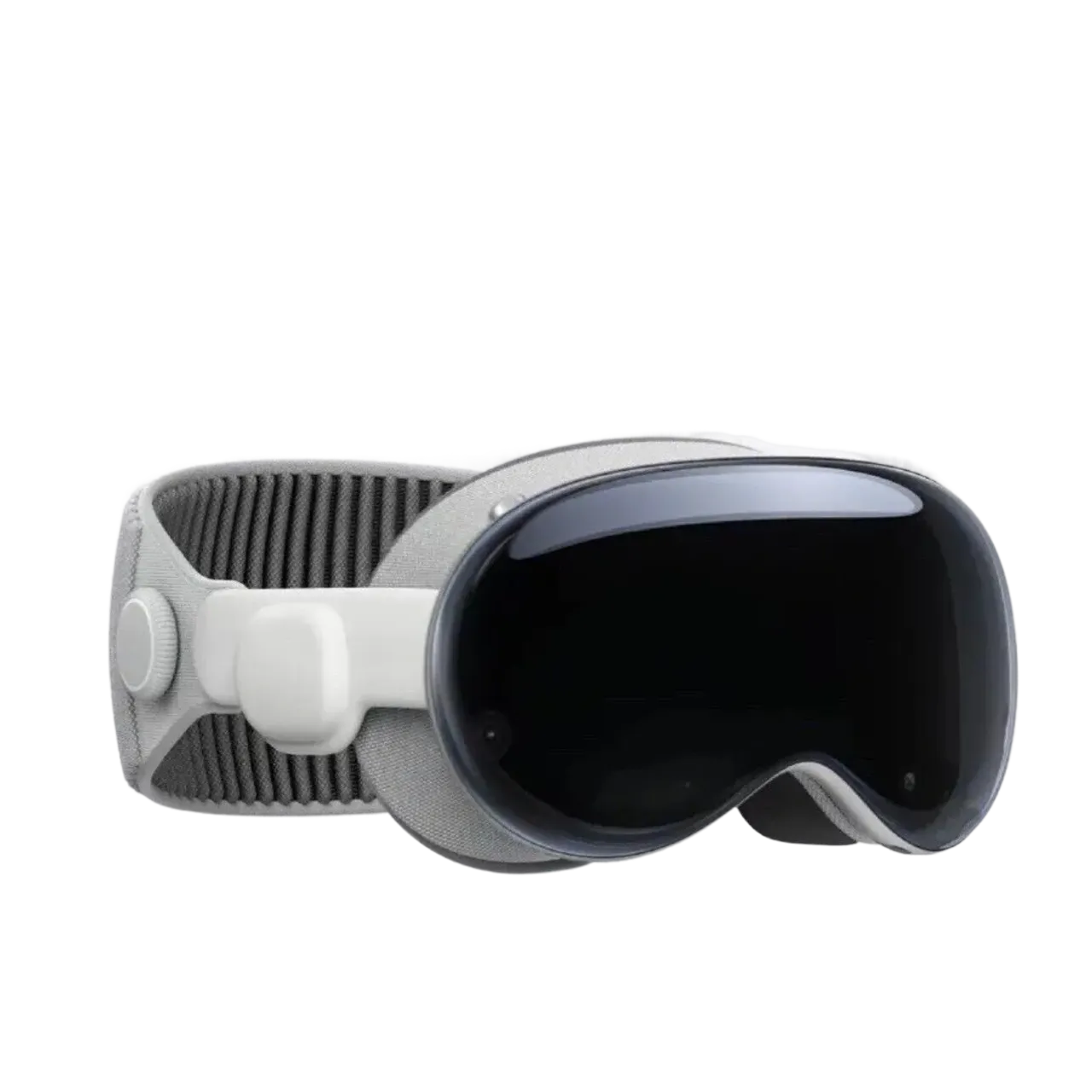
The latest Nanome for Meta Quest, Android XR, Windows, and Apple Vision Pro, followed by Nanome Classic downloads and the full release notes.
Latest release
Current Nanome
Choosing how Nanome is being installed and on which device shows the matching download and steps.
1 How will Nanome be installed?
Previous generation
Nanome Classic
The platform that put molecular visualization in a headset. Compatible with all major XR hardware. The current release is at the top of this page.
1 How will Nanome Classic be installed?
Nanome Classic networking: TCP 443 to api.nanome.ai, UDP 5055-5056 to collaboration.nanome.ai, and TCP 8888 to plugins.nanome.ai. Current Nanome requirements are in the setup guide.
Release Notes & Prior Versions
Important: Previous V2 releases are intended for enterprise and commercial deployments where a specific, matching version of the Workspace API and MARA has been deployed. Deployments without a version-matched backend should use the latest release at the top of this page.
New Features and Improvements
- 2.7.0
- Comments: discuss annotations, scenes, or the whole workspace in threaded comments with replies, @mentions, emoji reactions, watched threads, and unread indicators, all updated live. Annotations and comments now share one menu, and a comment's atom chip highlights and zooms to the atoms it refers to.
- Pocket minimization in the Ligand Builder: pick a receptor, choose rigid receptor, flexible pocket, or flexible side chains, set a pocket radius, then minimize the ligand in place. Results report energy plus ligand and pocket RMSD, and runs can be cancelled or undone. Ligands that contain metal atoms cannot be minimized.
- Ligand Builder attachment points now follow each atom's valence and geometry. Bring a fragment to an attachment point to preview it, twist it around the bond with snapping to favorable torsions, and release to attach; rings close automatically. A new Auto Relax button cleans up nearby geometry after each edit.
- Ligand Builder Replace mode can fuse a fragment onto a ring, merging every overlapping atom, with an aromatic preview.
- New procedurally generated mountain skyboxes in each theme's colors, making the Quest download about 30 MB smaller. Skybox themes and night mode also come to the web viewer.
- New atom and bond rendering: spheres and cylinders are drawn as smooth, antialiased GPU impostors at any zoom, with much higher frame rates on large structures. Applies to structures being edited, selection highlights, and the web viewer.
- Desktop and web viewer: hover and click atoms, bonds, and residues to highlight and select them, click atoms to measure distances and angles, and double-click to zoom to a residue or entry. Rotation and zoom pivot on the selection or the highlighted residue under the cursor.
- The default pointer now highlights whole residues. Pull the trigger (or click) to add the hovered residue to the selection or remove it.
- In XR, your off-hand always works as a pointer for hovering and selecting atoms, whatever tool the other hand holds.
- In XR, pointing at an interaction, measurement, or text annotation shows a tooltip with its details, such as interaction type, distance, and the two groups involved.
- When you follow someone, you now see their current tool and mode, the atoms they hover and select, and their in-progress edits (ligand building, torsions, rotamers) live before they commit them.
- Following someone who is following another user takes you to the person at the end of the chain, and your view smoothly re-aligns to what the leader is looking at.
- Hide and show text, sound, and image annotations with an eye toggle on each row, or all at once with Hide All / Show All, instead of deleting them.
- Structure alignment now runs on the server, with a choice of CE-Align or TM-Align. Aligning trajectory entries keeps their current frame instead of jumping to frame 0.
- Residue editing can score rotamer clashes and hydrogen bonds against visible atoms only or against all atoms.
- Residue editing: add residues with the controller while in rotamer mode, and selected residues are grouped by entry in a scrollable list.
- Components have a new Delete Atoms action to permanently remove their atoms from a structure, with a confirmation.
- Distance components can include atoms from all entries in the workspace, and have a new 'Include ligands' option (off by default).
- Components menu: hover a component to see its atom count, empty components are grayed out, and entries hidden by the performance limiter are marked, with a shortcut to the limiter settings.
- Clash markers scale in size and brightness with how much the atoms overlap.
- Metal coordination detection now includes methionine sulfur, iron-sulfur cluster sulfides, and aromatic nitrogen donors such as porphyrin and imidazole rings.
- Web viewer can create and remove interaction components (polymer-ligand, polymer-polymer, and chain-chain).
- The Sequences menu has a 'Filter hidden structures' toggle to show only structures currently displayed.
- Covalently bound ligands now keep their bond to the protein. Modified residues with an attached group are split into the standard amino acid, kept in the protein, and the attached group, treated as a ligand.
- Molecular surfaces are generated at higher resolution for smoother, more detailed surfaces.
- New workspaces get a default 'Workspace N' name, and an empty workspace with a default name is renamed after the first structure loaded into it.
- Teammates' online status, workspace invites, and join requests update instantly, including for colleagues in the web viewer.
- Export scene analysis data as a ZIP of CSV files covering chemical interactions, measurements, and minimization history.
- AI assistant (MCP) tools can read a summary of each workspace's contents, such as chains, residue ranges, ligands, and ions.
- Free licenses now have limits: 1 owned project, 3 owned workspaces, 5 structures per workspace, and view-only access to shared workspaces and projects, with clear messages when a limit is hit.
- Nanome warns you when your license expires within 30 days, and signs you out with a clear notice when it expires.
- Sign-in errors now explain what went wrong, such as wrong credentials, an account that must use Google, Microsoft, Apple, or SSO sign-in, an organization IP restriction, or a network problem.
- Switching scenes during a recording now asks for confirmation, then stops the recording and switches, keeping the recording on the scene where it was made.
- The Projects, Workspaces, Ligands, and rotamer lists use a new shared table with column sorting (also while searching), a loading indicator, and an empty-state message.
- Press Escape to show or hide the main menu in desktop mode.
- In XR, press X on your off-hand controller (left by default) to mute or unmute your microphone.
- Smaller touches: the Scenes menu scrolls to the active scene, the menu lock button turns yellow while locked, and saving an edited ligand as a new entry keeps its chemical property annotations.
- 2.7.1
- Clearer server connection screens: a version mismatch says whether the app or the server is out of date and how to fix it, and an unreachable server shows its address, a checklist of things to check, and a Retry button.
- File loading errors and warnings now include the line number where the problem was found.
- Managing algorithm hooks (list, register, delete, test) is now limited to administrators set in the server configuration.
Optimizations and Fixes
- 2.7.0
- Smoother model and trajectory playback: upcoming frames are precomputed in the background, and interactions, annotations, and residue labels stay visible and update during playback.
- Molecular dynamics trajectories load faster and use much less storage and server memory.
- Faster, more accurate loading of MD files: large GROMACS (.gro) systems load far faster, GRO files split into chains when residue numbering restarts, secondary structure skips water and solvent, and terminal caps (ACE, NME, NH2) stay part of the protein.
- Faster loading with more accurate bonds and formal charges for structures containing DNA or RNA.
- Ligand bonding for PDB and mmCIF files now comes from the RCSB Chemical Component Dictionary, and metal coordination is no longer drawn as covalent bonds.
- Structures with very large ligands no longer stall while loading, files no longer fail when secondary structure cannot be computed, and some mmCIF files no longer report a spurious bond-table error.
- File loading errors show a short readable message instead of a stack trace.
- Cancelling a load or leaving a workspace while a large structure is rendering no longer freezes the app, and several other freeze risks are removed.
- The Components menu stays responsive in large workspaces, and opening the Sequence menu no longer stalls the app.
- Residue editing is faster: rotamer suggestions calculate much faster in large workspaces, and applying edits no longer makes the structure flash.
- Faster model updates on large structures, and fewer frame hitches while hovering and editing with the Builder.
- Fewer per-frame memory allocations from avatar and pointer tracking, reducing garbage-collection stutter.
- Scenes with image, sound, or recording annotations load and save faster.
- Bonds, interactions, distance selections, and secondary structure are no longer missed in very dense structures.
- Committing edits that remove atoms bonded to atoms outside the edited region, such as residue edits on residues with alternate locations, no longer causes errors.
- Ligand Builder: aromaticity is recalculated after every edit, undoing to an empty ligand no longer gets stuck, invalid bond clicks are ignored, switching workspaces fully resets the Builder, and stray white pixels no longer appear in the fragment list.
- Minimization now uses the hydrogenated molecule for its force field, and the fragment labelled 'Acid Anhydride' is now correct.
- Residue editing keeps showing earlier unapplied mutations and rotamers when you edit another residue, and shows a message when rotamer calculation fails or times out.
- Components: a component no longer disappears when one of several atomistic representations is hidden, components spanning several entries no longer vanish, and the menu refreshes after an entry is edited.
- The 'Ignore selection' option for distance components now excludes the selected atoms, and measuring between the same atom in two models no longer causes errors.
- Rendering: cartoon highlights line up with the correct residue, surface and wireframe colors are no longer washed out, and selection highlights no longer stick or ghost during playback.
- Wireframe boxes and hover highlights no longer get stuck after hovering items in menus.
- Sound annotations that reach the 5-minute limit are no longer lost, and the recorder shows elapsed and maximum time with a warning at the limit.
- Annotations on atoms shown only as ribbon are no longer hidden, text and voice note popups open in front of you after you turn, and the '/' in sound playback time displays correctly.
- Spotlight: people who join or reconnect mid-session follow the presenter automatically, followers resume when the presenter reconnects, a briefly disconnected presenter returns as the same participant, and web viewers start following without a 6-second delay.
- Following resumes after your headset wakes from sleep, recentering keeps you aligned with the leader, and the view no longer jitters when the leader turns quickly.
- Microphone buttons are disabled with an explanation when microphone permission is denied, and the session reconnects after losing access to a workspace instead of staying offline until restart.
- Waking your headset or rejoining a busy session no longer plays a burst of overlapping join and leave sounds.
- Permission changes, including accepted join requests, apply immediately for people already in the workspace.
- Workspaces: a workspace sent from the web opens reliably on app start, a workspace joined by code appears right away on your other devices, the list sorts by last opened correctly, and a mistyped workspace code shows a clear error.
- Workspaces opened from a share link or code show their project name instead of 'Unknown Project'.
- A failed scene load no longer leaves the scene display stuck until restart.
- Surface controls are disabled with an explanation during playback, and surface changes received during playback apply when it stops.
- The interactions count in the representations popup now includes halogen-pi interactions.
- Long multi-line text fields and the VR keyboard preview now scroll instead of growing without limit, and the scene options button no longer appears in the collapsed Scenes menu.
- Wrist menu buttons no longer intermittently stop responding.
- 2.7.1
- Hovering atoms no longer causes frame hitches in large workspaces.
- Newly loaded structures appear in the correct position right away.
- Zooming to a component that spans several entries now frames all of its atoms, in XR and in the web viewer.
- Distance components measured from another entry's ligand are no longer listed under that entry only, and update when any of the structures involved changes.
- Aromatic bonds in non-planar rings now draw as alternating single and double bonds instead of overlapping the bond.
- Ligand Builder: the attachment preview hides the stubs replaced by ring closures, and the UI pointer no longer gets in the way while building.
- Applying electrostatic coloring to a structure without an electrostatic map (DX) now shows an error instead of coloring that cannot be displayed.
- A scene recording that fails to upload no longer leaves an empty, unplayable recording in the scene.
- Loading a workspace from a file no longer fails in some cases.
- Registering several chemical property hooks now chains them correctly, and deleting a hook removes the right one.
- Fixed several errors, including when pointing at structures before a workspace or scene is loaded, and when a component is removed while its color menu is open.