Nanome is a collaborative molecular visualization and drug discovery platform that runs on the web and in XR headsets, and it ships with an AI copilot called MARA that you drive in plain English. Schrödinger Maestro is a mature desktop computational chemistry suite that packs docking, free-energy calculations, and modeling into one deep environment. Both open the same PDB and SDF files, so the difference shows up in how you work: Maestro gives one scientist a powerful desktop cockpit, and Nanome adds real-time multiplayer sessions, native XR, and a copilot that runs the tools on request. Nanome also integrates with Schrödinger LiveDesign, so it fits next to that stack rather than trying to swap it out.
The phrase "Schrödinger Maestro alternative" covers two fairly different needs: a deeper computational engine, or a way to get more people around the same structure at once. Maestro and Nanome answer different halves of that.
Where Maestro is strong

 A computational chemist reviews a molecular surface structure on a large display in a modern research office.
Maestro has grown over decades into a broad, tightly integrated suite. It's the front end to a large family of Schrödinger tools: precise docking, physics-based free-energy perturbation, homology modeling, quantum mechanics, and more, all wired together with validated workflows. For a comp-chem specialist who lives in that ecosystem day to day, it's a solid pick and often the right one.
MOE (Molecular Operating Environment) and BIOVIA Discovery Studio occupy nearby ground: full desktop suites with deep modeling toolkits, driven through a rich GUI or a scripting layer, and built around one scientist at a keyboard. Those two have their own write-ups, Nanome next to MOE and Nanome next to Discovery Studio. PyMOL belongs to Schrödinger as well, and that comparison runs along different lines again.
When files already live in one of these tools, Nanome meets them where they are. It opens Maestro's own .mae and .maegz, which is what the LiveDesign gadget hands over, plus MOE's .moe. The everyday structure formats load too: PDB, mmCIF, SDF, MOL and MOL2, SMILES, XYZ, PQR, and .pdbqt from the AutoDock side. More on supported formats.
Where Nanome is different
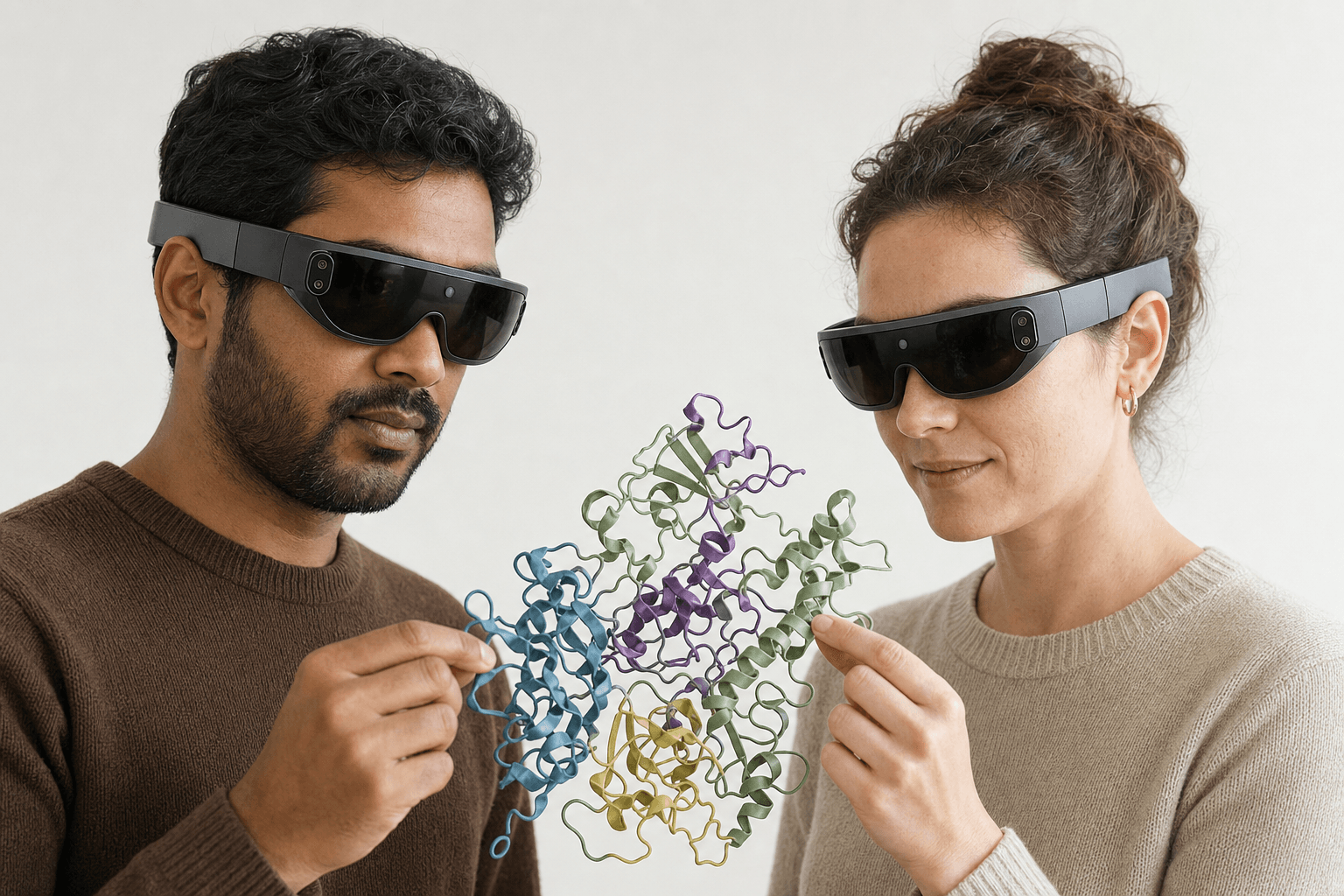 Two colleagues wearing ultra-thin VR headsets examine the same ribbon-cartoon protein structure floating between them
Nanome starts from those same structures and pushes in a different direction: shared 3D space, immersive hardware, and a copilot with the scientific tools already wired in.
| Maestro is good at | Where Nanome is different |
|---|---|
| A deep, validated desktop comp-chem suite | Real-time multiplayer sessions where several people edit one structure together |
| Precise physics-based docking and free-energy work | Native XR on Apple Vision Pro, Meta Quest, Pico Neo, and HTC Vive Focus 3 |
| A powerful single-user desktop environment | A browser web app that needs no headset at all |
| Menu and script-driven workflows | Plain-English requests that MARA turns into runs across 300+ scientific tools |
| A self-contained Schrödinger ecosystem | Integrates with Schrödinger LiveDesign, plus CDD Vault, KNIME, Jupyter, and OpenEye |
The multiplayer piece matters more than it sounds on paper. Two chemists in different cities can stand around the same protein, point into the same pocket, and rotate a ligand together in real time, each with their own viewpoint and their own hands on the structure.
Then there's the copilot. A plain-English request is enough, and MARA runs the job: docking through Smina and DiffDock-L, co-folding and structure prediction across AlphaFold 3, Boltz-2, and OpenFold3, electrostatics with APBS, ADMET and toxicity models, sequence design with ProteinMPNN, de novo binder design with RFdiffusion3 (beta), and ANARCI for antibody numbering and CDR loops. Each run reports the tool it called, the inputs it got, and what came back, so a colleague can retrace the reasoning later.
Motion comes across as well. Nanome loads and plays back MD trajectories. A .gro file loads on its own; .xtc, .trr, and .dcd attach to a model already in the workspace and have to match its atom count. Frame-trajectory playback runs to a 2000-frame cap, and surfaces switch off while a trajectory plays. More on supported formats.
The LiveDesign connection is the practical part for a Schrödinger shop. The gadget hands a LiveReport's structures straight into Nanome, so a team can bring today's series into a shared immersive session without stepping outside the pipeline they already run. Nanome also connects to Cresset Flare, CDD Vault, KNIME, Jupyter, the OpenFold Consortium, and OpenEye (Cadence), with an open REST API and MCP servers underneath.
A Novartis GNF project shows what that looks like on a live series. Four chemists took an active compound into Nanome to weigh macrocyclization options, and people new to the software were picking out candidate sites within a few minutes. The macrocycle series they went on to synthesize held its activity and came back with improved PK properties. The write-up is Kingsley et al. (2019) in the Journal of Molecular Graphics and Modelling, co-authored by Novartis GNF and Nanome scientists. More of that work sits at nanome.ai/case-studies.
When Maestro is the right pick
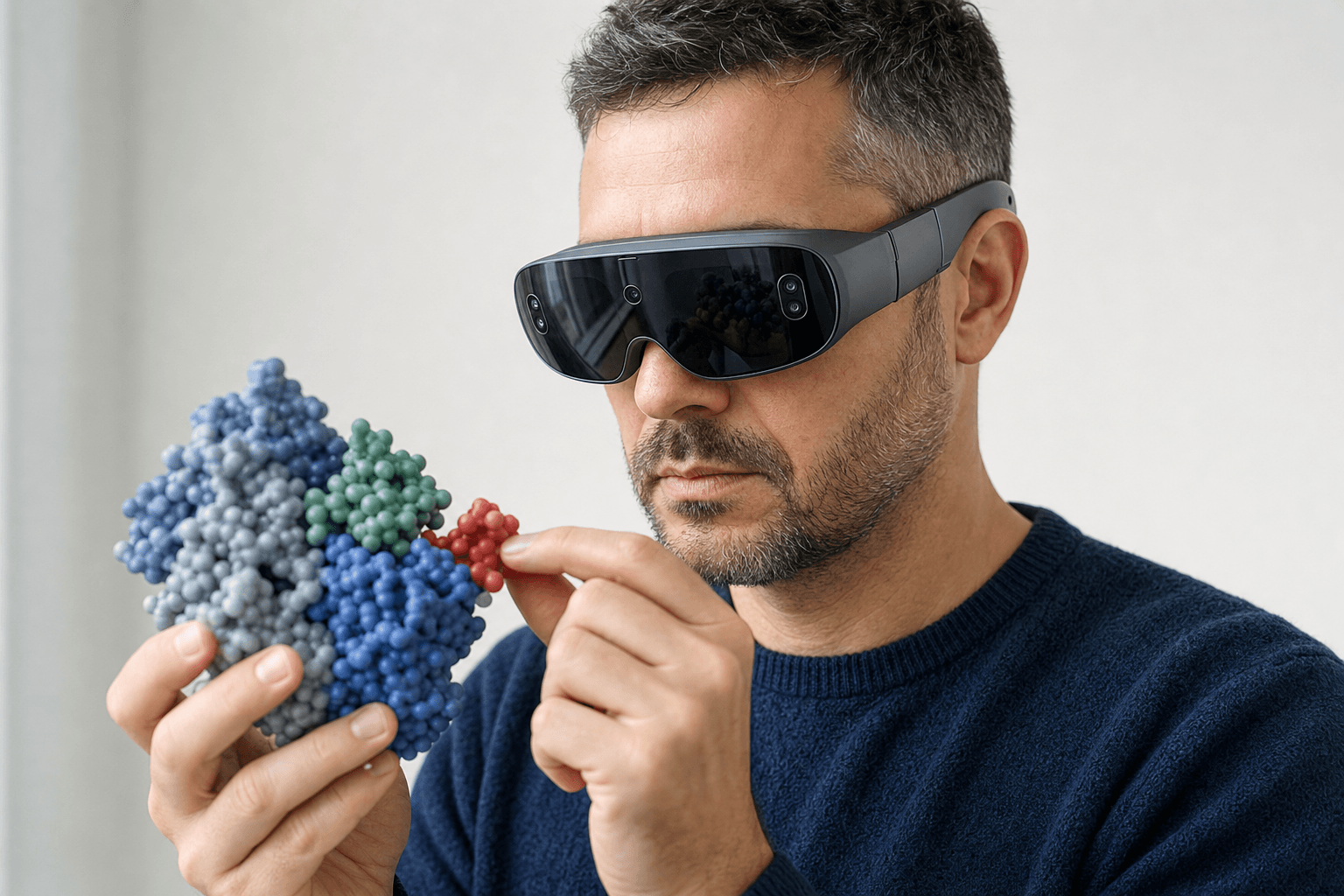 A researcher wearing an ultra-thin VR headset studies a space-filling protein model held close to the chest
Work that centers on physics-based free-energy calculations, high-precision docking campaigns, or the deep modeling Schrödinger has spent years validating is Maestro's home ground, and MOE and Discovery Studio play in the same range. A specialist running rigorous quantitative predictions can do that job without multiplayer or a headset anywhere in the picture.
Nanome fits when several people have to decide together, when seeing a structure at true 3D scale changes what gets noticed, or when a plain-English request should kick off the docking run. Plenty of groups run both: Maestro and LiveDesign for the rigorous computation, Nanome for the shared exploration and the group review around it.
FAQ
Is Nanome an alternative to Schrödinger Maestro?
It overlaps on visualization and diverges from there. Nanome opens the same PDB and SDF structures, then adds real-time multiplayer collaboration, native XR, and MARA. Because it connects to Schrödinger LiveDesign, many teams run it alongside Maestro.
Does Nanome integrate with Schrödinger?
Yes, through Schrödinger LiveDesign. The gadget carries a LiveReport's structures into a shared immersive session while the existing pipeline keeps running. Nanome also connects to CDD Vault, KNIME, Jupyter, Cresset Flare, and OpenEye.
Is a VR headset required?
No. Nanome runs as a browser web app and on Windows desktop with nothing on your head. XR on Apple Vision Pro, Meta Quest, Pico Neo, and HTC Vive Focus 3 is there for the moments immersive 3D helps.
Which file formats does Nanome open?
Structures import as PDB and .ent, mmCIF and its variants (.cif, .mmcif, .mcif, .bcif), SDF, MOL and MOL2, SMILES, XYZ, PQR, and .pdbqt. Vendor and session files import too: Maestro .mae and .maegz, MOE .moe, and PyMOL .pse. Trajectories cover .gro, .xtc, .trr, and .dcd, while a .dx electrostatic map overlays a model that is already loaded. Export is PDB, SDF, or SMILES, single frame, which makes mmCIF, MAE, MOE, and PSE read-only. Full detail lives at docs.nanome.ai.
What can MARA run?
MARA can call 300+ built-in tools across 26 categories: docking, co-folding and structure prediction, electrostatics, ADMET and toxicity, cheminformatics, antibody numbering and CDR definition, de novo binder design, and MD trajectory analysis. Each answer names the tools it called and what they returned.