An SAR meeting is the recurring project review where chemists, biologists and modelers read the structure-activity data off the latest round of compounds and settle what to make next. It runs well when the structure under discussion is in front of everyone at once, when the questions raised in the room get answered inside the hour, and when the reasoning is still legible to whoever wasn't there. Nanome, a collaborative molecular visualization and drug discovery platform, holds that meeting as a shared 3D session: the compounds are laid out beforehand as scenes, saved views of the real structure that step through like an agenda, and colleagues join from a browser tab or a headset. MARA, the AI copilot inside Nanome, docks an analog or returns ADMET numbers while the discussion is still live.
What an SAR meeting has to produce
Two things leave the room. One is a decision: a short list of compounds to make, in some order, with a name against each. The other is the reasoning behind that list, in a form that still holds up 6 weeks later when the assay data lands and the group has to work out whether the hypothesis was wrong or the chemistry was.
Most of the argument in between is spatial. A substituent gains potency because it reaches into a subpocket, or loses it because it bumps a backbone carbonyl at an angle a flat depiction flattens away. Getting the contacts themselves right is a job of its own, and tools for visualizing protein-ligand interactions works through the options.
The shape of the meeting
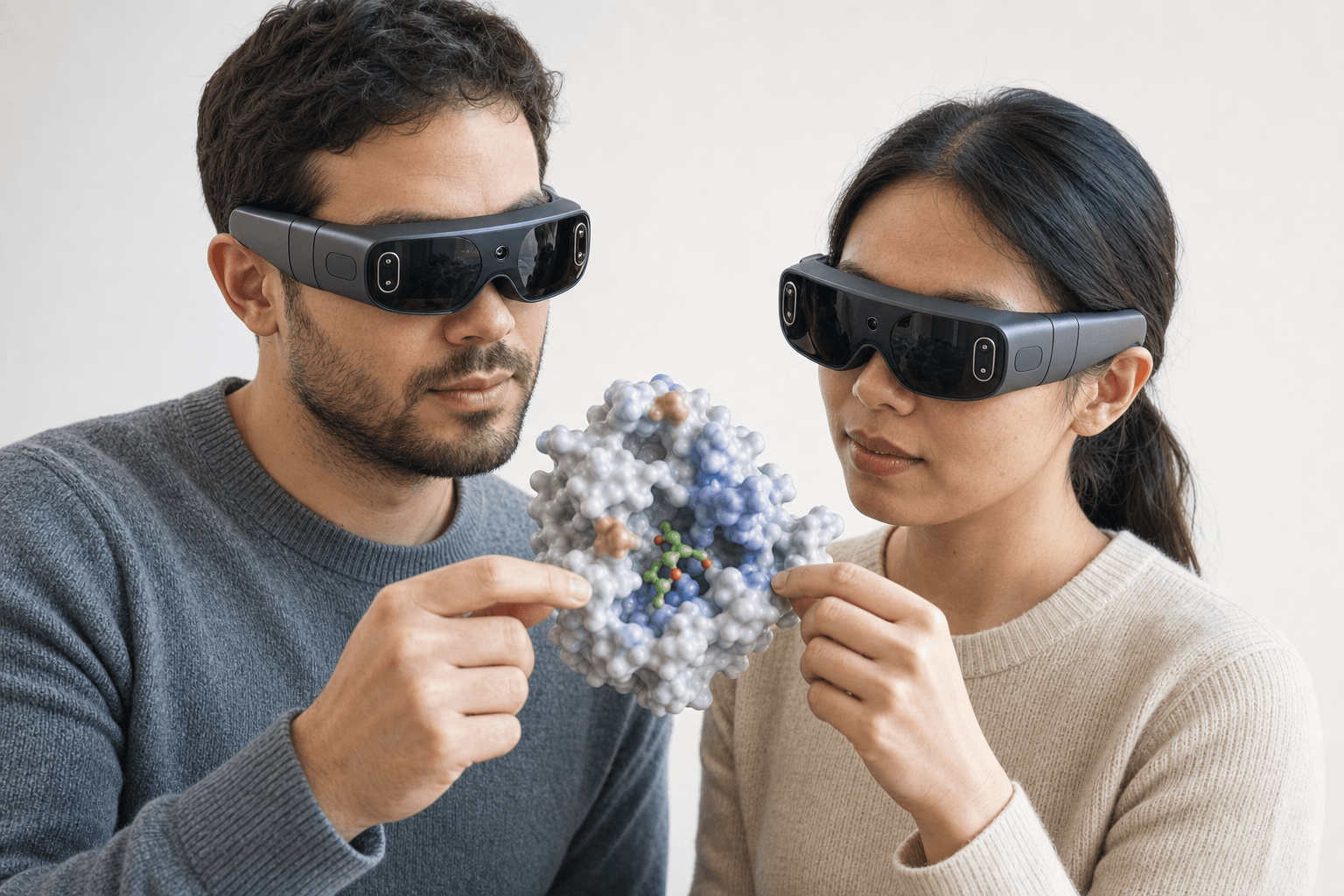 Two colleagues wearing ultra-thin VR headsets examine the same solid protein surface model with a small ligand visible in its binding pocket floating between them
-
Scenes built beforehand. Someone sets up one scene per compound, or per hypothesis if 2 analogs are making the same argument. Scenes shipped with Nanome 2.0, and each carries its own point of view from v2.1.1, so the camera is already where the discussion needs it when that scene comes up. Dragging reorders them, which is usually how the agenda gets its final shape 10 minutes before the call.
-
The room. The session opens in the web app or in a headset, and both kinds of participant are in the same workspace. Colored dots show which scene each person is looking at. Spotlight Mode puts the presenter's view on the screens of everyone following, so a group that has drifted apart can be pulled back to one perspective without anyone reading out camera coordinates.
-
Walking the scenes. The object on screen is the live structure rather than a picture of one, so a question about the far face of the pocket is answered by turning it. Someone who wants to lean in and check a distance can do that while the conversation carries on.
-
The question nobody prepared for. MARA takes it in plain English inside the session: dock the new analog with Smina or DiffDock-L, run ADMET across the short series, compute the interactions around a pose. Every run leaves its own trail: the tool that fired, the structure it was pointed at, and the numbers it sent back. A claim in the meeting notes can be walked back to the job that produced it.
-
What leaves with everyone. A shareable workspace link, whose scenes hold the views the group settled on, and a PowerPoint slide generated from a scene when a slide has to go into a deck anyway.
How teams run it today



| How the meeting runs | What it's good at | When someone asks for a different angle |
|---|---|---|
| A deck of rendered figures, often PyMOL into PowerPoint | Portable and archivable, opens on any device, easy to circulate before and after | The camera was fixed at render time, so the question waits for the next round of figures |
| A screen-share out of Maestro or MOE | Full modeling power live in the meeting, with real measurements on demand | One person drives, and everyone else describes in words what they want moved |
| A Mol* viewer embedded in a page or sent as a link | Opens in any browser with nothing installed and no account, ideal for a public PDB entry | Each viewer turns it privately, so the shared reference frame quietly disappears |
A rendered animation, for example a ChimeraX movie script | Plays anywhere, and the camera path can be composed with real care beforehand | It plays the same way every time, so a new angle means a new render |
| Scenes in a shared Nanome session | Everyone holds one live structure between them, from a browser tab or a headset | Anyone turns it for themselves, and the scene's saved point of view brings the group back |
Where Nanome fits
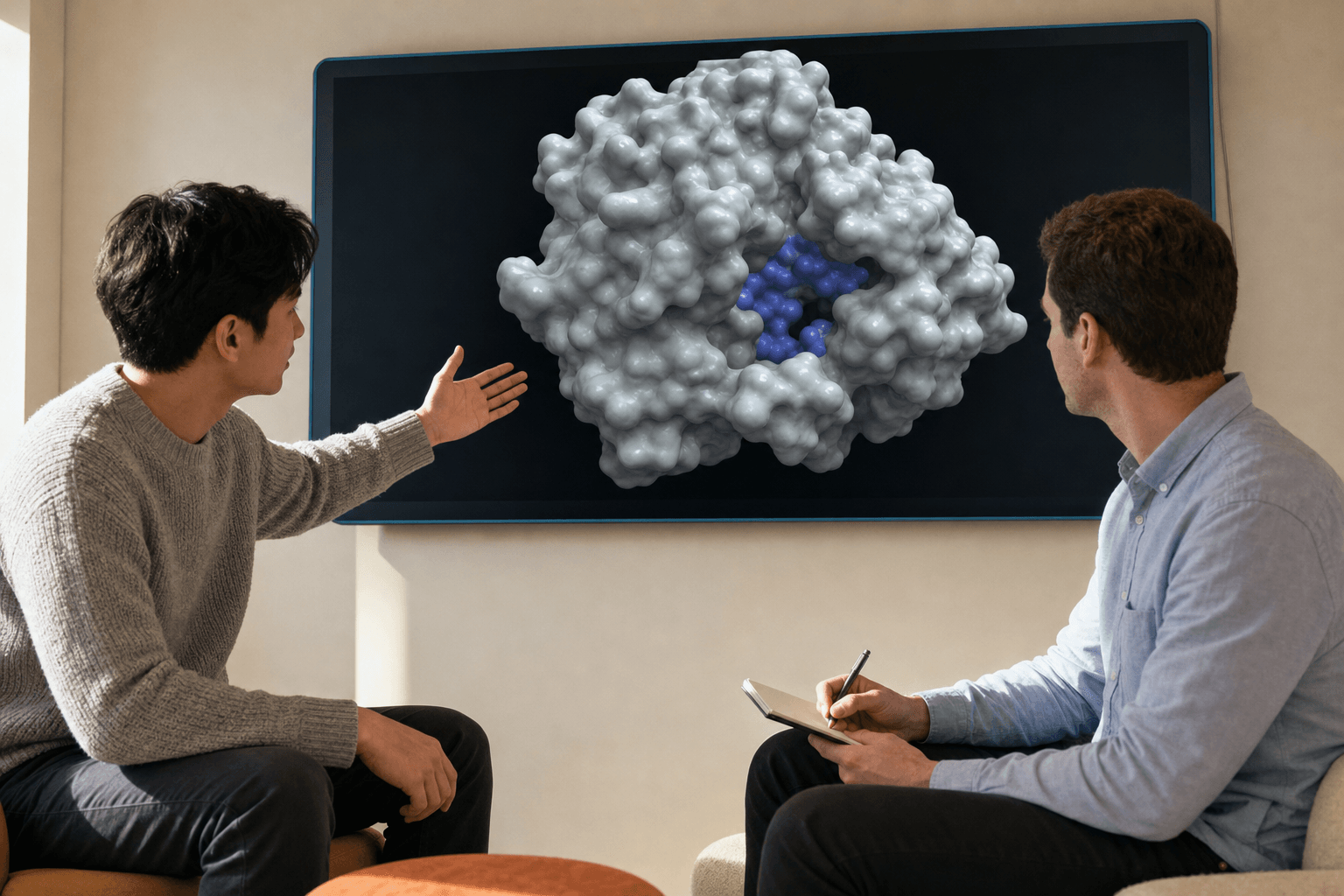 Two colleagues discuss a protein surface structure on a wall-mounted display during a post-meeting review.
Nanome supplies the room and the thing that leaves it. Shareable workspaces arrived with the web app in v2.5, along with projects and permissions, so the meeting has a link and an access list. A biologist who missed the call opens the same scenes in a browser afterwards and sees the pocket at the orientation the argument settled on. A file plus a paragraph of setup notes rarely carries that much.
There's evidence this shape of meeting produces chemistry. A 2019 paper written jointly by a Novartis GNF team and Nanome, published in the Journal of Molecular Graphics and Modelling, documents 4 chemists exploring macrocyclization options together on an active compound inside the software. The series they went on to synthesize held its activity and came back with improved PK properties (doi.org/10.1016/j.jmgm.2019.03.010).
Getting the compounds in takes no conversion step. PDB, mmCIF, SDF, MOL and MOL2, XYZ, PQR, SMILES and PDBQT all load, as do Maestro .mae and .maegz files, MOE .moe files and PyMOL .pse sessions, though those last 4 travel in one direction only. What Nanome writes back out is PDB, SDF or SMILES, one frame at a time. More on supported formats.
The wider case for running med chem discussions this way sits in VR for medicinal chemists, and the mechanics of building the scenes are in what a modern molecular presentation looks like.
When a deck and a call is the right pick
A 20-person portfolio review is a deck. Coverage is the job there, one slide per program, and nobody is turning a pocket while 19 people wait for the next agenda item.
An external partner with no account is a link. For a public PDB entry, a Mol* viewer embedded in a page wins outright on the thing that matters most in that moment: the recipient clicks, the structure is there, nothing installed and nobody provisioned. ChimeraX has a genuine answer here too. Its movie command composes a camera path and writes a file that plays on any laptop in any conference room, with no session to join.
And some meetings turn on a number rather than a shape. If the decision hangs on a DMPK column or a potency ranking, a table settles it faster than any 3D view will. Write-ups of projects where the 3D did carry the decision sit at nanome.ai/case-studies.
FAQ
What is an SAR meeting?
A recurring project review where the team reads structure-activity data from the latest compounds and decides what to make next. Chemists, biologists and modelers are usually all in it. Two things come out: a synthesis list, and the reasoning that justifies it well enough to revisit when the next assay data arrives.
How do you run an SAR meeting with a remote team?
Everyone joins one shared session rather than watching a screen-share. In Nanome the compounds are already laid out as scenes with their own saved camera angles, colored dots show which scene each person is on, and Spotlight Mode lets the presenter put their view on everyone else's screen. The workspace link then carries the whole meeting to anyone in a time zone that couldn't make it.
Can biologists take part without a headset?
Yes. The Nanome web app runs in a browser tab with nothing to install, and a colleague in a headset and a colleague on a laptop share the same session and the same molecule. Mixed rooms like that are the normal case for an SAR review: the modeler in the headset and the biologist on a laptop are in one session, looking at one pocket.
What comes out of the meeting?
A decision and a record of it. In practice that means a shareable workspace holding the scenes and the views the group agreed on, a PowerPoint slide generated from a scene when the deck still needs one, and a log of the tools MARA ran with their inputs and results, so a number quoted in the follow-up email can be traced to the run that produced it.