Nanome is a collaborative molecular visualization and drug discovery platform that runs in a browser web app and on XR headsets. It loads PDB and SDF structures, pulls from RCSB PDB, PubChem, and DrugBank, and hands its built-in AI copilot, MARA, 300+ integrated scientific tools reachable over an open REST API and MCP servers. Most comp-chem teams already run several specialized packages, and Nanome sits on top of that stack as the AI copilot and the shared 3D space where the whole team looks at the same molecule.
Computational chemistry spans a set of distinct jobs, and different software is good at different ones.
The categories of a comp-chem stack
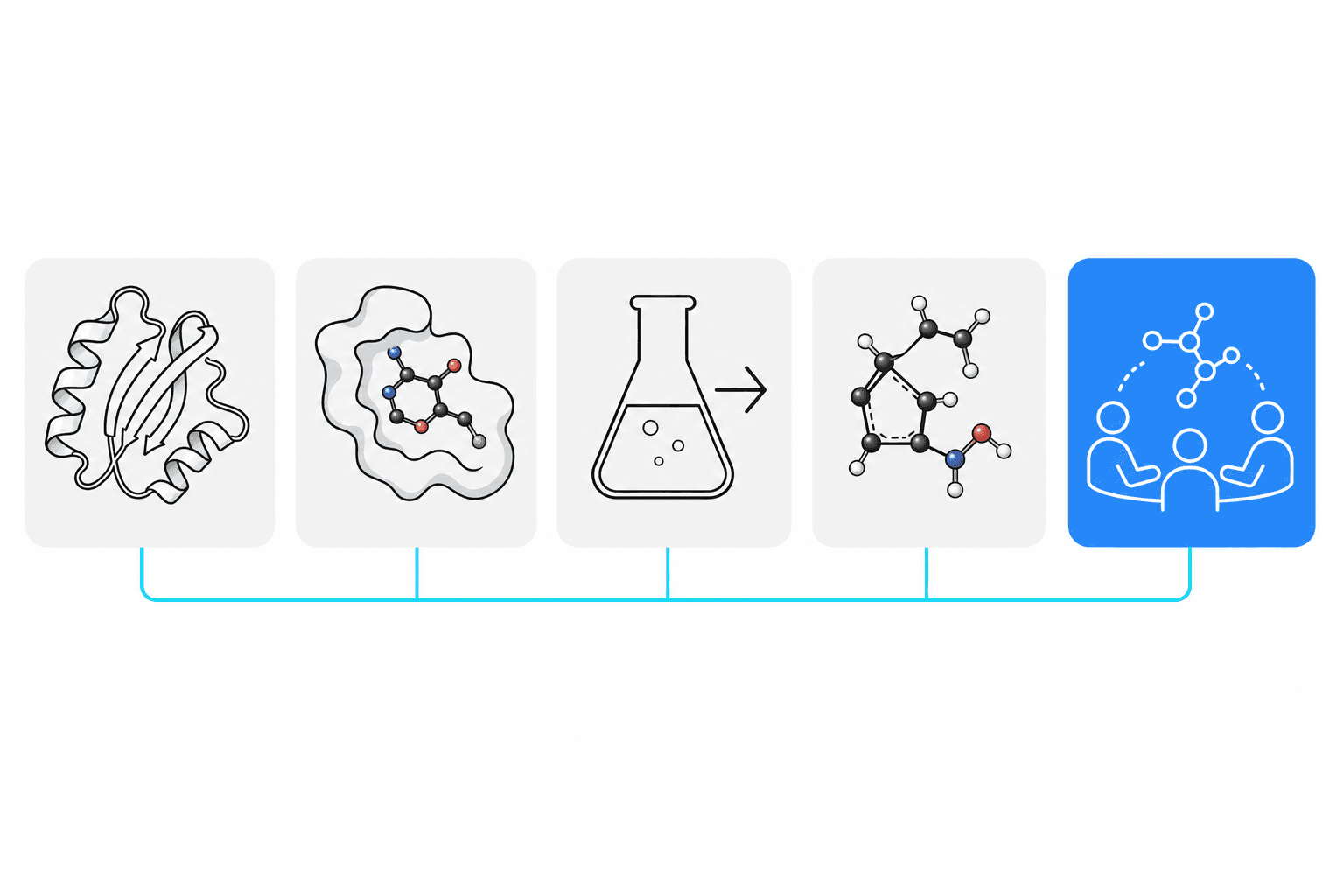 Five flat icons in a row represent the five job categories of a computational chemistry stack: structure prediction, docking, ADMET, cheminformatics, and collaborative visualization.
A working drug discovery team usually touches five kinds of software:
- Structure prediction and modeling. Fold a sequence, model a complex, predict a pose. AlphaFold 3 and Boltz-2 both sit here, and MARA calls either one.
- Docking and pose generation. Fit a ligand into a pocket and score it. Schrödinger's Glide, OpenEye's OEDocking, and open engines like AutoDock Vina cover this. Nanome imports AutoDock
.pdbqtfiles, converting them to PDB on load (new in 2.6.0, with charges dropped), so a docked pose drops into the shared 3D workspace ready to inspect. More on supported formats. That half of the stack gets its own write-up in software for molecular docking visualization. - ADMET and property prediction. Estimate absorption, toxicity, solubility, and drug-likeness before anything gets made.
- Cheminformatics. SMILES handling, similarity search, R-group decomposition, matched molecular pairs, library enumeration.
- Visualization and collaboration. See the molecule in 3D, share it, mark it up, decide together.
Each of the named suites is strong in one or more of these. Here's roughly where they land.
Where the major tools fit

| Software | Its strength | How Nanome connects |
|---|---|---|
| Schrödinger (Maestro, LiveDesign, Glide) | Physics-based docking, FEP, a full desktop suite | Nanome integrates with LiveDesign, so poses and data travel between them |
| OpenEye / Cadence | Shape and electrostatic similarity, docking, cheminformatics toolkits | MARA runs shape and electrostatic similarity jobs, and the hits render in the shared 3D workspace |
| MOE (Molecular Operating Environment) | Structure-based design, protein prep, medicinal chemistry workflows | A listed Nanome integration; Nanome adds real-time multiplayer review of the same structures |
| CDD Vault | Cloud registration, assay data, SAR management | Nanome integrates with CDD Vault, putting compound context one click from the structure |
| Cresset (Flare) | Field-based design, electrostatics, ligand-focused modeling | Nanome sits alongside Flare, adding immersive XR viewing and MARA automation |
Nanome integrates with these rather than replacing them. Groups that do their physics-based work in Maestro or MOE keep doing it there. Maestro .mae and .maegz files import directly (.maegz arrives through the LiveDesign gadget), and so do MOE .moe files, so a structure built in either one opens in the shared workspace without a rebuild. More on supported formats. What sits on top is an AI copilot that runs tools from plain-English requests, and a shared 3D room, browser or headset, where people look at the result together.
AI-powered molecular analysis with MARA
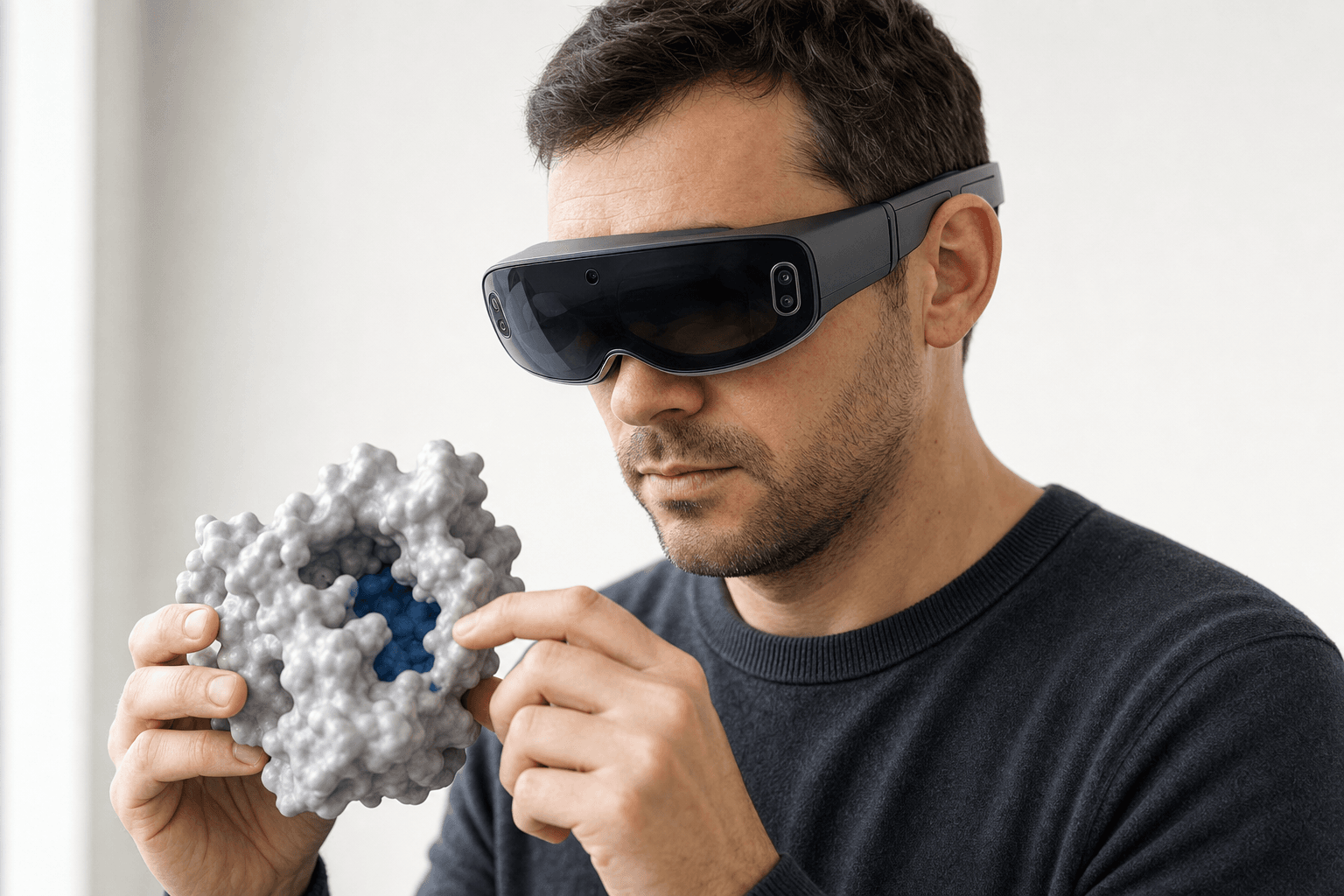 A researcher wearing an ultra-thin VR headset studies a solid protein surface model with a visible binding pocket held close to the chest
You ask for something in plain English, and MARA runs the tool.
The catalogue covers docking, co-folding, electrostatics with APBS, and ADMET prediction, plus structure prediction from AlphaFold 3, Boltz-2, and several other engines, de novo binder design with RFdiffusion3 (beta), sequence design with ProteinMPNN, antibody numbering and CDR definition with ANARCI, cheminformatics, and molecular dynamics trajectory analysis. Docking itself runs on Smina and DiffDock-L.
Every run comes back with the tool that executed, the inputs it took, and the output it produced. A reviewer can retrace the chain rather than take a number on faith, which is the part that decides whether the result is usable in a project meeting.
With 300+ tools across 26 categories behind one interface, MARA chains them. A docking run feeds an ADMET check, which feeds a pose comparison, and nobody converts a file by hand in between.
Antibody projects lean on a narrower slice of that catalogue, and software for computational antibody design walks through it.
The collaboration and visualization layer
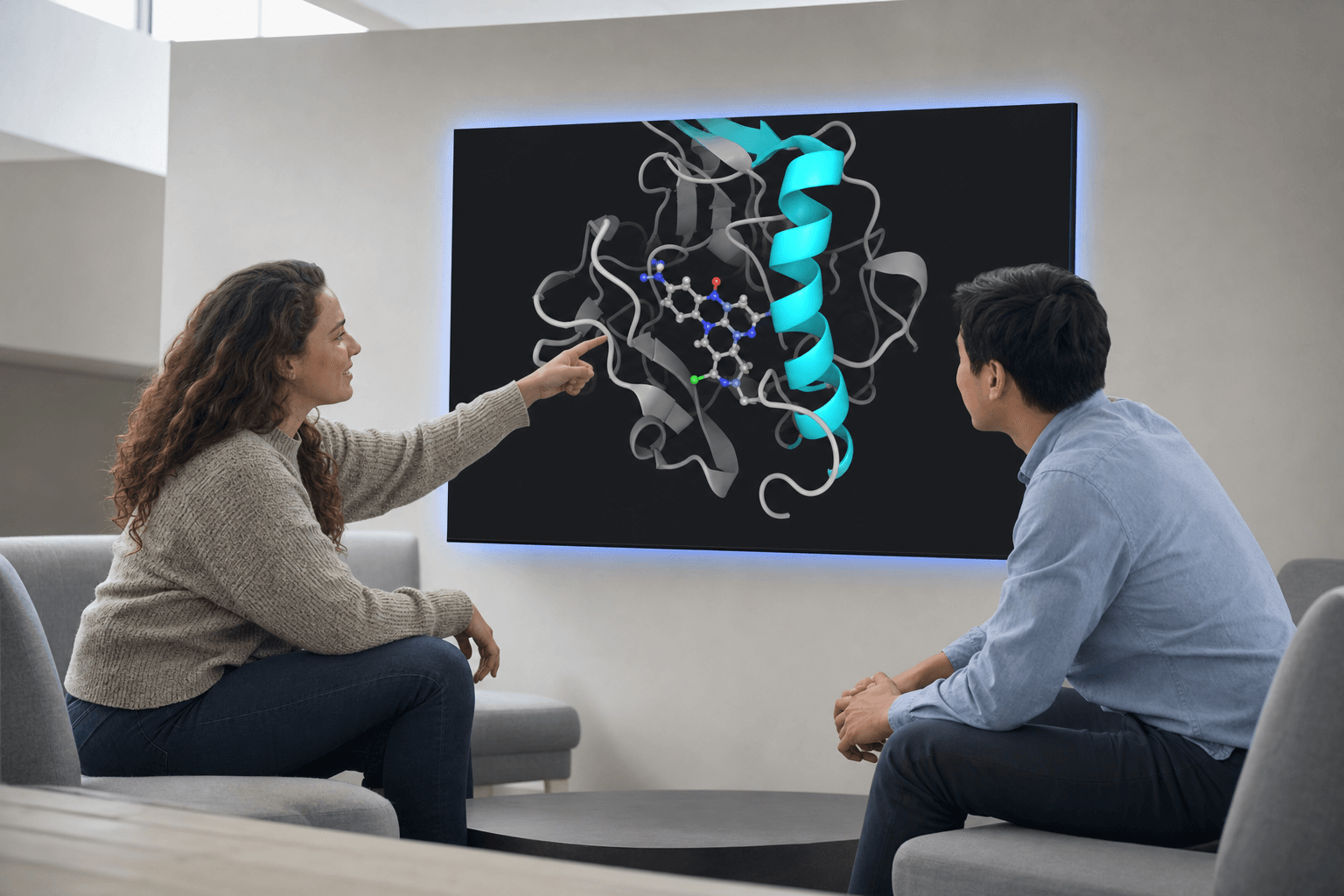 Two colleagues discuss a protein-ligand structure displayed on a large wall panel in a bright lounge, pointing at the ribbon cartoon and bound ligand.
PyMOL, ChimeraX, VMD, Avogadro, and Coot are excellent viewers and editors, driven by a GUI or a script, one person at a workstation. Nanome meets their files where they sit. PyMOL .pse sessions import for viewing, and the ordinary structure formats this group passes around (.pdb, .cif, .sdf, .mol2, .xyz, .pqr) import and stay editable.
Trajectories come across from your simulation engine. Load a .gro standalone, or attach .xtc, .trr, or .dcd frames to a model that's already open, matching atom counts. Playback carries a 2000-frame cap. More on supported formats.
Real-time multiplayer is what Nanome adds on top. Several people load the same structure, walk around it at native scale, and edit it live. That runs on Apple Vision Pro, Meta Quest, HTC Vive Focus 3, and Pico Neo, on Windows desktop, and in a browser tab.
For molecular dynamics, playback plus shared review is what moves a stalled conversation, and it counts most when a computational group and a bench group have to agree on what a simulation means. Resonac worked through exactly that. Its computational team spent close to two years on GROMACS simulations of a vitamin C derivative used in cosmetic formulations, showing that lauryl alcohol wraps the molecule in a micelle while behenyl alcohol stacks into flat lamellar sheets. Reduced to plots and cross-sections, the two arrangements read much the same, so the experimental team stayed on its established route. Putting the trajectories in front of both teams in 3D settled the question in an afternoon. The experimental iteration cycle that had been running six months came down to two or three days.
Regulated groups can run Nanome and MARA inside their own perimeter, single-tenant cloud or on-prem.
Where a dedicated package is the better call
Rigorous free-energy perturbation, a mature docking engine, or a specific validated pipeline belongs in the suite built for it: Schrödinger, MOE, OpenEye. Nanome doesn't reimplement that physics.
Nanome's contribution sits one layer up: an AI copilot driving those tools, provenance a reviewer can audit, and a 3D room where the team looks at the molecule together. A wider survey of the viewers in that layer sits in the best molecular visualization tools. More of the published work is in Nanome's publications, and the write-ups live at nanome.ai/case-studies.
FAQ
What's the top drug discovery software for computational chemistry?
It depends on the job. Schrödinger, OpenEye, MOE, Cresset, and CDD Vault each own a slice of the workflow. Nanome ties them together, with MARA as the AI copilot and a collaborative 3D layer over the top, backed by 300+ integrated tools across 26 categories.
What are AI-powered molecular analysis tools?
Software that takes a high-level request and runs docking, folding, ADMET, or design against it, in place of hand-tuned scripts. MARA is Nanome's. It reports the tool it called along with the inputs and outputs, so the work stays checkable.
Does Nanome replace Schrödinger or MOE?
No. Schrödinger's LiveDesign, CCG MOE, and CDD Vault are all listed Nanome integrations. Nanome adds real-time collaboration, immersive XR, and AI automation over them.
What file formats does Nanome support?
Support comes in tiers. Structures import and stay editable: .pdb and .ent, .cif / .mmcif / .mcif / .bcif, .sdf / .sd / .mol, .mol2, .smi, .xyz, and .pqr. AutoDock .pdbqt imports for viewing, converted to PDB with charges dropped. Vendor and session files also import for viewing only: Maestro .mae and .maegz, MOE .moe, and PyMOL .pse. Frame trajectories are .gro standalone plus .xtc, .trr, and .dcd attached to an already-open model with a matching atom count. Electrostatic maps come in as .dx overlays on a loaded model. Export is PDB, SDF, or SMILES, single frame; mmCIF, MAE, MOE, and PSE are import-only, and neither trajectories nor whole workspaces export. Full format table.
Can I use Nanome without a VR headset?
Yes. The browser web app needs nothing beyond a laptop. Apple Vision Pro, Meta Quest, HTC Vive Focus 3, and Pico Neo headsets, plus Windows desktop, are options rather than requirements.