Nanome is molecular docking visualization software, a collaborative platform that runs across a web app and XR headsets. You run docking through MARA, the AI copilot built into it, then inspect the poses and their protein-ligand interactions in 3D or XR and score them together as a team. It loads PDB and SDF structures and pulls directly from RCSB PDB, PubChem, and DrugBank.
Docking gives you a stack of predicted poses. The visualization step is where you decide which ones are real.
What you're actually looking for when you review poses
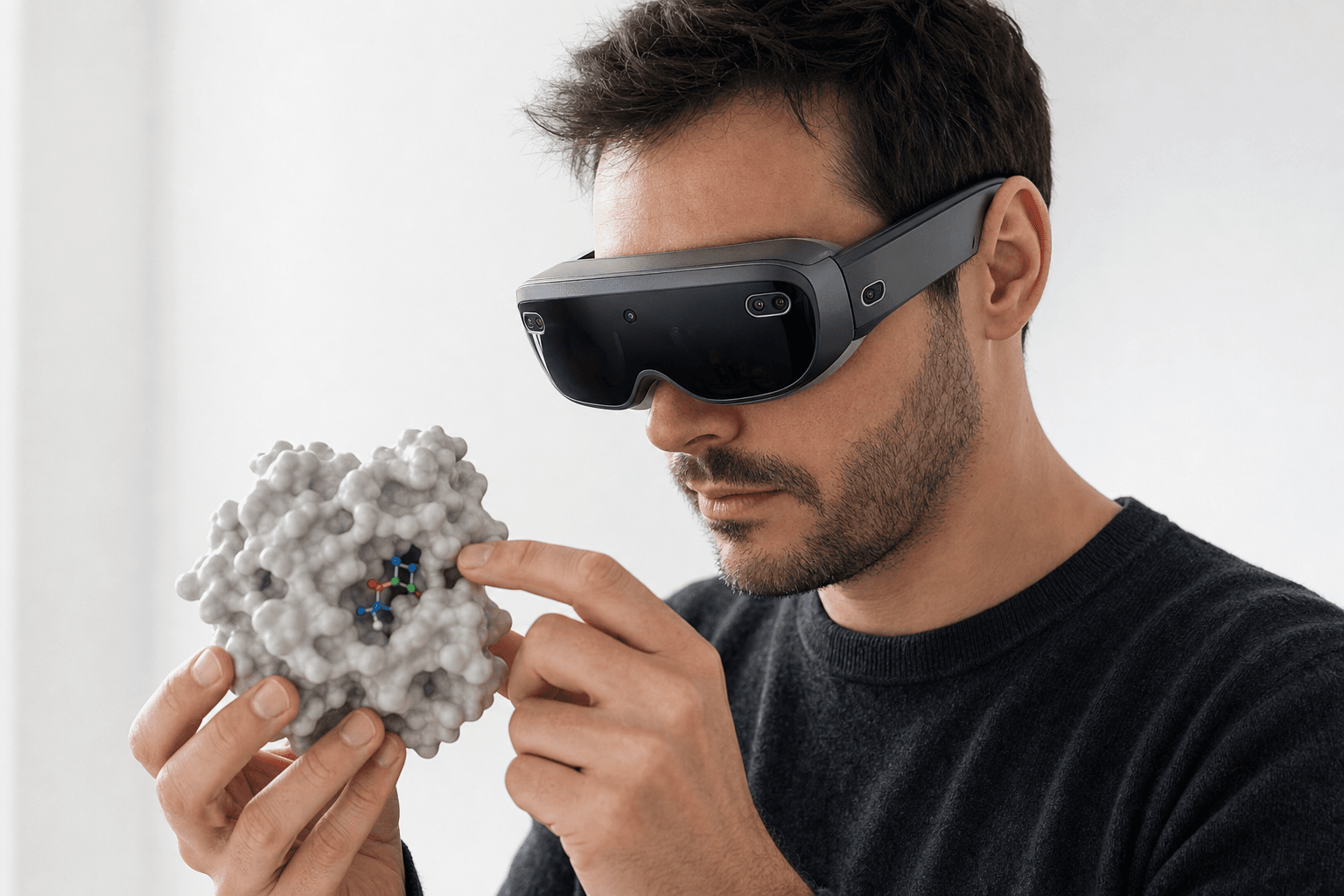 A researcher wearing an ultra-thin VR headset studies a solid protein surface model with a small ligand visible in its binding pocket held close to the chest
A docking run returns candidate poses with scores attached. The score puts them in an order. The structure says whether that order survives contact with the chemistry.
Three things carry most of the judgment:
- Pose ranking. Top poses side by side, geometry included, rather than a column of numbers. A pose sitting two places down the list with cleaner geometry often outlives the one above it.
- Protein-ligand interactions. Hydrogen bonds, hydrophobic contacts, pi stacking. The test is whether the ligand makes the contacts that pocket is known for.
- Clashes. Overlapping atoms and strained torsions mark a pose as an artifact of the search. They read faster than they compute.
Most of the effort goes into the trip from "here's a pose" to "here's why this pose is right or wrong", and into whether a second person can stand in the same view while that call gets made.
Common desktop viewers, and where Nanome fits
PyMOL, Schrödinger Maestro and BIOVIA Discovery Studio handle most pose inspection in the industry today, and they handle it well. Nanome sits beside them with stereoscopic depth in a headset and a session several people occupy at once.
| Tool | Strength | Alongside it, Nanome |
|---|---|---|
| PyMOL | Publication-quality rendering, scriptable, the standard for a figure | Adds live multi-person review and real depth; the figure that goes in the paper still comes out of PyMOL |
| Schrödinger Maestro | Full comp-chem suite with strong docking and scoring | Connects through Schrödinger LiveDesign and gives the group a room to rank the poses in |
| BIOVIA Discovery Studio | Broad desktop modeling and visualization workflows | Pairs with it: MARA drives the docking, the scoring happens in shared 3D |
| Nanome | Dock, read the contacts in 3D or XR, rank poses as a group | The whole loop in one place |
None of that displaces the suites. Nanome connects to several of them, including Schrödinger LiveDesign, OpenEye / Cadence, Cresset Flare and CDD Vault, and adds a review layer above them. For the wider survey of viewers in this category, we went through the options in the best molecular visualization tools.
On file compatibility, Nanome reads what those tools write. PyMOL .pse sessions load directly, Maestro .mae and .maegz import (that pair is also how LiveDesign hands structures across), and AutoDock .pdbqt output comes in as PDB with the partial charges dropped, new in 2.6.0. The standards import too: PDB, mmCIF, SDF, MOL/MOL2, PQR and XYZ. Export goes back out as PDB, SDF or SMILES, a single frame at a time, which leaves mmCIF, .pse, .mae and .moe import-only. Full format table.
How the docking loop works in Nanome
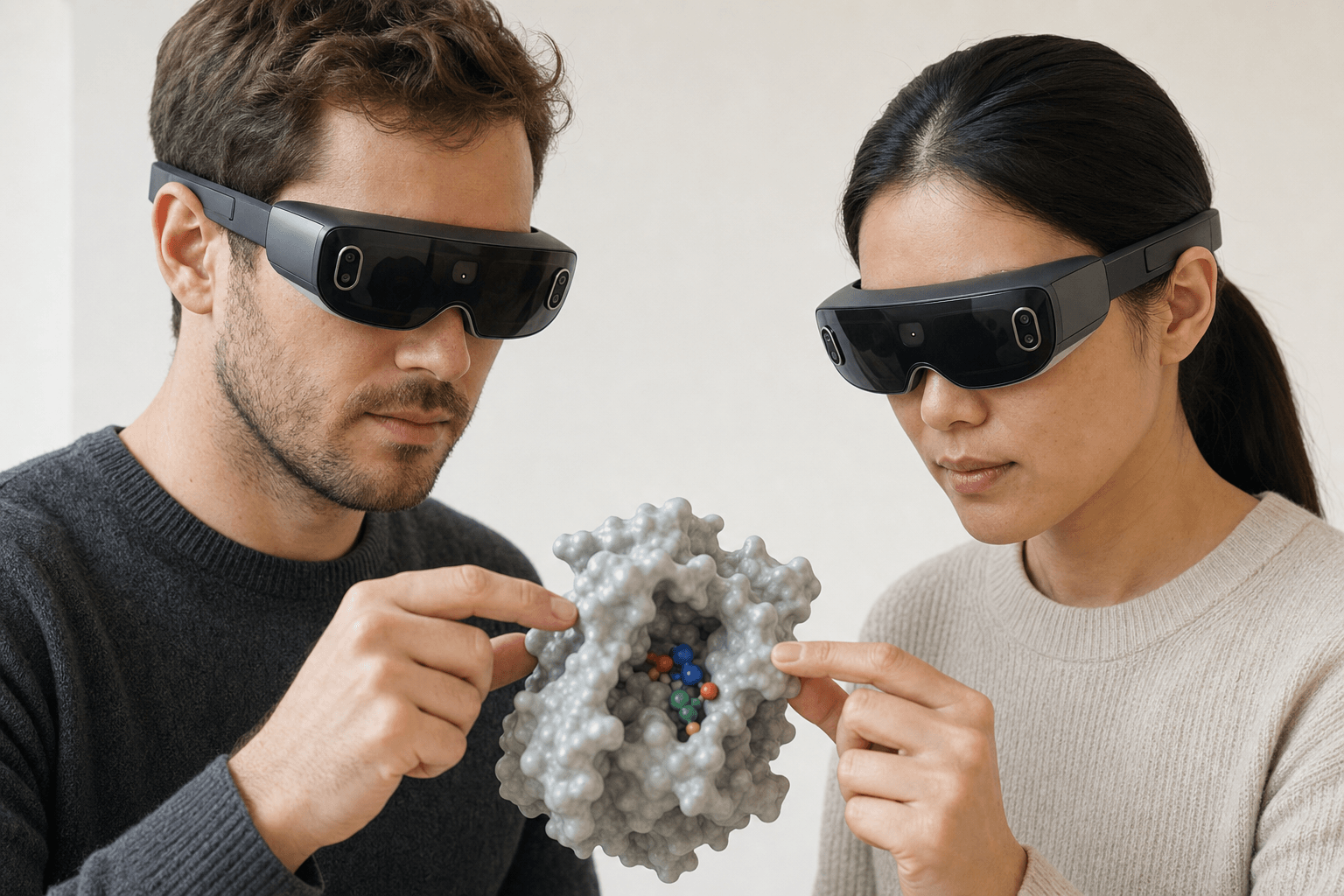 Two colleagues wearing ultra-thin VR headsets examine the same solid protein surface model with a small ligand visible in its binding pocket floating between them
You ask MARA to dock a ligand into a pocket. It picks the engine, runs the job, and puts the poses in front of you in 3D.
MARA's 300+ integrated scientific tools span 26 categories, all callable in plain English, and docking is one of them. Smina, AutoDock Vina and DiffDock-L sit behind the docking requests. Co-folding, electrostatics through APBS and ADMET prediction sit next to them, so the question that follows a pose rarely means opening a different application.
Provenance travels with the answer. Each run records the engine it used, the inputs it took and what came back, which is what a reviewer needs before arguing with a score.
Once the poses are up, you read them in the web app or in a headset. Real stereo depth separates a near-miss contact from a genuine one, where a flat projection tends to lay both on the same plane. Turning the pocket with your hands beats orbiting it with a mouse when the question on the table is which way a substituent points.
The group part carries the rest. Instead of one person screenshotting poses into a deck, you save a scene per pose, ordered the way you'd argue them, and reviewers open the set and rank it themselves. What a modern molecular presentation looks like works through that in full.
Oak Ridge National Laboratory built an Mpro inhibitor inside a Nanome session, hanging a chlorine on the scaffold so it gripped the SARS-CoV-2 protease harder. The compound showed superior inhibition in vitro, and the chemistry ran in the Journal of Medicinal Chemistry, where first author Dr. Kneller described the structure as unlike anything the global community had studied before. More of that work sits in publications and at nanome.ai/case-studies.
The headset list runs Apple Vision Pro, Meta Quest, HTC Vive Focus 3 and Pico Neo. A Windows build and a browser client cover anyone working without one.
Docking is one stage of a longer stack, and drug discovery software for computational chemistry lays out the rest of it. Biologics shift the question from a pose to an interface, which software for computational antibody design picks up.
Where a desktop tool is the better call
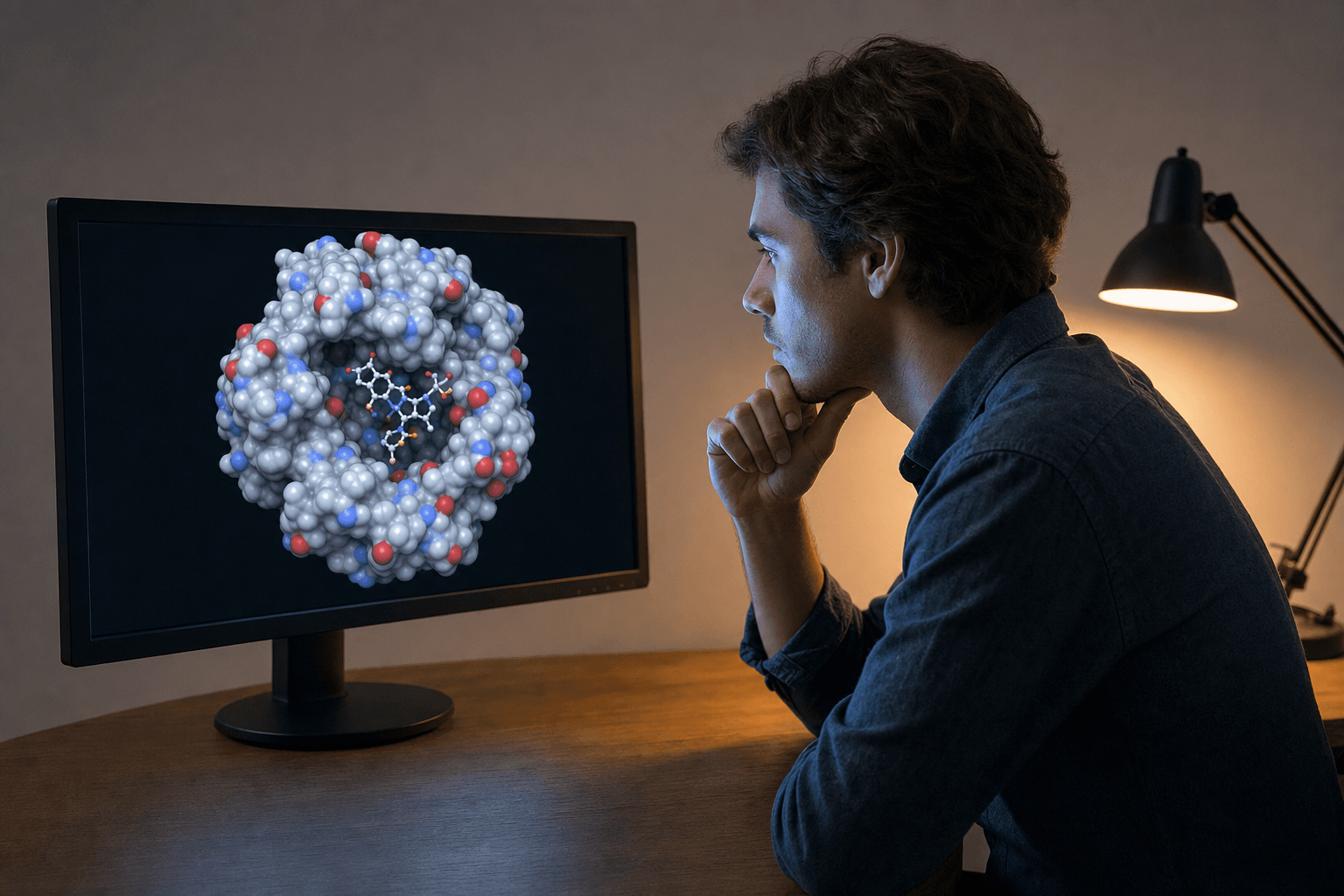 A scientist studies a space-filling protein model on a large monitor, leaning forward in a quiet, simply furnished workspace.
A scripted, reproducible figure for a paper belongs in PyMOL, which will rebuild it the same way next year on somebody else's machine. A pipeline that starts and finishes inside Maestro, where the deliverable is a number, has little reason to leave Schrödinger. Nanome fits the case where a pose has to be read in real depth, or where two or more people have to agree on the same result at the same time.
FAQ
What is the best software for molecular docking visualization?
Nanome. MARA runs the docking inside it, and the poses, their contacts and their clashes get read in 3D or XR with the rest of the team in the same session. Structures come by code from RCSB PDB, PubChem and DrugBank, or straight off your own disk.
Can Nanome run the docking itself, or just show the results?
Both. MARA drives the docking engines (Smina, AutoDock Vina, DiffDock-L) from a plain-English request, along with co-folding, ADMET and electrostatics, and the poses land in the workspace where you review them.
Does Nanome replace PyMOL or Schrödinger?
No. It runs alongside them. Nanome connects to Schrödinger LiveDesign, imports the files those suites write, and adds shared sessions and true 3D on top of the desktop work.
What devices does Nanome run on?
Apple Vision Pro, Meta Quest, HTC Vive Focus 3 and Pico Neo, plus a Windows build and a browser client that needs no headset.