The best free molecular visualization software depends on what you're doing, and the short list of open tools comes down to PyMOL (the open-source build), UCSF ChimeraX, VMD, and Avogadro. Nanome fits here too. It's a collaborative molecular visualization and drug discovery platform that runs in a browser web app and on XR headsets, with an AI copilot called MARA built in, and its free Starter web seat opens PDB and SDF structures in a browser with no headset and no install.
All 5 have a genuinely free path. What "free" buys differs in each case.
What "free" actually means here
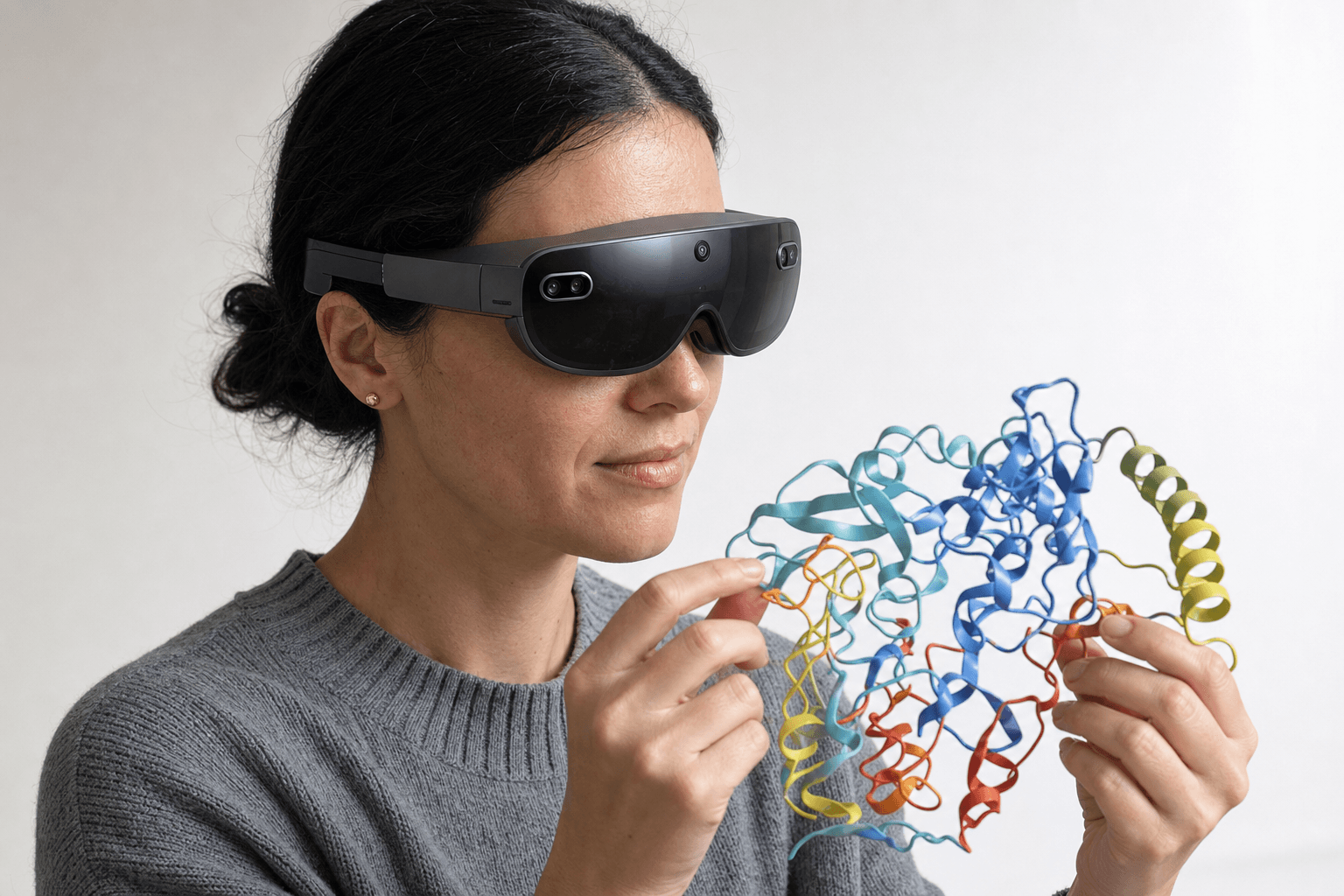 A researcher wearing an ultra-thin VR headset studies a ribbon-cartoon protein structure held close to the chest
Free splits two ways. Open-source software (the PyMOL source build, ChimeraX, VMD, Avogadro) downloads and runs on your own hardware, usually under an academic or non-commercial license. A free tier of a commercial product, like Nanome's Starter web seat, hands you a working account at no cost, with the rest of the product behind paid tiers.
Both count as free. The trade sits in different places: a local install with a deep scripting layer on one side, a browser session other people can walk into on the other.
Four open tools, and a free seat




| Tool | Strongest at | What Nanome adds beside it |
|---|---|---|
| PyMOL (open-source build) | Rendered figures for papers, Python scripting, a wide plugin ecosystem. Desktop, one person at the keyboard. | Nanome reads PyMOL .pse sessions on import and wraps live multi-user review and native 3D around the same PDB and SDF coordinates. |
| UCSF ChimeraX | Successor to Chimera. Density maps, very large assemblies, an analysis command line beside the GUI. | Nanome opens the same coordinate files and holds them in a workspace colleagues can join from a browser tab. |
| VMD | Very large systems and simulation output, scripted through Tcl and Python. A long history in simulation-heavy labs. | Nanome opens the same structures and puts a group inside them at full scale. |
| Avogadro | Building and editing small molecules, quick geometry cleanup. Light, and quick to pick up. | Nanome opens SDF ligands and fetches from PubChem, so a molecule sketched in Avogadro lands in a shared workspace. |
| Nanome (free Starter seat) | PDB and SDF structures in 3D in a browser tab, with nothing installed and no headset in the room. | This is the free tier. Headset access and the full MARA tool library sit on the paid tiers. |
PyMOL is the usual first stop. The open-source build costs nothing, the scripting goes deep, and the renders end up in papers. Nanome imports PyMOL .pse sessions, while saving out stops at PDB, SDF and SMILES, so file traffic between the two runs one direction. More on supported formats.
ChimeraX is the specialist for cryo-EM density maps and big assemblies. Avogadro suits sketching a small molecule and tidying its geometry. VMD sits with the simulation-heavy groups. All 4 run locally, all 4 cost nothing, and for solo desktop work they cover the job. A wider survey that takes in the paid suites as well is in the best molecular visualization tools.
Nanome opens the coordinate files those tools write: PDB and mmCIF, SDF, MOL2, SMILES, XYZ, PQR, and PDBQT since 2.6.0. A structure crosses over without a conversion step in between.
Where Nanome's free seat comes in
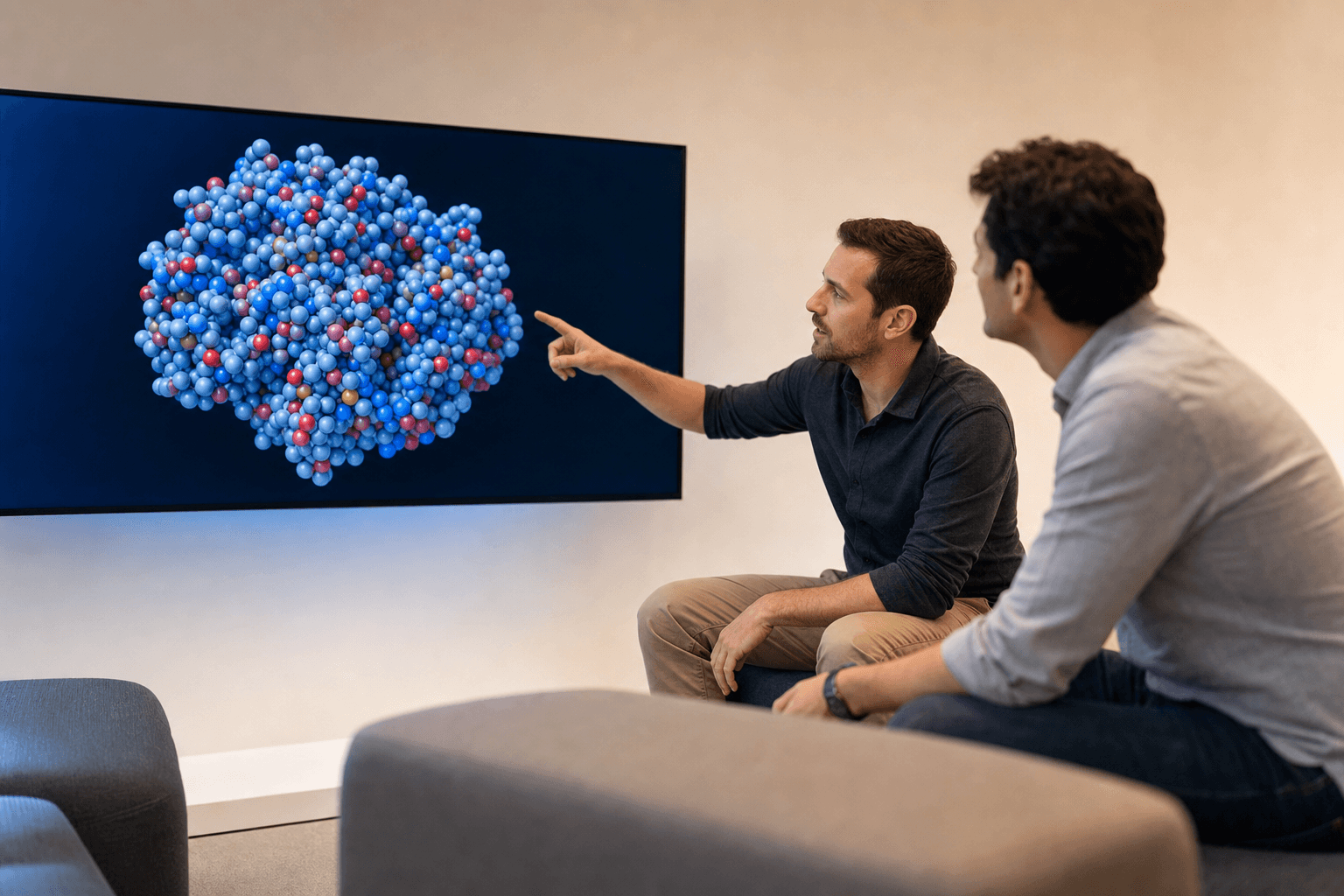 Two colleagues in a bright lounge area discuss a space-filling protein structure shown on a large flat display, both pointing toward the same region of the molecule.
The free Starter web seat runs in a browser tab. It opens PDB and SDF structures and fetches straight from the RCSB PDB, PubChem and DrugBank, so a structure arrives without a download and a drag.
Two things set it apart from a desktop viewer. Several people hold one structure at the same time, each reaching into the model from wherever they are, instead of one person narrating a screen share. And the workspace renders molecules in native 3D, which is what the headset tiers build on.
Nanome also sits beside the software a group already owns. KNIME and Jupyter on the pipeline side, Schrödinger LiveDesign and Cresset Flare on the modeling side, CDD Vault on the data side. It tends to work alongside those tools rather than take their place.
What the paid tiers add
The free web seat covers browser visualization. Two things sit above it.
Headsets are the first: a structure at full scale in native 3D, on Apple Vision Pro, Meta Quest, HTC Vive Focus 3 or Pico Neo, with a Windows desktop build alongside them.
Nanome's AI copilot, MARA, is the second. It reaches 300+ integrated scientific tools across 26 categories, with a REST API and MCP servers underneath for scripted access. You describe the job in plain English and MARA runs it: docking with Smina or DiffDock-L, structure prediction on engines including AlphaFold 3 and Boltz-2, electrostatics through APBS, ADMET and toxicity prediction, de novo binder design with RFdiffusion3 (beta), sequence design with ProteinMPNN, and antibody numbering and CDR definition with ANARCI. Every run names the tool it called, the inputs it took and what came back, so a reviewer can retrace it.
The antibody side of that gets a fuller treatment in software for computational antibody design, and where this layer sits in a broader stack is the subject of drug discovery software for computational chemistry.
Where each one lands
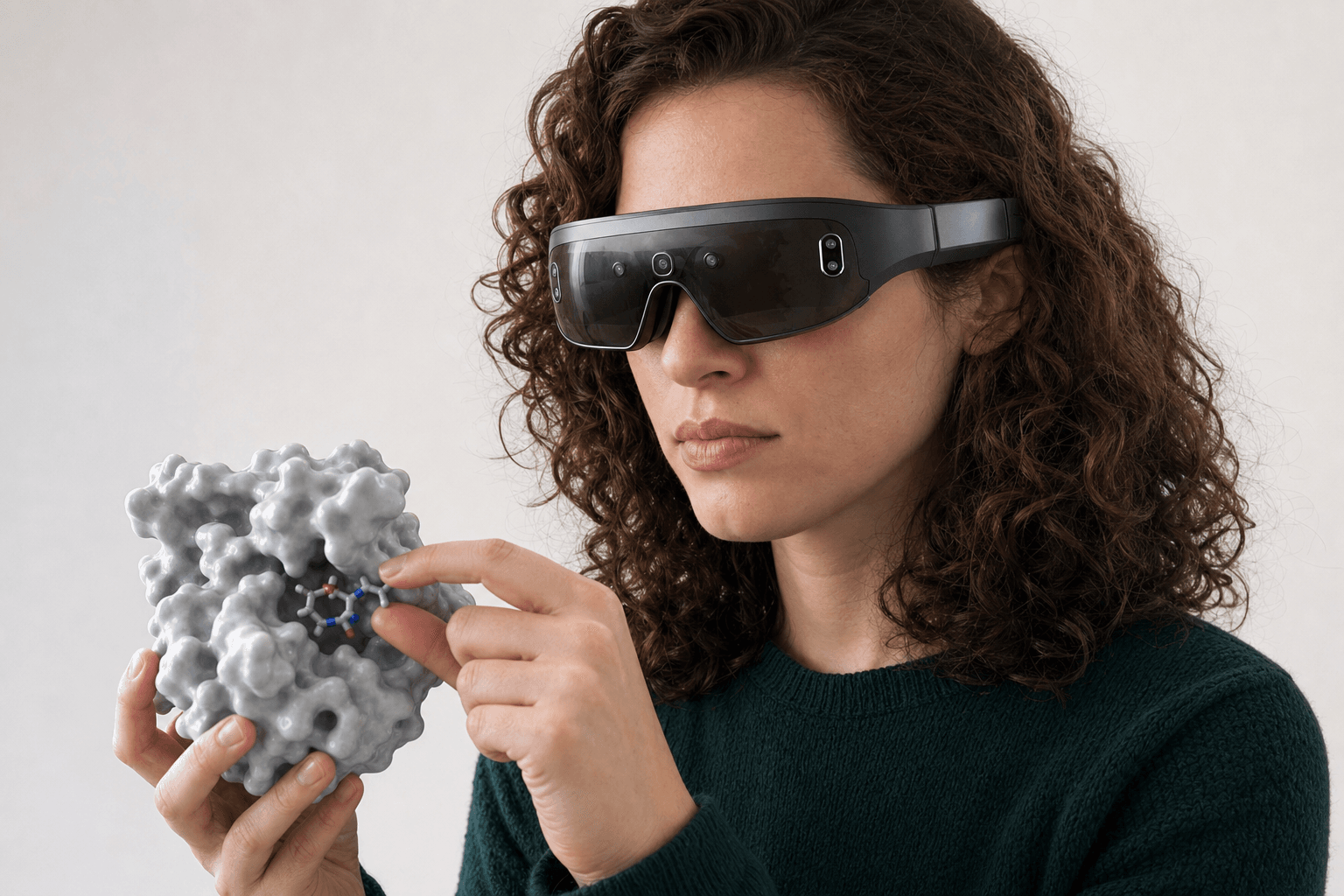 A researcher wearing an ultra-thin VR headset studies a solid protein surface model with a small ligand visible in its binding pocket held close to the chest
For a scripted, publication-ready still on your own machine, the open-source PyMOL build is the shortest path. For cryo-EM density work, ChimeraX. For sketching and cleaning up a small molecule, Avogadro. Nanome is the one to open when more than one person needs to be inside the structure, or when MARA should run the heavier computational tools from a plain-English request.
LifeArc made the access argument in its own words. It named Nanome its externalization partner and embedded 13 Nanome experts, describing the purpose as "democratise computational tools for all scientists", with the aim of improving patient outcomes and shortening the time to impact. A browser seat that costs nothing is the small end of that same idea. The write-ups are collected at nanome.ai/case-studies, one per group.
FAQ
What is the best free molecular visualization software?
For solo desktop work, the open-source PyMOL build, UCSF ChimeraX, VMD and Avogadro all cost nothing and all do the job well. For 3D viewing in a browser with colleagues in the same workspace, Nanome's free Starter web seat opens PDB and SDF structures with nothing installed.
Is Nanome free?
There's a free Starter web seat for browser-based visualization of PDB and SDF structures. Headset access and the full MARA tool library are on the paid tiers.
Can I use free molecular visualization software in a browser?
Yes. Nanome's free web seat runs in an ordinary browser tab and fetches structures from the RCSB PDB, PubChem and DrugBank, so no headset and no local install come into it.
Which file formats does Nanome open?
Import covers the coordinate formats: PDB (.pdb, .ent), SDF (.sdf, .mol), mmCIF (.cif, .mmcif, .bcif), MOL2, XYZ, PQR, SMILES, and PDBQT since 2.6.0. Session and vendor files load as well: a PyMOL .pse, a Maestro .mae or .maegz, a MOE .moe. Saving out covers less ground, a single frame as PDB, SDF or SMILES, which leaves mmCIF, MAE, MOE and PSE on the import side only. Simulation frame files and .dx electrostatic maps follow separate rules, and the supported formats page carries the per-format detail.
Does Nanome replace PyMOL or ChimeraX?
Usually no. It opens the same PDB and SDF coordinates and connects to Schrödinger LiveDesign, Cresset Flare and CDD Vault, so most groups keep a desktop viewer for renders and scripts and bring Nanome in for the shared 3D part.