If you're looking for alternatives to ChimeraX, the short version is that Nanome and UCSF ChimeraX solve overlapping problems in different ways. ChimeraX is a free, powerful academic desktop program for viewing and analyzing molecular structures. Nanome is a collaborative molecular visualization and drug discovery platform that runs on a browser web app and XR headsets, and it opens the same PDB and SDF files ChimeraX does. Nanome also carries an AI copilot called MARA, which takes analysis requests in plain English.
The useful question is where each one fits.
What ChimeraX is good at
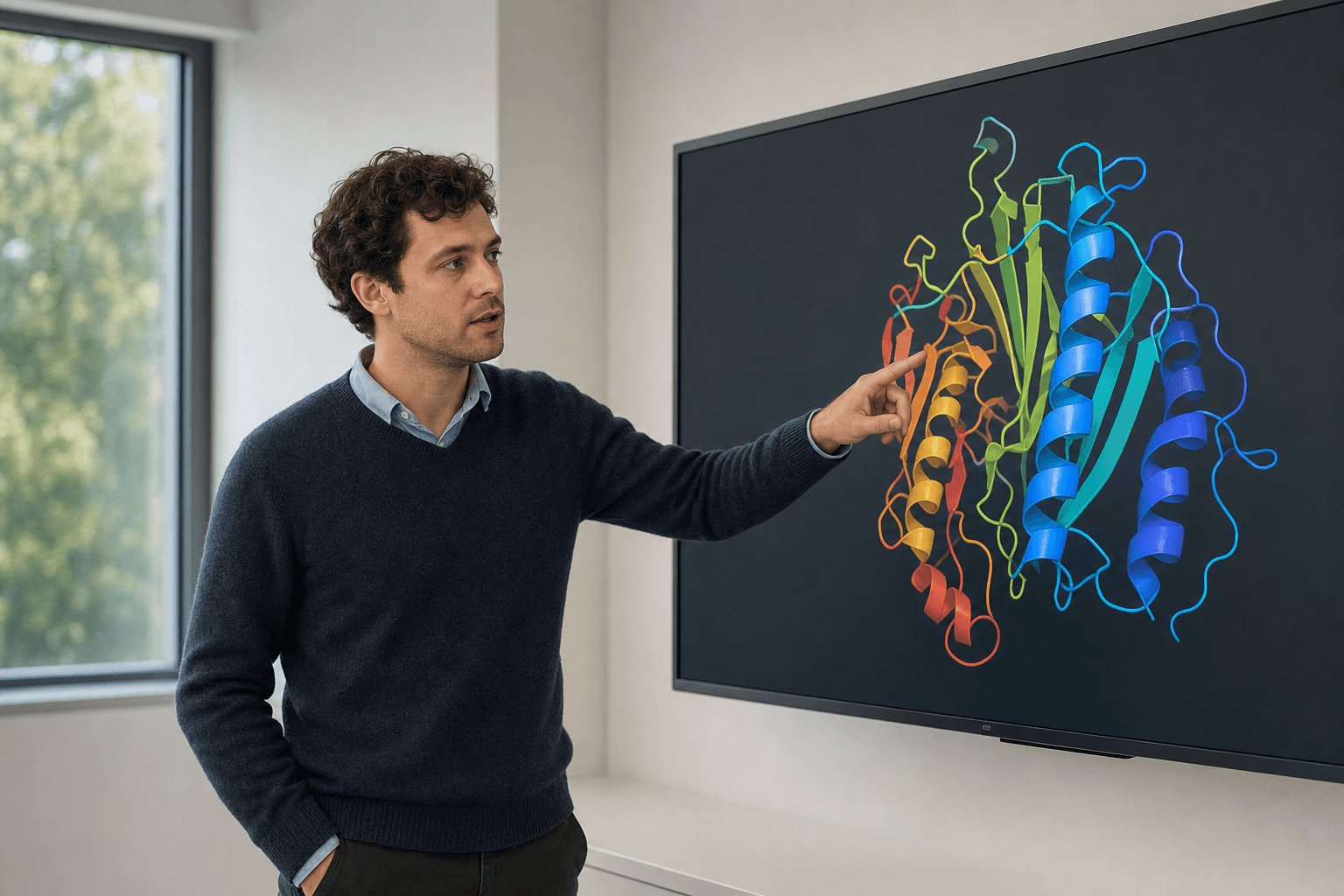 A researcher in a modern office studies a ribbon-rendered protein structure on a large display.
ChimeraX is a mature desktop tool with deep analysis features, high-quality rendering, and a scripting command line. It's free for academic use, it's actively developed at UCSF, and a lot of structural biologists know it cold.
For a single-user program aimed at careful figure-making, density map work, or command-driven analysis, ChimeraX is a strong pick, and Nanome doesn't try to reproduce it.
Where Nanome is different
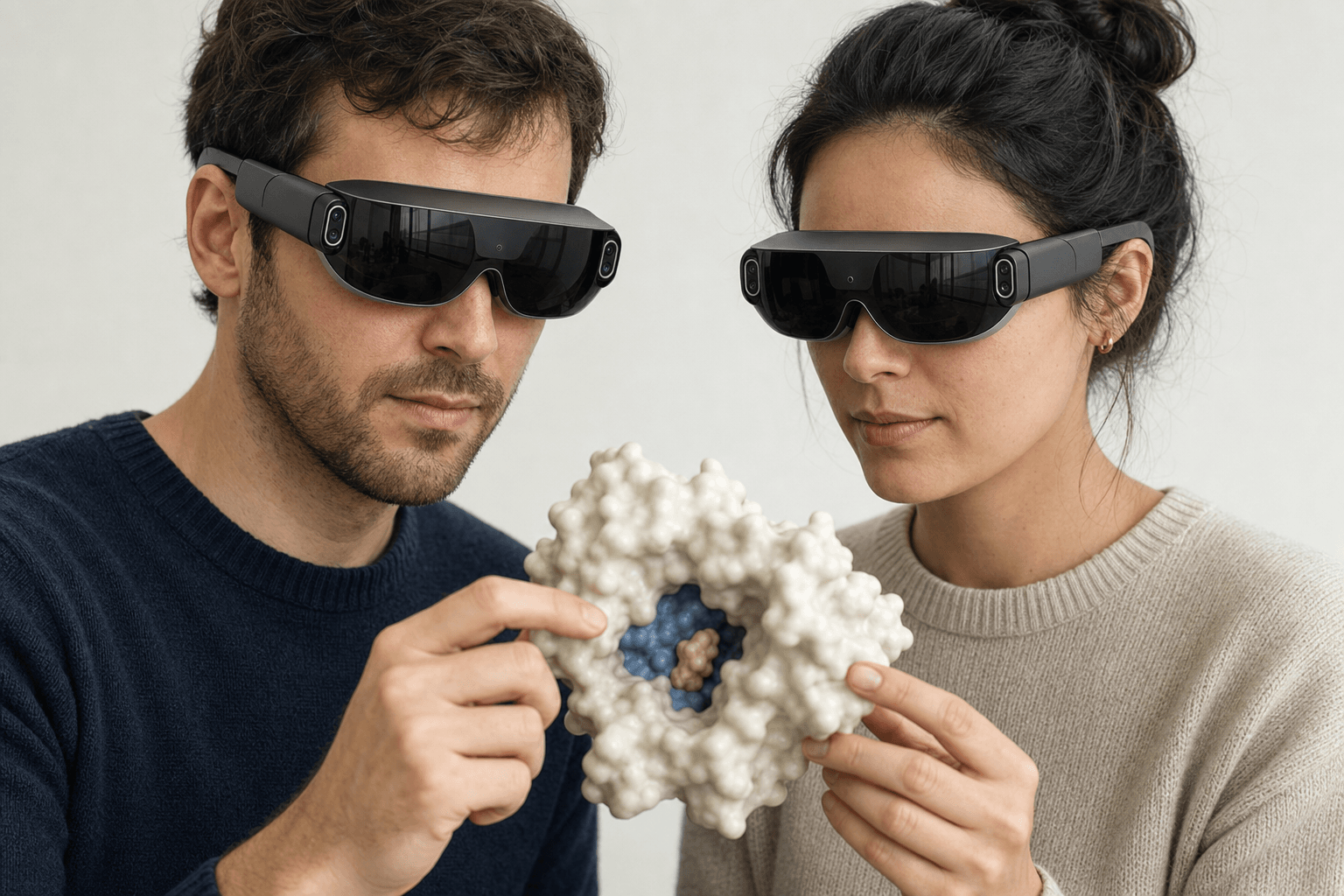 Two colleagues wearing ultra-thin VR headsets examine the same solid protein surface model with a visible binding pocket floating between them
Nanome is built around three things.
Real-time multiplayer. Several people occupy one molecular scene at the same time and point at the same atoms while they talk it through. Review and design happen in a shared room rather than over screen-share.
Native XR. Nanome renders structures in immersive 3D on Meta Quest, Apple Vision Pro, Pico Neo, and HTC Vive Focus 3, plus Windows desktop. Walking around a binding pocket at arm's length reads differently from spinning it with a mouse.
An AI copilot. MARA takes a docking run or a fold prediction as a request in ordinary words, picks the engine, runs the job, and logs which one it used and on what inputs, so the work stays checkable afterwards. Its library spans 26 categories and more than 300 tools: Smina and DiffDock-L for docking, AlphaFold 3, OpenFold3, and Boltz-2 for folding and co-folding, APBS for electrostatics, ADMET and toxicity models, ProteinMPNN for sequence design, ANARCI for numbering antibody variable domains and marking their CDR loops, and RFdiffusion3 (beta) for de novo binders.
There's a browser web app as well, so a laptop is enough to join.
Side by side
| Program | Where it's strong | How Nanome sits with it |
|---|---|---|
| UCSF ChimeraX | Free for academic use: desktop viewing, analysis, rendering, and a scripting command line, plus VR and multi-person meeting sessions | Nanome opens the same PDB and SDF files and puts them in a session people join from a browser tab or a standalone headset |
| UCSF Chimera (legacy) | The older desktop predecessor, still in use in some labs | Nanome reads the same standard structure files and fetches from RCSB PDB, PubChem, and DrugBank |
| Nanome | Shared sessions, native XR, and MARA driving analysis from plain English | A layer for group review and design on top of whatever writes the structures |
What ChimeraX already does here
ChimeraX covers more of this ground than most desktop tools, and it's worth being
specific about how much. coordset plays a trajectory. The vr command renders the
scene in a headset. And meeting shares one scene between ChimeraX instances running on
different computers, including in VR, so two people in different buildings can look at
the same structure at the same time. That's a real multi-user feature, built by a group
that has been doing this longer than we have.
The difference shows up in what each participant has to bring. A ChimeraX meeting asks
everyone in it to install ChimeraX and connect to port 52194 on the host machine, with
chimeraxmeeting.net available as a relay when the host sits behind a firewall. The VR
side is a tethered setup: SteamVR or OpenXR, a headset wired to a Windows PC, and a GPU
with real headroom behind it. UCSF's own VR documentation is candid about the ceiling,
noting that structures past a few thousand atoms render slowly enough to stutter in the
headset. A solvated MD system is well past that.
There was a standalone path for a while. UCSF's LookSee app sent a ChimeraX scene one
way to a Quest, under a triangle budget, as a viewer rather than a session. It has since
been discontinued.
Nanome starts from the person joining. The trajectory plays in a live multi-user
session, and a colleague comes in from a standalone Quest, Pico Neo, Vive Focus 3, or
Apple Vision Pro, or from a browser tab on a laptop, with nothing installed on their
end. Of the tools in this comparison, Nanome is the only one where that's true.
Files and fit

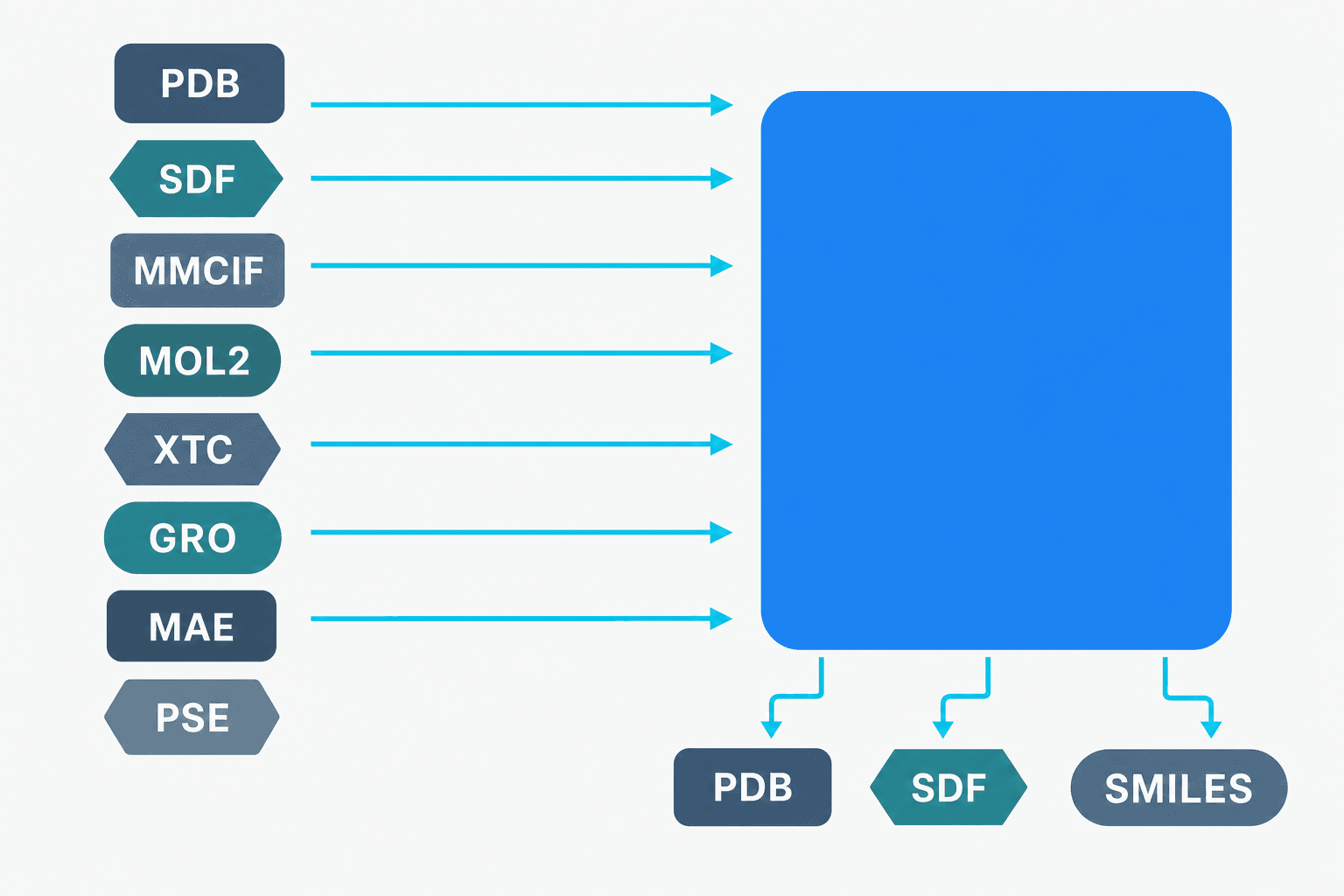 A diagram showing many molecular file formats converging as arrows into a single platform, with PDB, SDF, and SMILES flowing back out as exports.
Structures cross between the two without a conversion step in the middle. Nanome imports .pdb and .ent, mmCIF as .cif, .mmcif, .mcif, or .bcif, plus .sdf, .mol, .mol2, SMILES, .xyz, .pqr, and .pdbqt, and it fetches by accession from RCSB PDB, PubChem, DrugBank, ChEMBL, and UniProt. What leaves Nanome is PDB, SDF, or SMILES, a single frame at a time. More on supported formats.
Nanome also sits beside commercial software a group already licenses. On the Schrödinger side, the LiveDesign gadget hands Maestro .mae and .maegz files straight across. OpenEye (Cadence), Cresset Flare, and CDD Vault connect too, which is why it usually joins a stack instead of displacing one.
For molecular dynamics, Nanome plays trajectories back from GROMACS and other engines. A .gro file loads on its own. The .xtc, .trr, and .dcd formats attach to a model that's already open and have to carry the same atom count, and the frame-trajectory substrate holds a 2000-frame ceiling.
One piece of this comparison has been measured. A 2019 benchmark in the Journal of Molecular Graphics and Modelling, Kingsley et al., clocked surface rendering across Nanome and the then-current ChimeraX, Chimera, PyMOL, and Discovery Studio builds, and Nanome came out several times faster while drawing two eye views at 90+ frames per second. Novartis GNF scientists are on the author list. Every program in that test has shipped years of releases since, which makes it a 2019 measurement of 2019 builds.
When ChimeraX is the right pick
ChimeraX is the better fit for a lab that wants a workstation program free for academic use, for detailed density map or rendering work, or where the group already standardizes on its command line.
Nanome fits when the work is collaborative, when depth perception helps read a pocket or a loop, or when an analysis is easier to ask for in words than to script.
Three nearby comparisons run along the same seam. How Nanome differs from PyMOL is the hub for the set and covers the other free viewer most labs have installed. Discovery Studio covers a broad commercial suite, and MOE covers one that doubles as a Nanome integration. The case studies show how groups have split the work in practice.
FAQ
What are good alternatives to ChimeraX for team work?
Nanome is one. ChimeraX has a meeting command that shares a scene between ChimeraX instances, including in VR, and it works well when everyone already runs ChimeraX on a capable machine. Nanome's sessions are built for the case where they don't: a colleague joins from a standalone headset or a browser tab with nothing to install, and several people share the same structure at once.
Is Nanome a ChimeraX alternative if I only have a laptop?
Yes. The browser web app needs no headset and no install, and it opens the same PDB and SDF files, so shared sessions and MARA come without XR hardware.
Do I have to stop using ChimeraX to use Nanome?
No. Both read the same standard structure files, and Nanome fetches from RCSB PDB, PubChem, DrugBank, ChEMBL, and UniProt. Plenty of groups keep a desktop viewer for solo analysis and run Nanome for shared review and design.
What about alternatives to UCSF Chimera, the older version?
Nanome works there too. It opens the same standard files legacy Chimera handles, and adds shared sessions, XR, and MARA on top.
What file formats does Nanome support?
View and edit: .pdb and .ent, mmCIF (.cif, .mmcif, .mcif, .bcif), .sdf, .sd, .mol, .mol2, SMILES (typed or .smi), .xyz, .pqr, and .pdbqt. View only, from other vendors: Maestro .mae and .maegz, .moe, and PyMOL .pse. Animation runs two ways: multi-MODEL PDB, mmCIF, multi-record SDF, and multi-block XYZ step through whole models, while .gro, .xtc, .trr, and .dcd step through coordinate frames. Electrostatic maps arrive as .dx and overlay a model already loaded. Writing back out is PDB, SDF, or SMILES, one frame, which leaves mmCIF, MAE, MOE, and PSE import-only. More on supported formats.