Nanome is a collaborative molecular visualization and drug discovery platform that runs across a browser web app and XR headsets. It also carries MARA, an AI copilot that runs scientific tools from plain-English requests. BIOVIA Discovery Studio is a broad commercial life-science modeling suite for simulation, protein modeling, and structure-based design on the desktop. If you're weighing a Discovery Studio alternative, the two overlap in some places and part ways in others, so the right pick depends on how your team wants to work.
The differences gather in three spots: who can stand in the structure with you, what the software runs on, and how an analysis gets requested.
Where Nanome is different
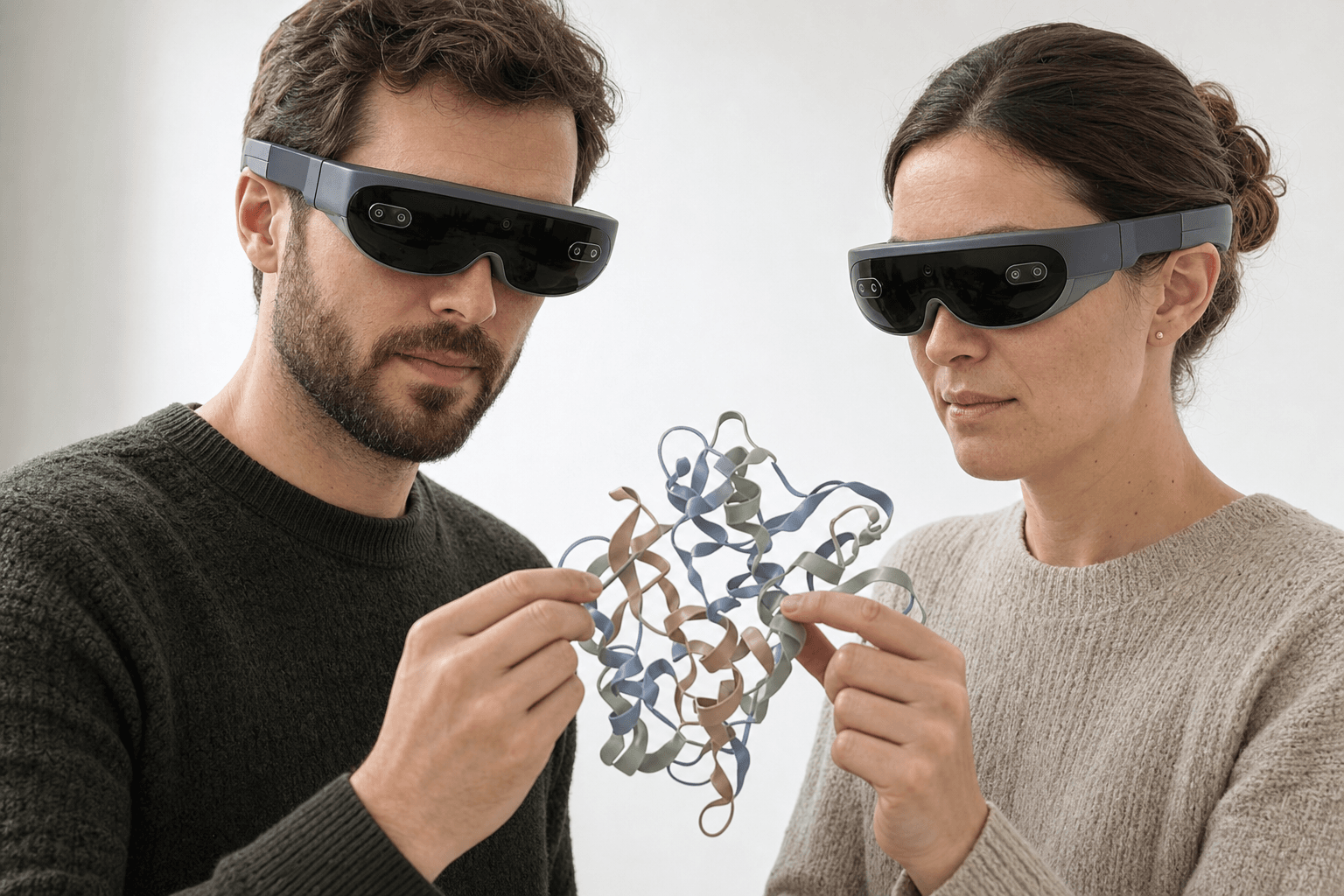 Two colleagues wearing ultra-thin VR headsets examine the same ribbon-cartoon protein structure floating between them
Nanome puts several people inside the same 3D structure at once. You and a colleague can grab the same protein, rotate it, and point at the same binding pocket in real time, whether you share an office or sit on different continents. Discovery Studio installs on a workstation, and a session belongs to whoever is at that keyboard.
It runs natively in XR. Nanome works on Apple Vision Pro, Meta Quest, Pico Neo, and HTC Vive Focus 3, plus Windows desktop and a browser when there's no headset around. Walking around a molecule at arm's length reads differently from spinning it with a mouse.
Then MARA. Ask for a dock or a fold prediction in ordinary words and it runs the job, then reports the tool it called, the inputs it took, and the result it returned, so anyone can check the work later. MARA reaches 300+ integrated scientific tools across 26 categories: docking through Smina and DiffDock-L, folding and co-folding through Boltz-2, AlphaFold 3, and OpenFold3, electrostatics through APBS, ADMET and toxicity models, ANARCI for numbering antibody variable domains and marking their CDR loops, ProteinMPNN for sequence design, and RFdiffusion3 (beta) for de novo binders.
Quick comparison
| Package | Strengths | How the two meet |
|---|---|---|
| BIOVIA Discovery Studio | Broad desktop suite for simulation, protein modeling, and structure-based design | Nanome opens the structures it writes and puts them in a session several people can join |
| Nanome | Shared visualization in the browser and in XR, with MARA driving 300+ tools | Plenty of groups license the suite for its modules and use Nanome for the review |
What Nanome loads and connects to

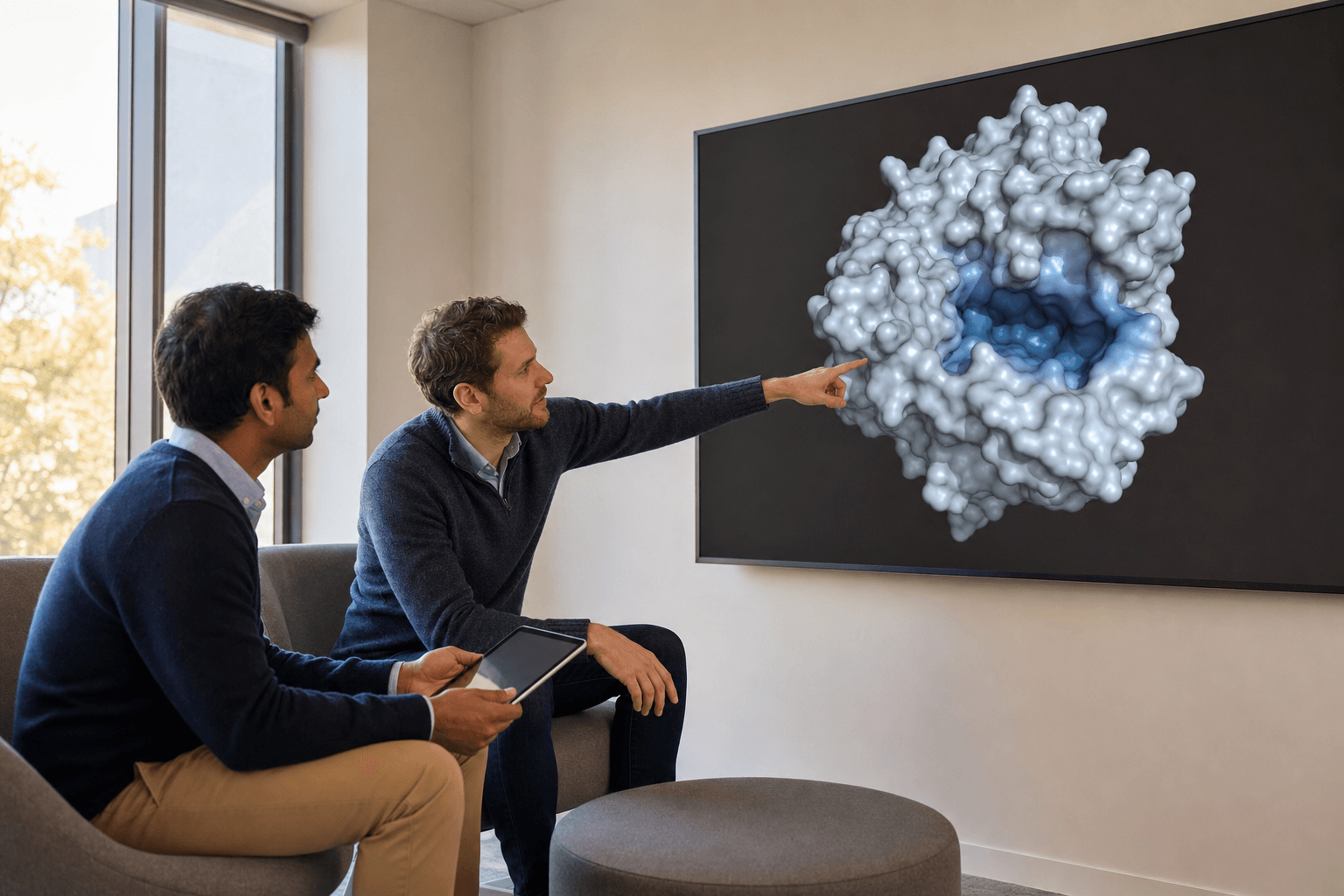 Two colleagues in a lounge area review a smooth molecular surface structure on a large wall display, one pointing at the visible binding pocket.
A structure written out of Discovery Studio opens in Nanome with no conversion step in between: .pdb and .ent, mmCIF as .cif, .mmcif, .mcif, or .bcif, then .sdf, .mol, .mol2, .xyz, .pqr, and .pdbqt. Nanome fetches by accession too, from RCSB PDB, PubChem, DrugBank, ChEMBL, UniProt, and the AlphaFold Protein Structure Database, so an ID pasted into chat turns into a shared 3D session in a couple of steps. Molecules come back out as PDB, SDF, or SMILES, one frame at a time.
If your Discovery Studio work runs molecular dynamics, the frames travel with it. Trajectories come across from your simulation engine. Load a .gro standalone, or attach .xtc, .trr, or .dcd frames to a model that's already open, matching atom counts. Frame playback caps at 2000, and surfaces are off during playback. More on supported formats.
Nanome sits alongside the other software a team already licenses. The Schrödinger LiveDesign gadget hands .mae and .maegz from a LiveReport straight into Nanome. CDD Vault, Cresset Flare, the OpenFold Consortium, and OpenEye (Cadence) connect as well. For anything homegrown, there's an open REST API, MCP servers, a Nanome Claude Code Skill, and KNIME or Jupyter on the other end.
Part of this comparison has been measured. Kingsley et al., 2019, in the Journal of Molecular Graphics and Modelling, timed Nanome's surface rendering against the then-current builds of Discovery Studio, PyMOL, Chimera, and ChimeraX, and found it several times faster, with load times close to those 2D tools even while drawing two eye views at 90+ frames per second. In the same paper, chemists rebuilt a known RIP2 kinase inhibitor from scratch inside the pocket and landed within 1.8 Å RMSD of the co-crystal structure. A Novartis GNF team sits on the author list. Every product involved has shipped years of releases since then, so read those figures as a dated measurement.
When Discovery Studio is the right pick
If your projects lean on particular Discovery Studio modules, and a licensed workstation per scientist suits how the group operates, the suite may cover you well. Validated module depth is what a broad commercial package is built to deliver, and Nanome doesn't try to match it.
Nanome tends to fit when several people need to inspect the same structure together, when depth perception helps read a pocket or a loop, or when a group would rather ask for an analysis in words. Because it integrates with several established suites, a team can keep the software it trusts and add shared sessions on top. The same split turns up elsewhere: how Nanome differs from PyMOL covers a free desktop viewer, and how Nanome differs from MOE covers a suite that doubles as a Nanome integration. The case studies show how groups have divided the work in practice.
FAQ
What are the alternatives to Discovery Studio for molecular visualization?
They run from free desktop viewers such as PyMOL, UCSF ChimeraX, and VMD to full commercial suites such as Schrödinger Maestro and MOE. Nanome's angle is a session several people join at once, native XR, and MARA taking analysis requests in ordinary words. The comparison hub has the tool-by-tool detail.
Is Nanome a full replacement for a comp-chem suite?
No. Nanome covers collaborative visualization and drives 300+ tools through MARA, and it integrates with suites like Schrödinger LiveDesign and Cresset Flare, so most teams run it beside what they already own.
Can Nanome keep our data behind our own firewall?
Yes. Enterprise deployments run single-tenant cloud or on-prem, so structures and results stay inside your own environment.
What files and databases does Nanome support?
Structures import as .pdb and .ent, mmCIF (.cif, .mmcif, .mcif, .bcif), .sdf and .sd, .mol and .mol2, SMILES, .xyz, .pqr, and .pdbqt. Vendor and session files import as Maestro .mae and .maegz, .moe, and PyMOL .pse. MD trajectories import as .gro standalone or as .xtc, .trr, and .dcd attached to an open model, and .dx electrostatic maps overlay a loaded model. Export is PDB, SDF, or SMILES, single frame, so mmCIF, MAE, MOE, and PSE come in without going back out. Fetching works from RCSB PDB, PubChem, DrugBank, ChEMBL, UniProt, and the AlphaFold Protein Structure Database. More on supported formats.