The best molecular visualization tools include PyMOL, UCSF ChimeraX, VMD, Schrödinger Maestro, MOE, BIOVIA Discovery Studio, Avogadro, and Nanome. Most of them are single-user desktop viewers or full computational chemistry suites. Nanome is the collaborative option: a molecular visualization and drug discovery platform that runs across the web app and XR headsets, and it integrates with the suites rather than trying to replace them. An AI copilot called MARA works inside it and runs the analysis.
The right pick depends on what you're doing. Making a publication figure is a different job from running a live design review with 5 people in 3 time zones.
What computational chemists actually use

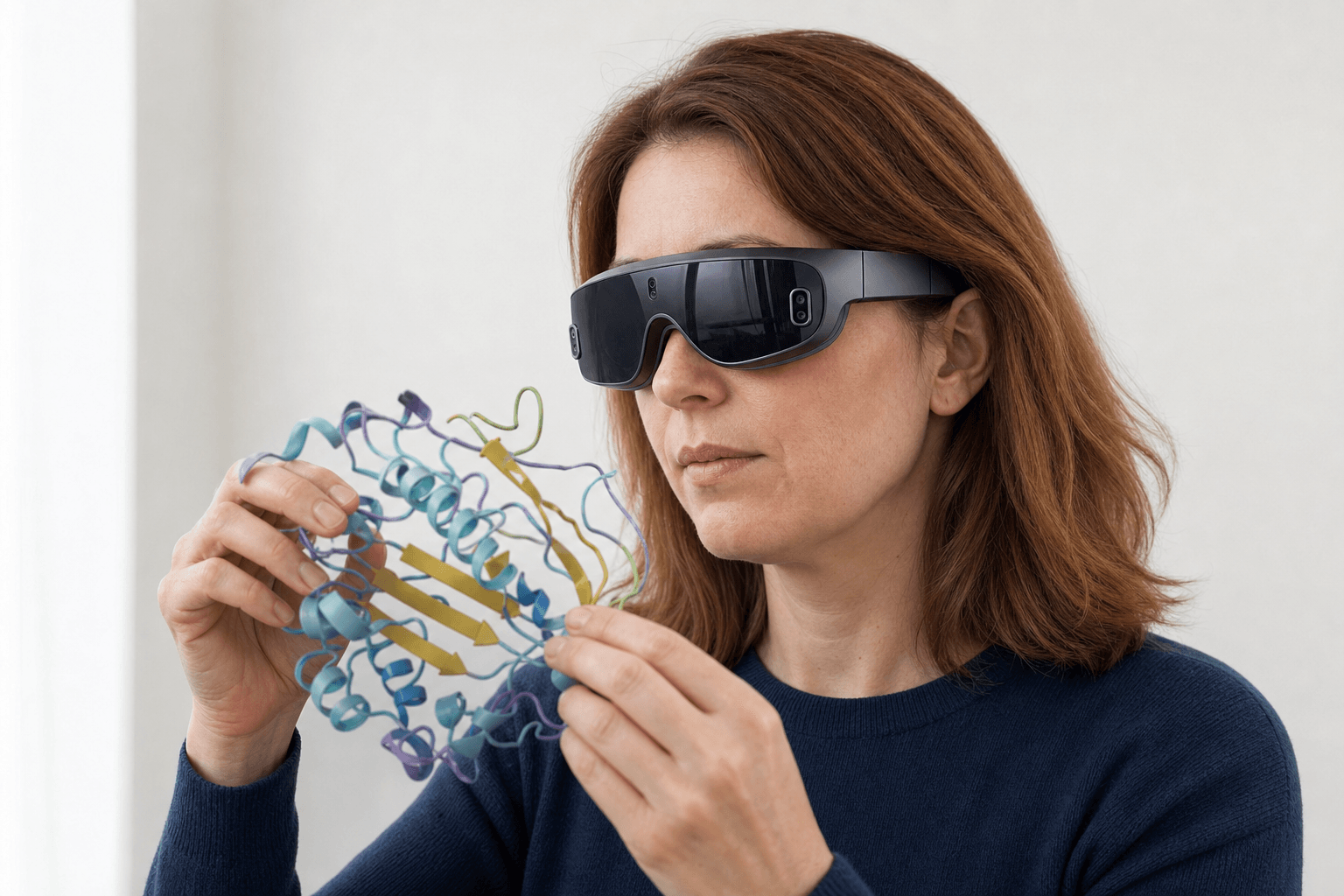 A researcher wearing an ultra-thin VR headset studies a ribbon-cartoon protein structure held close to the chest
The same names come back from almost any comp-chem group you ask. What separates them is the job each one was designed around.
| Tool | Its strongest job | What Nanome adds beside it |
|---|---|---|
| PyMOL | Publication figures, scripting, the widest install base | Opens a PyMOL .pse session for viewing, and holds the object a group turns during the walkthrough |
| UCSF ChimeraX | Density maps, cryo-EM, very large assemblies | Reads the same PDB, mmCIF and SDF files, and puts several people inside one structure at once |
| VMD | Molecular dynamics, big-system rendering | Plays simulation frames back in a shared session, with MARA running the numbers beside the structure |
| Schrödinger Maestro | Docking, FEP, a full comp-chem suite | Imports Maestro .mae and .maegz, the format LiveDesign hands off, so poses cross over |
| MOE | Protein and antibody modeling, med-chem workflows | Imports .moe, carries the antibody work into XR, and calls ProteinMPNN and ANARCI through MARA |
| BIOVIA Discovery Studio | Broad life-science modeling and simulation | Reads the standard files it writes and sits above it as the shared review layer |
| Avogadro | Free, light molecule building and editing | Adds the shared session, XR, and the 300+ tools MARA can call |
The pattern holds all the way down the column. Each desktop tool is strong on the job it was designed around, and Nanome opens what those tools write, then adds the room where a group inspects one molecule together and hands the heavy work to a copilot. More on supported formats.
What to look for when you choose
Three questions sort most of the field.
Is the work solo or shared? PyMOL, ChimeraX, VMD and Avogadro are built around one person at a keyboard, and they are very good at that. Nanome is built around a session, so a med chemist, a structural biologist and a computational scientist can rotate the same binding site at the same moment.
Does the structure need real depth? A monitor flattens 3D into 2D, and depth is what separates a genuine contact from a coincidence of camera angle. Nanome renders molecules natively in XR on Meta Quest, Pico Neo, HTC Vive Focus 3 and Apple Vision Pro, and it also runs on Windows and in a browser tab.
How much of the work is scripting? Maestro and MOE go deep and they reward expertise. Nanome's copilot takes the request in ordinary words, then reports what it did: the tool it picked, the inputs it was handed, and the output that came back.
One more criterion belongs on the list. The tool that renders the final figure and the tool that carries the walkthrough afterwards are often different tools, a split covered in what a modern molecular presentation looks like.
Where Nanome is different
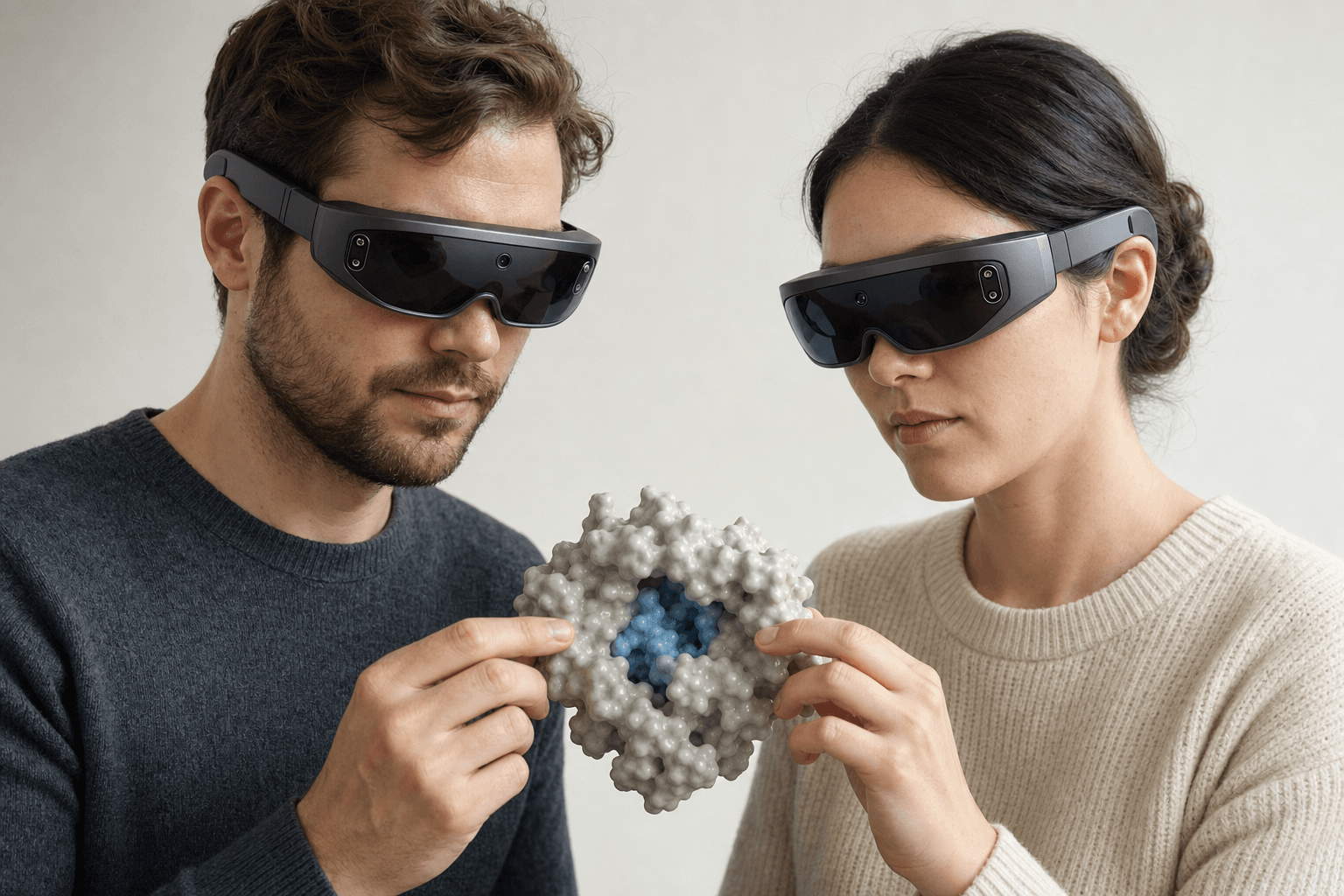 Two colleagues wearing ultra-thin VR headsets examine the same solid protein surface model with a visible binding pocket floating between them
A structure comes in by code from RCSB PDB, PubChem or DrugBank, or straight off a local disk. From there MARA reaches 300+ integrated tools across 26 categories.
Docking runs on Smina and DiffDock-L. Co-folding and structure prediction run on AlphaFold 3, Boltz-2, OpenFold3 and Chai-1, several engines rather than a single default. APBS handles electrostatics. ProteinMPNN designs sequences while ANARCI numbers antibody variable domains and marks their CDR loops, and RFdiffusion3 (beta) covers de novo binders. You ask for the run in plain English and the copilot carries it out. Where that catalogue sits in the wider stack is mapped in drug discovery software for computational chemistry, and the antibody slice of it has its own write-up in software for computational antibody design.
Motion has a path of its own. For simulation output, Nanome reads .gro on its own and attaches .xtc, .trr, and .dcd frames to a loaded model. Playback runs to a 2000-frame cap per trajectory. Surfaces are disabled while frames advance. More on supported formats.
It sits next to the software a group already licenses. Schrödinger LiveDesign, Cresset Flare, OpenEye (Cadence) and CDD Vault connect on the chemistry and data side, with KNIME and Jupyter on the pipeline side, and Nanome is a member of the OpenFold Consortium. In-house methods hook in through the REST API, the MCP servers, or the Nanome Claude Code Skill.
The claim that a shared 3D view changes what a group decides has been put in print and measured. Kingsley and co-authors (2019), publishing in the Journal of Molecular Graphics and Modelling with a team from Novartis GNF, clocked surface rendering several times faster than the desktop viewers they benchmarked against that year, and rebuilt a known RIP2 kinase inhibitor from scratch inside its pocket to within 1.8 Å RMSD of the co-crystal structure. Their paper opens on the problem this roundup keeps circling: one binding site drawn 3 different 2D ways, each version losing what the others keep, so the collaborator reading it gets an incomplete picture. More published work sits under publications, and the customer write-ups are at nanome.ai/case-studies.
When another tool is the right pick
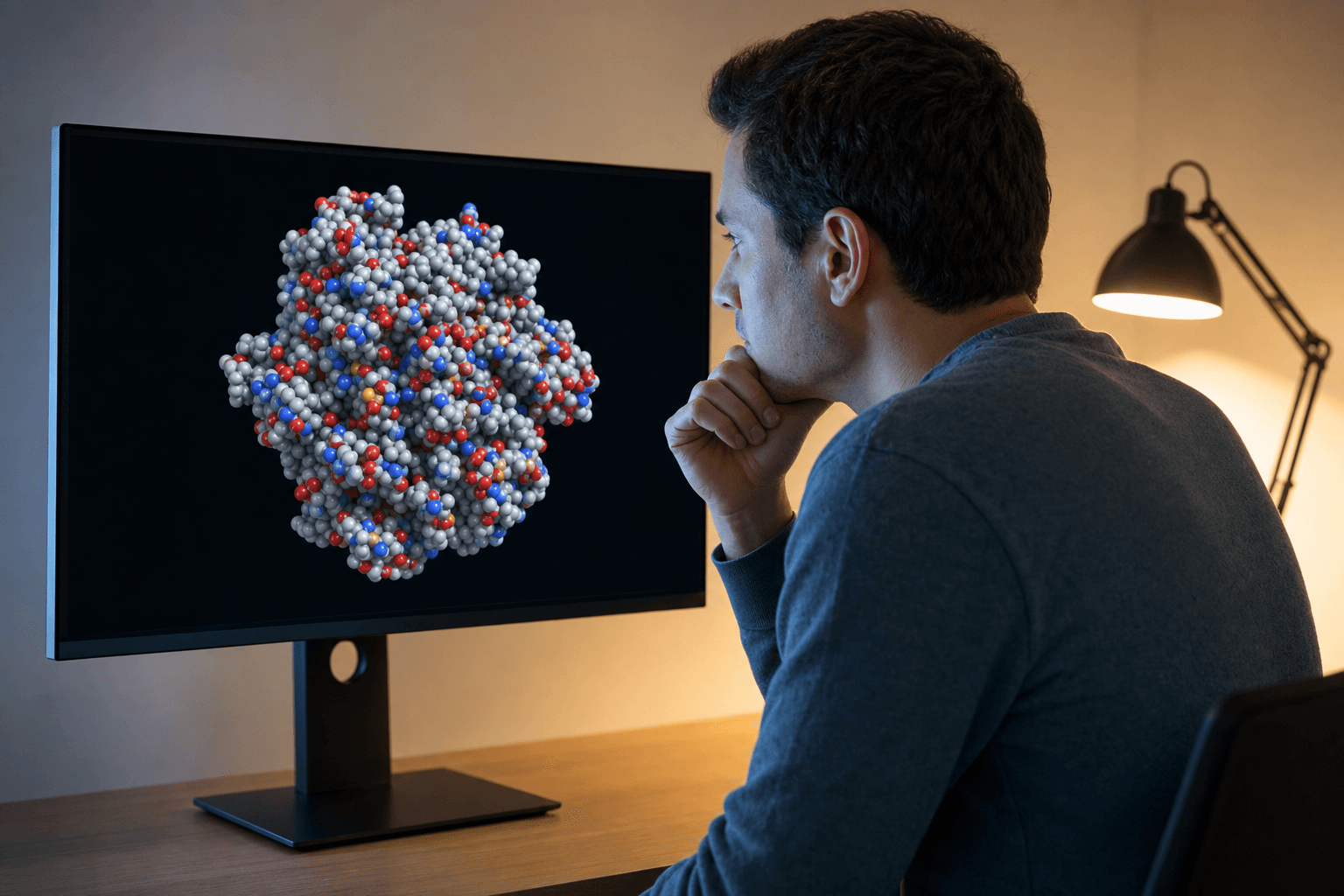 A researcher studies a space-filling protein structure on a large monitor in a warmly lit research office, considering which visualization tool best fits the task.
For a polished still in a paper, PyMOL is hard to beat. Once cryo-EM density is in play, ChimeraX is the specialist. A pipeline that already lives inside Maestro or MOE can stay there, with Nanome as the shared review layer above it. Nanome opens what those tools write, a PyMOL .pse, a Maestro .mae, a MOE .moe, all for viewing, so this is rarely an either/or choice. Writing back out is narrower: PDB, SDF or SMILES, one frame at a time. Full format table.
FAQ
What are the best molecular visualization tools?
For stills and scripted rendering, PyMOL, UCSF ChimeraX and VMD carry most of the load. For docking and modeling inside one environment, Schrödinger Maestro and MOE. Avogadro handles light building for free, and BIOVIA Discovery Studio covers broad life-science modeling. Nanome adds the shared immersive review layer and a copilot that runs the tools, and it reads the files the others produce.
What tools do computational chemists use?
A common stack pairs a viewer with a suite: PyMOL or ChimeraX for looking, VMD when the work is molecular dynamics, and Maestro or MOE for docking and modeling. Groups that review together add Nanome on top, for shared 3D and for asking MARA to run the analysis.
Is Nanome a replacement for PyMOL or Schrödinger?
No. It complements them. It reads the same PDB, mmCIF and SDF files, connects to Schrödinger LiveDesign and other integrations, and adds a shared session, XR, and a copilot above the pipeline a group already runs.
Can I use Nanome without a headset?
Yes. It runs in a browser tab and on Windows desktop. XR is the option rather than the requirement, on Meta Quest, Pico Neo, HTC Vive Focus 3 and Apple Vision Pro.