Nanome is a collaborative molecular visualization and drug discovery platform that runs on XR headsets, Windows desktop, and a browser web app. For a medicinal chemist, VR turns a flat picture of a binding pocket into a real object you can walk around, reach into, and discuss with your team standing next to you. An AI copilot called MARA runs the tools (docking, property calculations, and more) from plain-English requests, so the analysis happens right where you are looking at the molecule.
Most of the day-to-day still runs through Maestro, MOE, or a 2D sketcher. VR comes in when the 3D is the question and a screenshot stops carrying the answer.
What a medicinal chemist gets out of it
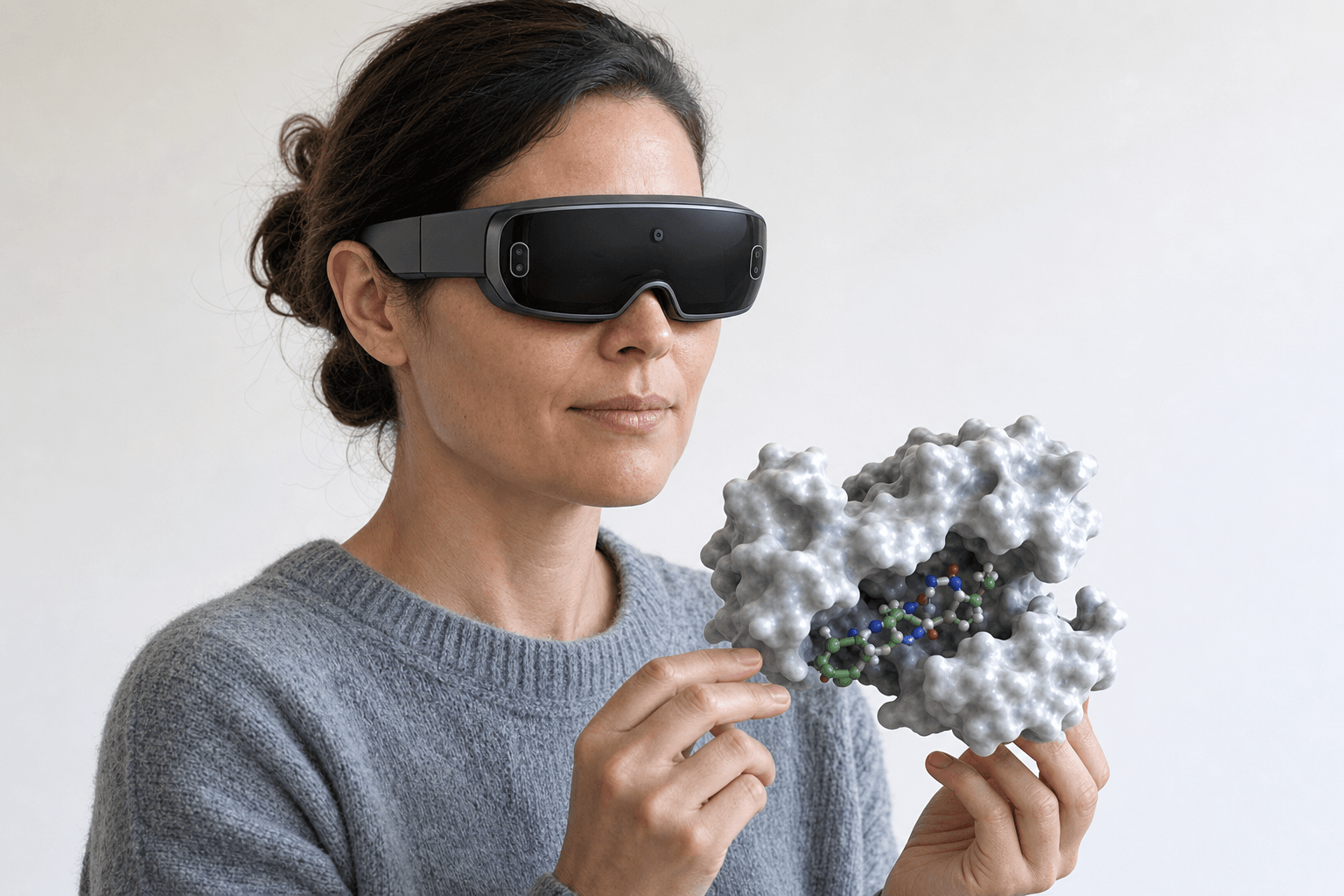 A medicinal chemist wearing an ultra-thin VR headset turns a protein-ligand surface model floating just in front of her chest in a bright open studio.
A 2D depiction flattens the geometry the pocket cares about. A methyl that looks harmless on paper can bump a backbone carbonyl. A hydrogen bond drawn as a dash can sit 40 degrees off the angle it needs.
In VR the ligand sits in the pocket at true scale, with both hands free to turn it and lean in. Depth is real, so a clash reads as a clash, and pointing at an atom means pointing at that atom rather than calling it the one near the top left.
Reading those contacts in detail, hydrogen bonds, hydrophobic contacts, pi stacking, is a job of its own, and how to analyze protein-ligand interactions works through it.
Design review changes shape too. Several chemists stand around one pocket and mark up the same ligand while they talk, since Nanome hosts real-time multiplayer sessions, so San Diego and Basel can hold the same molecule at once. Collaborative drug discovery software for remote teams covers how those sessions run across sites.
Nimbus Therapeutics ran the AMPKβ2 enzyme through exactly that kind of review. The team had a selectivity strategy they considered settled, and watching the protein in VR exposed a better synthetic vector. They changed course, and the compounds came out more active on the target.
What VR adds for med chem
| Task | On a flat screen | With Nanome in VR |
|---|---|---|
| SAR discussion | Rotating a static image, atoms described in words | Everyone around one pocket at scale, pointing at the exact atom and H-bond |
| Design review | A screen-share with one driver | A shared 3D session, several people marking the same ligand at once |
| Seeing a ligand in context | Depth inferred from a 2D projection | True depth, real clashes, a pocket shape you can lean into |
| Running docking or ADMET | Switch apps, export files, wait, re-import | MARA runs it inside the session, results land on the molecule you are holding |
| Handing off to a colleague | Send a file and a paragraph of setup notes | Send the workspace with your saved views, so they open on the angle you picked |
That last row is the one that travels furthest. A saved view carries the argument a file cannot: the colleague opens the workspace already framed on the pocket, at the orientation the discussion settled on, and what a modern molecular presentation looks like builds the rest of the walkthrough from there.
MARA runs the tools without leaving the molecule
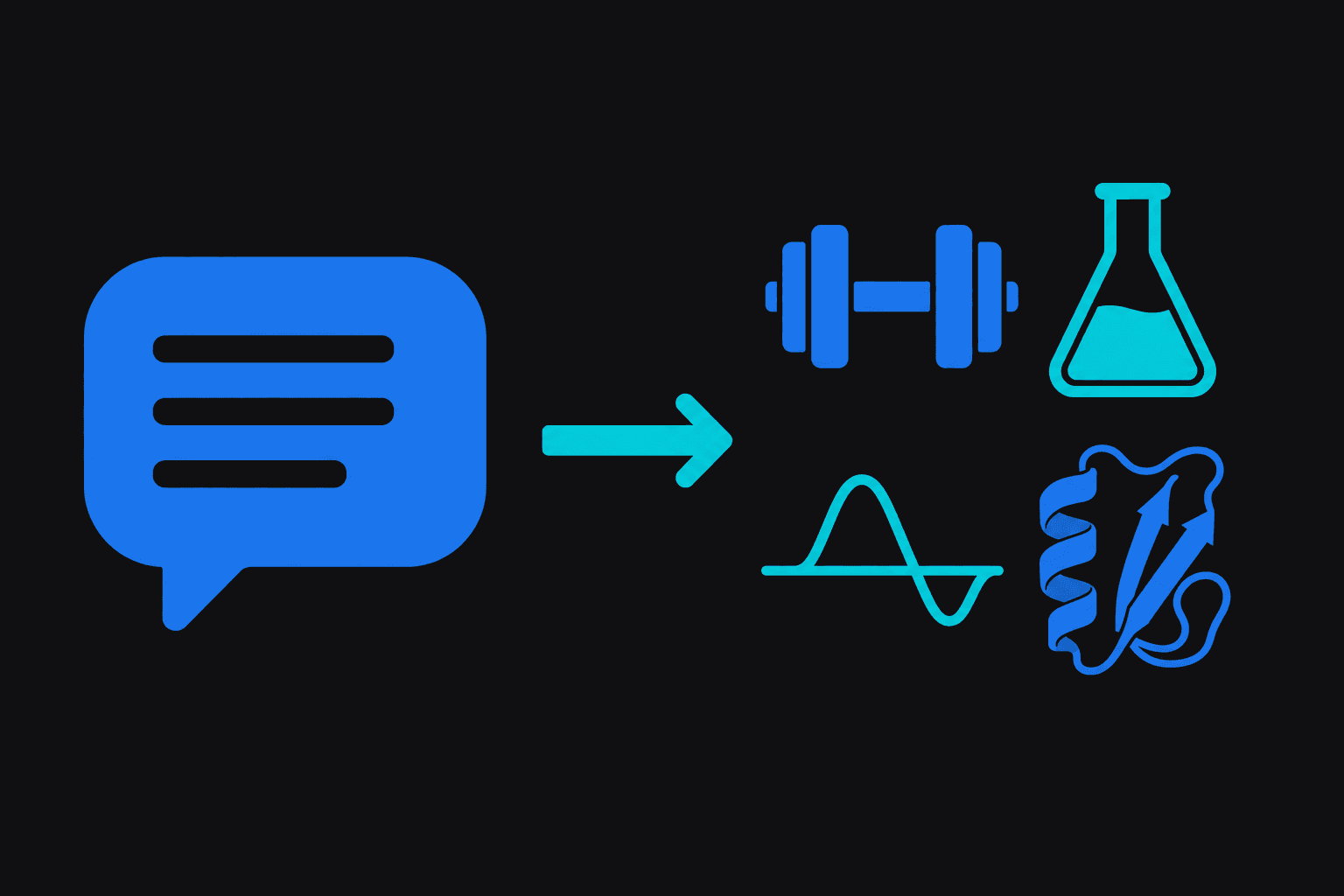 A plain-language request arrow flows into a grid of four scientific tool icons, showing how MARA routes a spoken command to the right analysis.
The request goes in as plain English. MARA picks the tool, runs it, and reports back what fired, what went in, and what came out. 300+ tools across 26 categories sit behind that one request. Inside a headset MARA takes voice commands, so a run starts while both hands stay on the structure.
In a med chem workflow that looks like:
- Docking a fresh analog into the pocket in front of you, on Smina or DiffDock-L, then comparing poses side by side.
- ADMET predictions across a short series, before any of it goes into synthesis.
- APBS electrostatics, to see where the pocket carries charge before a substituent gets picked.
- A co-folded or predicted model from AlphaFold 3 or Boltz-2 when no crystal structure exists yet.
Structures arrive from RCSB PDB, PubChem, ChEMBL, DrugBank and UniProt.
Where Nanome sits in a chemistry stack


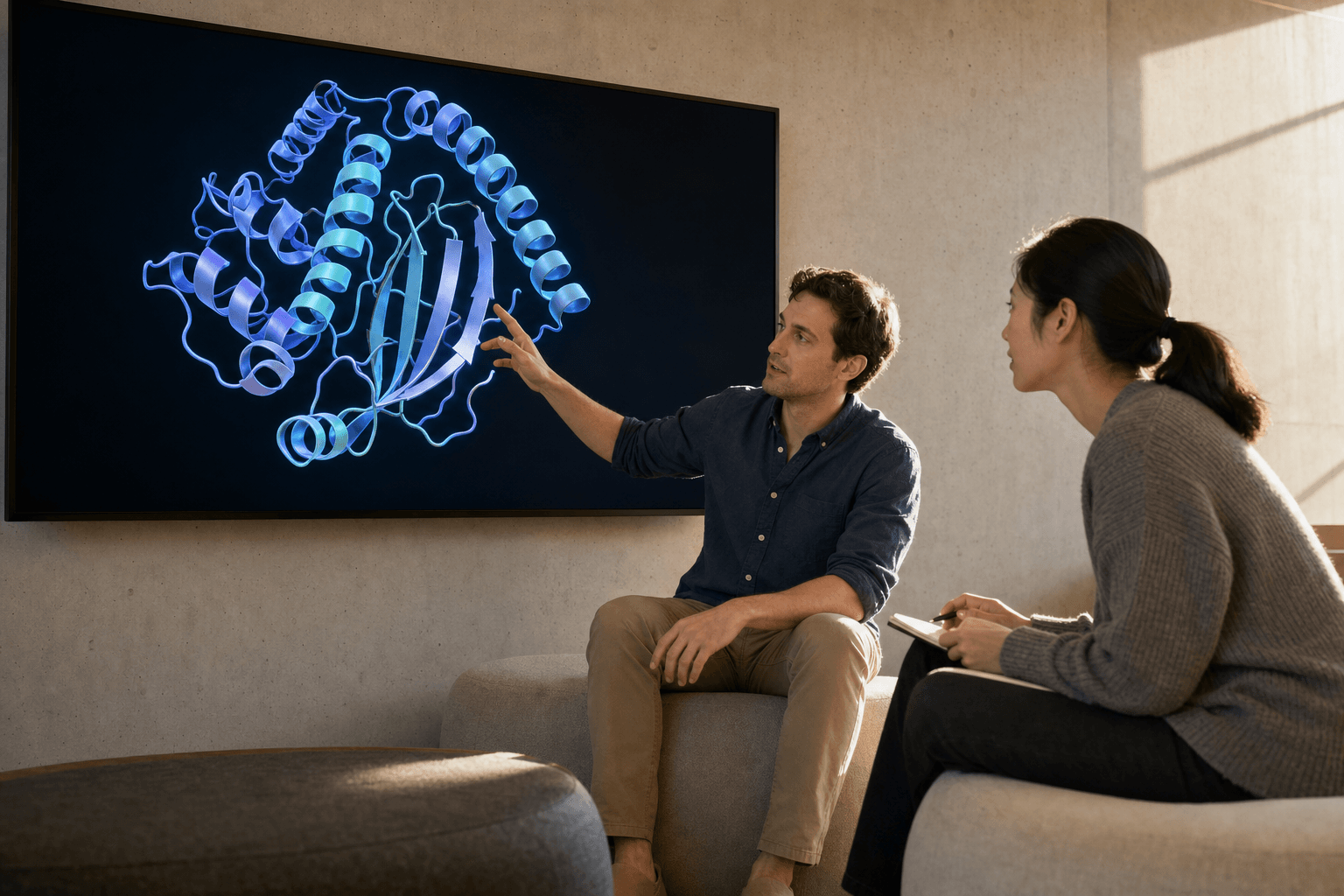 Two colleagues in a research lounge discuss a protein ribbon structure shown on a wall display, representing how Nanome sits alongside existing computational tools.
Nanome plugs into a chemistry stack rather than standing in for one. CDD Vault, Schrödinger LiveDesign, Cresset Flare, OpenEye/Cadence, KNIME and Jupyter all have a path in.
The division of work is easy to state. Maestro, MOE and Discovery Studio hold the heavy comp-chem jobs: large batches, parameter-heavy runs, anything scripted. PyMOL and ChimeraX hold publication figures and precise single-user editing at a desk. Nanome takes the part where the 3D and the conversation happen at the same time: SAR around a real pocket, a design review the whole team stands inside, and MARA running docking or property tools on the molecule in your hands.
Getting a structure across takes no conversion step. Nanome imports Maestro .mae and .maegz files, the same pair LiveDesign hands over, opens MOE .moe files, and reads PyMOL .pse sessions, though a session carrying QM/MM link atoms can trip that parser. All 3 of those come in one direction only. The standard structure formats load as well: PDB, mmCIF, SDF, MOL/MOL2, XYZ, PQR, SMILES and PDBQT. What Nanome writes back out is narrower, PDB, SDF or SMILES, one frame at a time. More on supported formats.
A scripted virtual screen across a million compounds has no reason to run in a headset. Getting 4 chemists to agree on the next 3 analogs while they all stand around one pocket is the case VR was built for. Write-ups of projects that ran that way sit at nanome.ai/case-studies.
FAQ
What is VR for medicinal chemistry?
Immersive 3D used to inspect and design molecules at true scale. In Nanome that means a ligand viewed inside its binding pocket, turned with both hands, with clashes and H-bond geometry visible that a 2D drawing flattens, and analysis run on it through the MARA copilot.
How do medicinal chemists use VR day to day?
Mostly SAR discussions and design reviews. A team shares one 3D scene, points at specific atoms, marks up ideas together, and asks MARA to dock an analog or return ADMET numbers without leaving the session. Saved views then carry the outcome to whoever missed it.
Do I need a headset?
No. Nanome runs on Meta Quest and HTC Vive Focus 3 headsets, on Pico Neo and on Apple Vision Pro. It also runs as a Windows desktop app, and in a browser web app that needs nothing but a laptop. Reviews often start in the web app and move into a headset once the 3D is carrying the argument.
Does it replace Maestro or MOE?
No. It sits alongside them and connects to Schrödinger LiveDesign, Cresset Flare, OpenEye/Cadence and CDD Vault. The suites keep the scripted and batch work; Nanome takes immersive review and collaboration.
What file formats does Nanome read?
Import covers PDB, mmCIF, SDF, MOL/MOL2, XYZ, PQR, SMILES and PDBQT, plus the proprietary and session files: Maestro .mae and .maegz, MOE .moe, and PyMOL .pse. Those last four are import-only. Export is PDB, SDF or SMILES, a single frame. The tier-by-tier list lives in the supported file formats docs.