At Nanome, we're committed to providing cutting-edge tools that enable researchers and scientists to explore their data in unprecedented ways. As we prepare for the highly anticipated release of Nanome 2.0, we're thrilled to unveil some of the powerful new plugins and features that will be available in our current v1.24. Whether you're working on drug discovery, protein engineering, or any other scientific project, these tools are designed to help you unlock new insights and drive breakthrough discoveries. You may have already seen this in Nanome, but in case you haven’t, here are some of the amazing new plugins and new home.nanome.ai features
1 Pymol Plugin For Nanome
2 Nanome Plugins:
- CryoEM
- Antibody Representation
- Conformer Generator
- Quality of life plugins (Coordinate Align, Merge as Frames, SMILES Loader)
3 home.nanome.ai Features
- Chat Function (Beta)
- Quick Drop
Pymol Plugin For Nanome:
A first of its kind, this plugin offers the option to Pymol users to send their current session to Nanome directly from Pymol.How to:
- Install the Pymol plugin (Pymol Plugin Manager → Install New Plugin tab → Install from PyMOLWiki or any URL → https://nanome.ai/PymolToNanome.py → Fetch)
- Open the plugin (Plugin → View in Nanome XR), input Nanome login credentials
- Click “Send to Nanome” button and view the result in Nanome or in https://home.nanome.ai/dashboard
Code:
https://github.com/nanome-ai/Pymol-plugin-Nanome-Quickdrop
CryoEM:
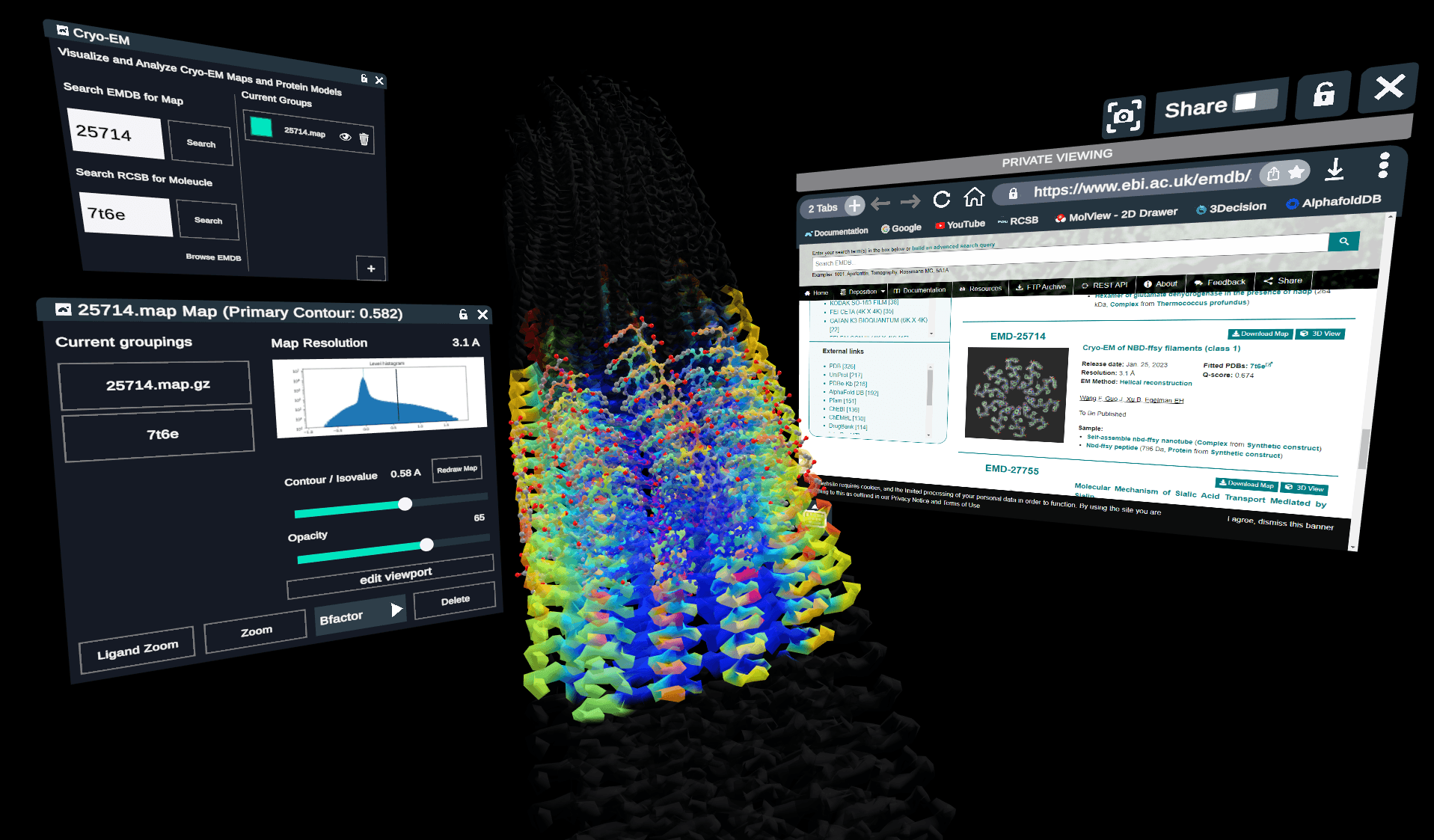
- Load map file from EMDB and align it to its corresponding RCSB model
- Adjust color schemes and opacity of map.
- Use a viewport editor to show only certain portions of the map.
- We’re thrilled to finally enable Nanome users to analyze cryo-em maps
Antibody Representation:
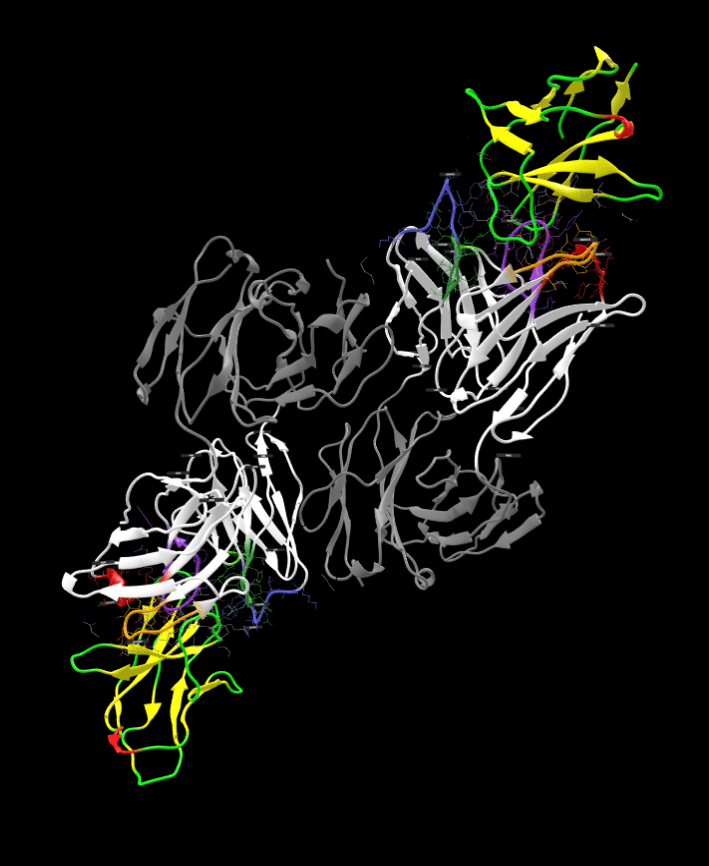
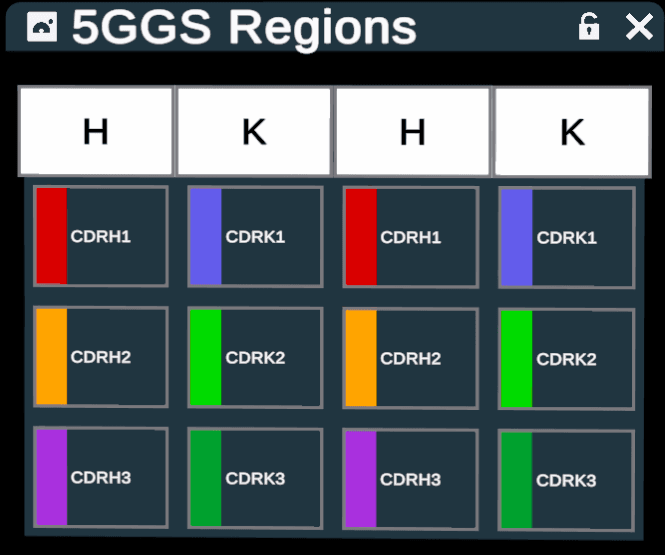
- The Antibody Representation plugin uses visual schemes to help users see the antibody regions and features of interest, alone or in complex with antigens.
- Adds the IMGT color scheme, labels antibody regions, and highlights CDR loops.
- A table of Antibody Regions allows independent selection of CDR loops for calculations or representational changes.
- See what’s what in your Antibody- Antigen complex. Only antibodies and fragments of antibodies are modified; the representation of antigens in the complex is unchanged.
Conformer Generator:
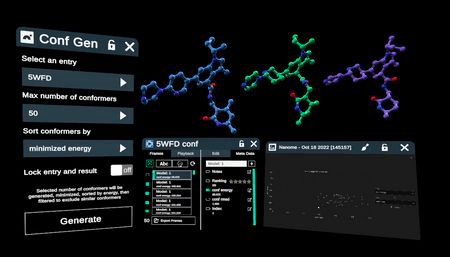
- Generate conformers for small molecules and sort them by energy.
Select 50, 100, or 200 conformers - Sort by minimized energy or RMSD to original molecule
Optionally lock entry and result
Quality of life plugins (Coordinate Align, Merge as Frames, SMILES Loader):
-
Coordinate Align
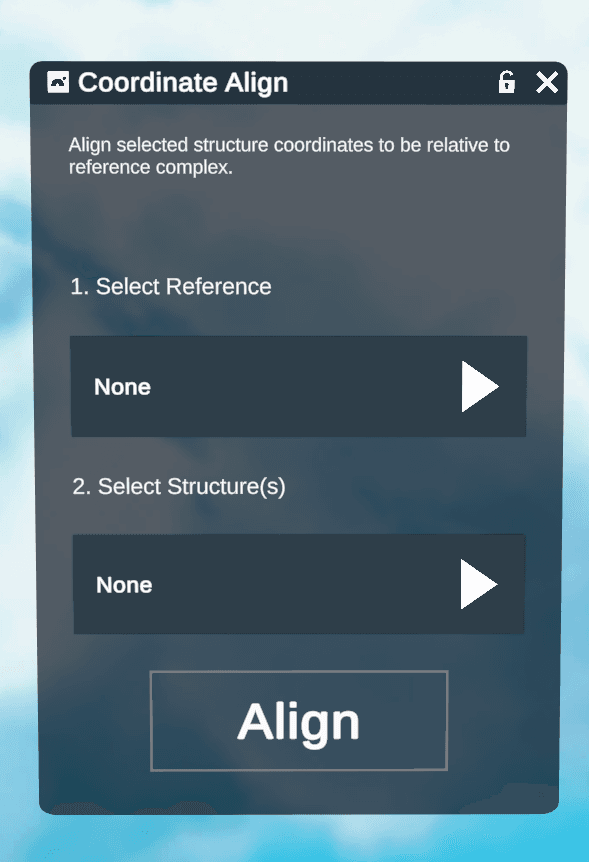
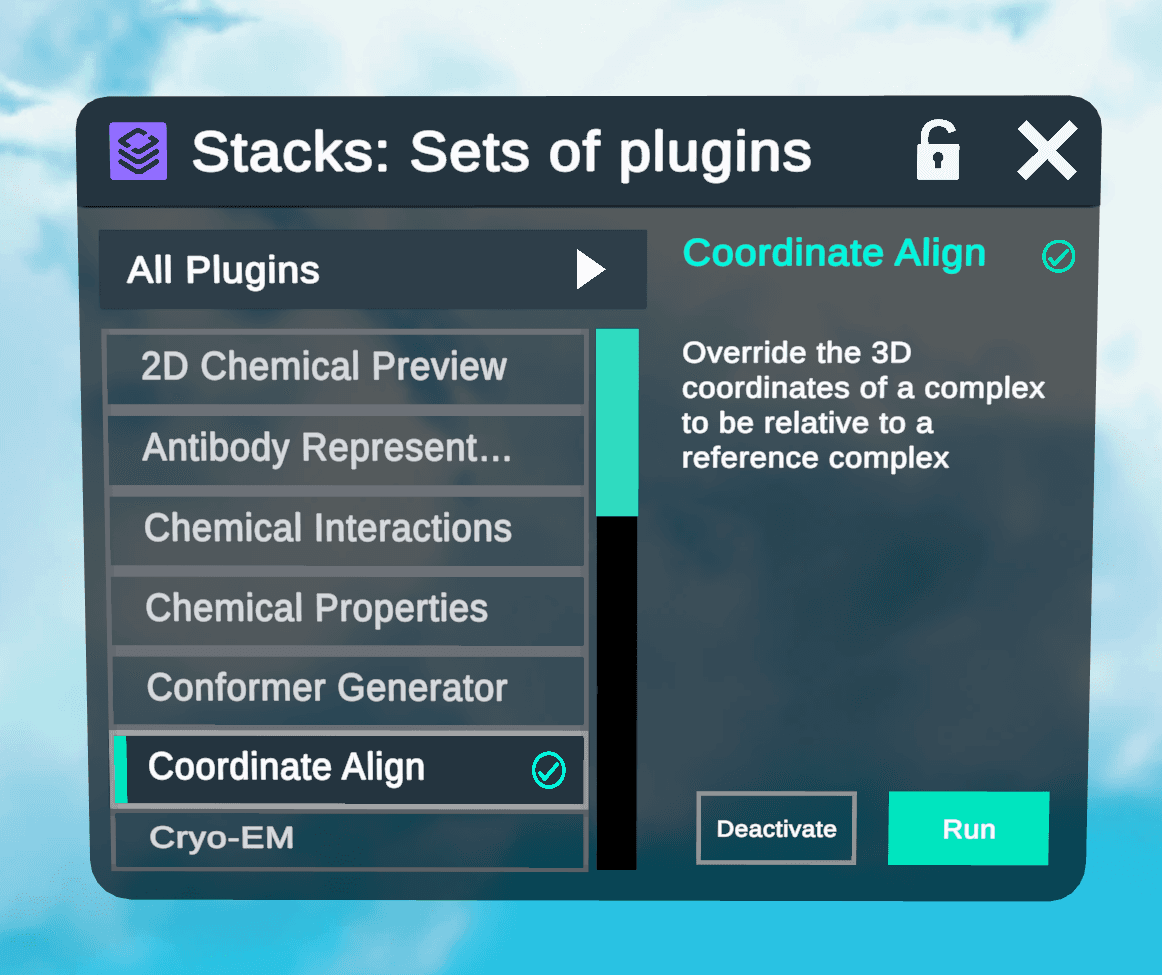
Override the 3D coordinates of a complex to be relative to a reference complex -
Merge as Frames
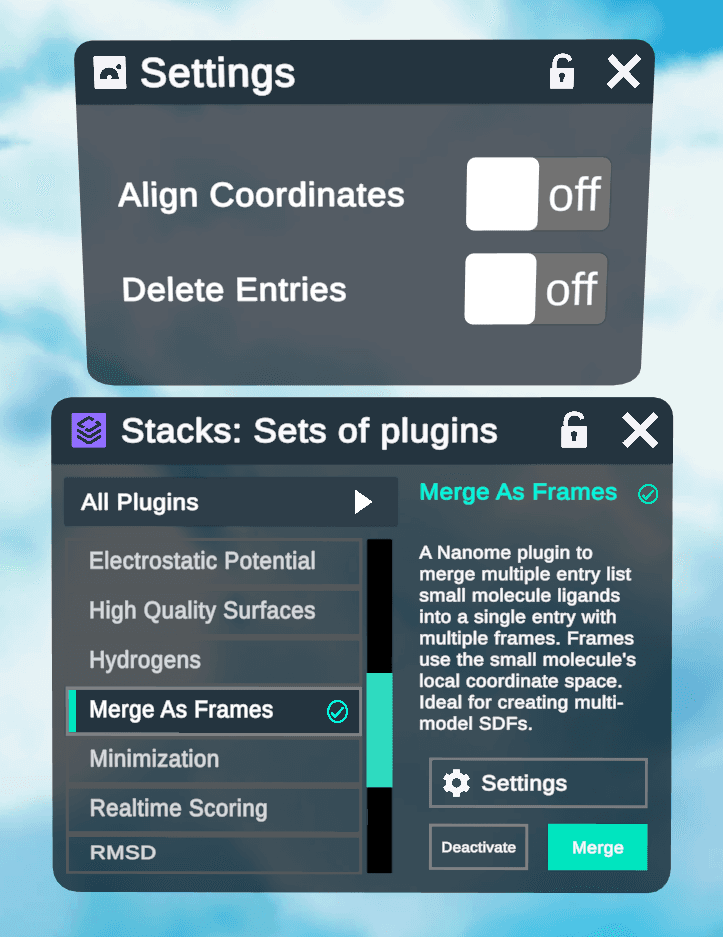
A Nanome plugin to merge multiple entry list small molecule ligands into a single entry with multiple frames. Frames use the small molecule's local coordinate space. Ideal for creating multi- model SDFs. -
SMILES Loader
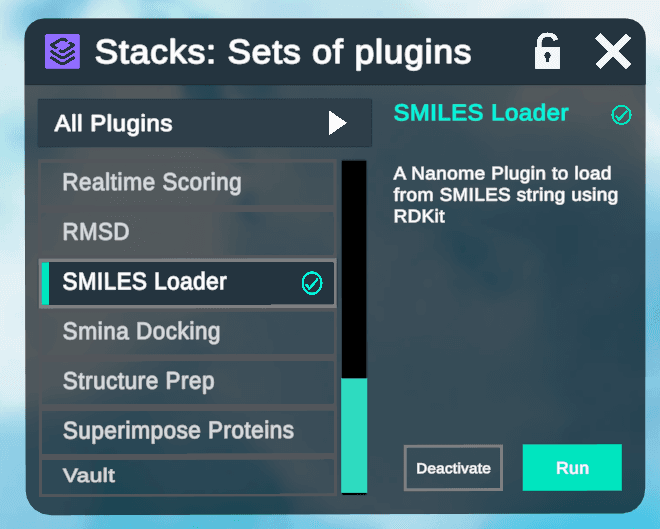
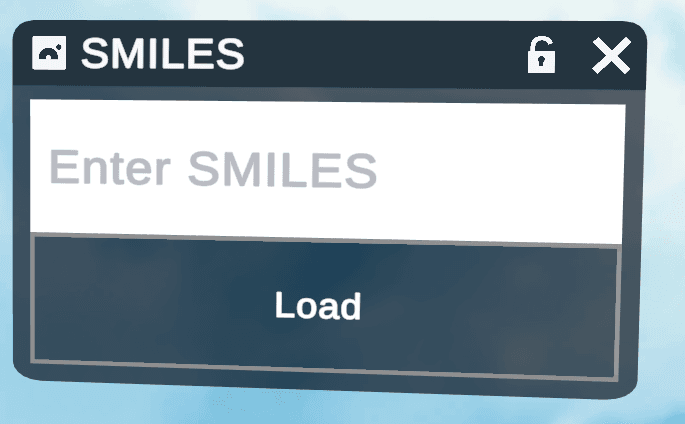 image3.png
A Nanome Plugin to load from SMILES string using RDKit
Chat Function (Beta):
- Nanome Chat allows you to chat with accepted contacts on home.nanome.ai.
- You can send images and files, and create group chats with multiple users.
- Chat with accepted contacts
- Send images and files
- Eventually this will be incorporated into the Nanome app itself.
Quick Drop:
- Quick Drop allows you to drag and drop files onto your web browser outside of Nanome to instantly load workspaces or structures in Nanome when you put your headset on.
- Available on home.nanome.ai/dashboard
- Upload up to 100MB of files
- Auto create room with files loaded when you open Nanome