Nanome v2.1.1: Precision and Clarity Update
We just released v2.1.0 last month, and already we’re back with another update we’re excited about. While v2.1.1 is technically a patch, it includes several major improvements that we hope you'll love. This update enhances visual clarity, user experience, collaboration, and molecular visualization precision. Here’s a look at what’s new:

New: Scene Point of View
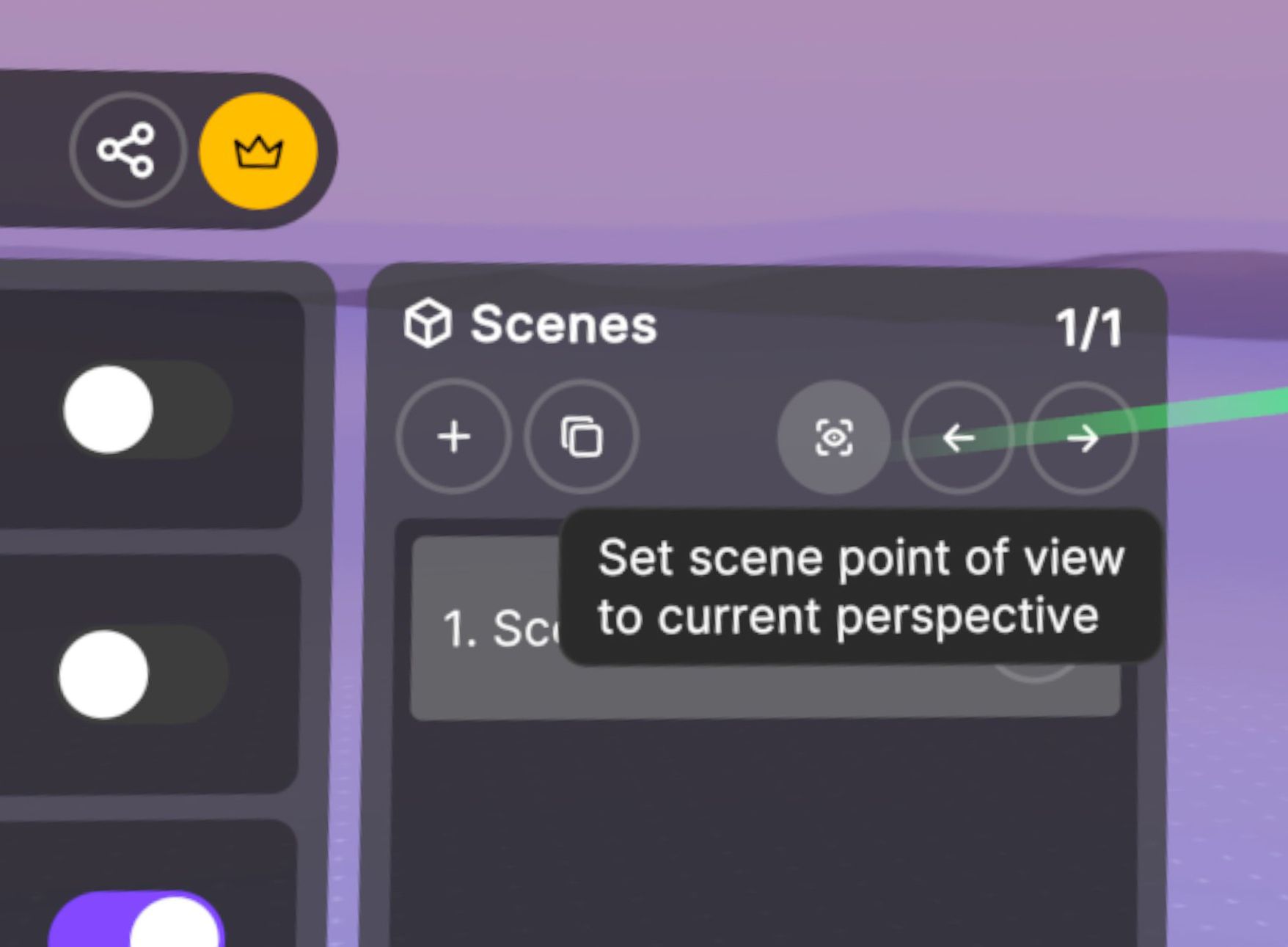
One of the most impactful changes in v2.1.1 is the ability to define a specific point of view for each scene. Users can now set their current workspace perspective as the default view when switching to that scene. This streamlines collaboration, ensures consistent context across users, and makes presentations and walkthroughs much more effective. Whether you're guiding a team through a complex binding pocket or organizing your own layout, this feature brings a new level of control. Adjust the scene and scale to your liking, then click the new Scene Point of View button in the Scenes menu to save your view for that scene.
New: User Indicators in Scene Menu
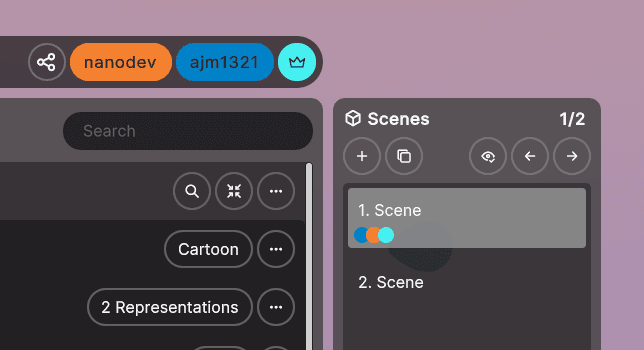
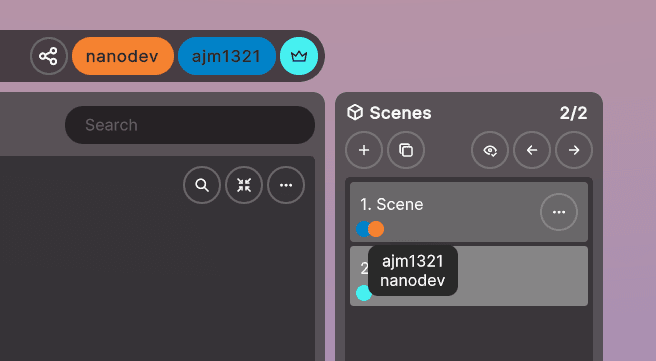
Users can now easily track which scenes other users are in with new color‑coded indicators in the Scene menu. Hovering over a color reveals a full list of users in that scene. To reduce confusion, we’ve also removed 3D cursors for users who are in different scenes than your own.
Enhanced Molecular Visualization and Menus
Nanome v2 introduced a complete overhaul to rendering and UI, and we continue to build on that foundation to make molecule visualization even clearer:
- Pocket Rendering: Improved visuals for cross‑entry components
- Smooth Surfaces: Reduced jagged edges on molecular surfaces
- Surface Caching: Faster surface toggling through smart caching
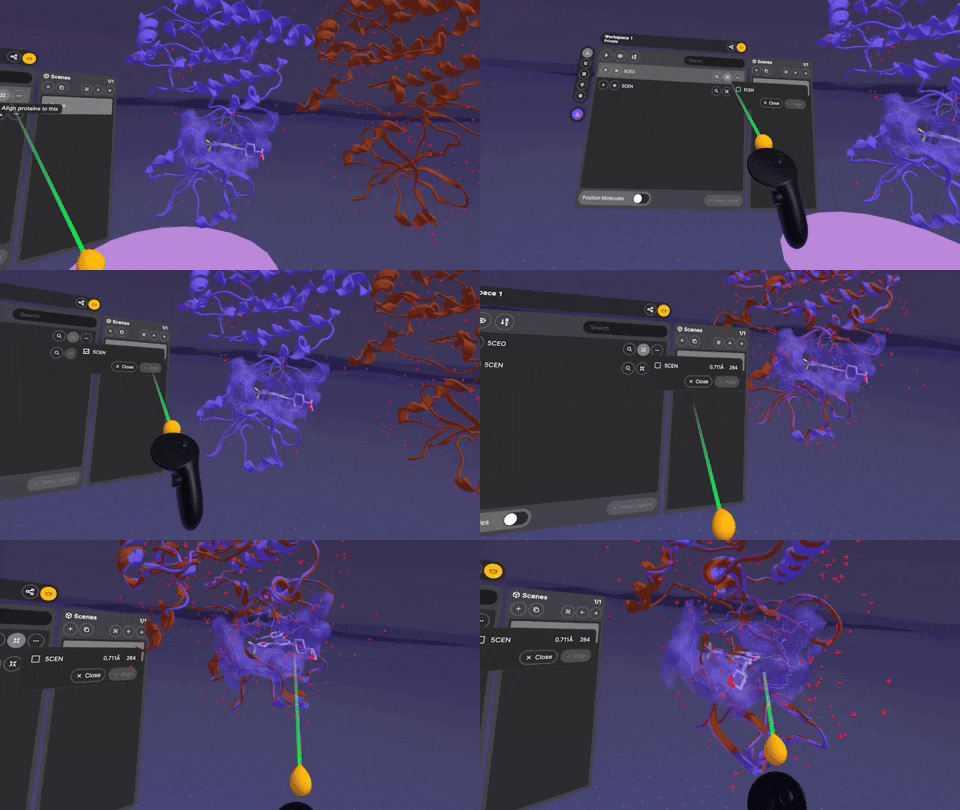
- Protein Alignment: RMSD (Root Mean Square Deviation) and alignment length added for more accurate comparisons
- High‑Resolution Menus: Menus are now significantly sharper
- Tooltip Enhancements: Full text now appears for truncated fields, with additional tooltips in the collaboration menu
- Distinctive Avatars and Cursors: More visually distinct, high‑contrast avatars and cursors
All‑New Settings Menu
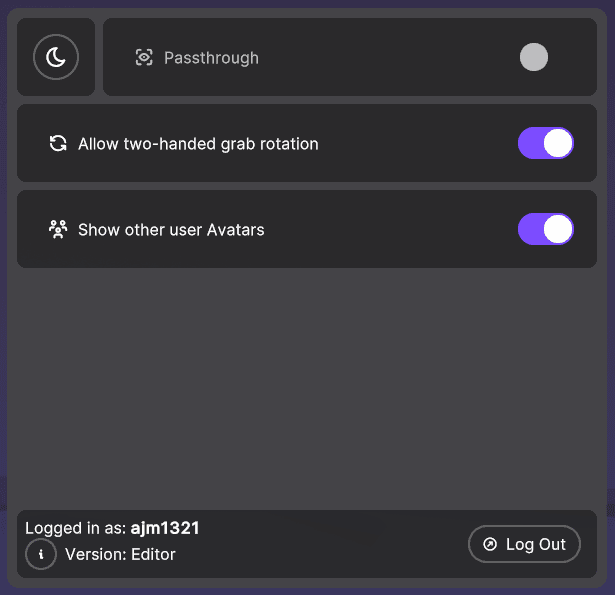
A redesigned settings menu offers new ways to customize your experience:
- Night Mode: Dim the environment
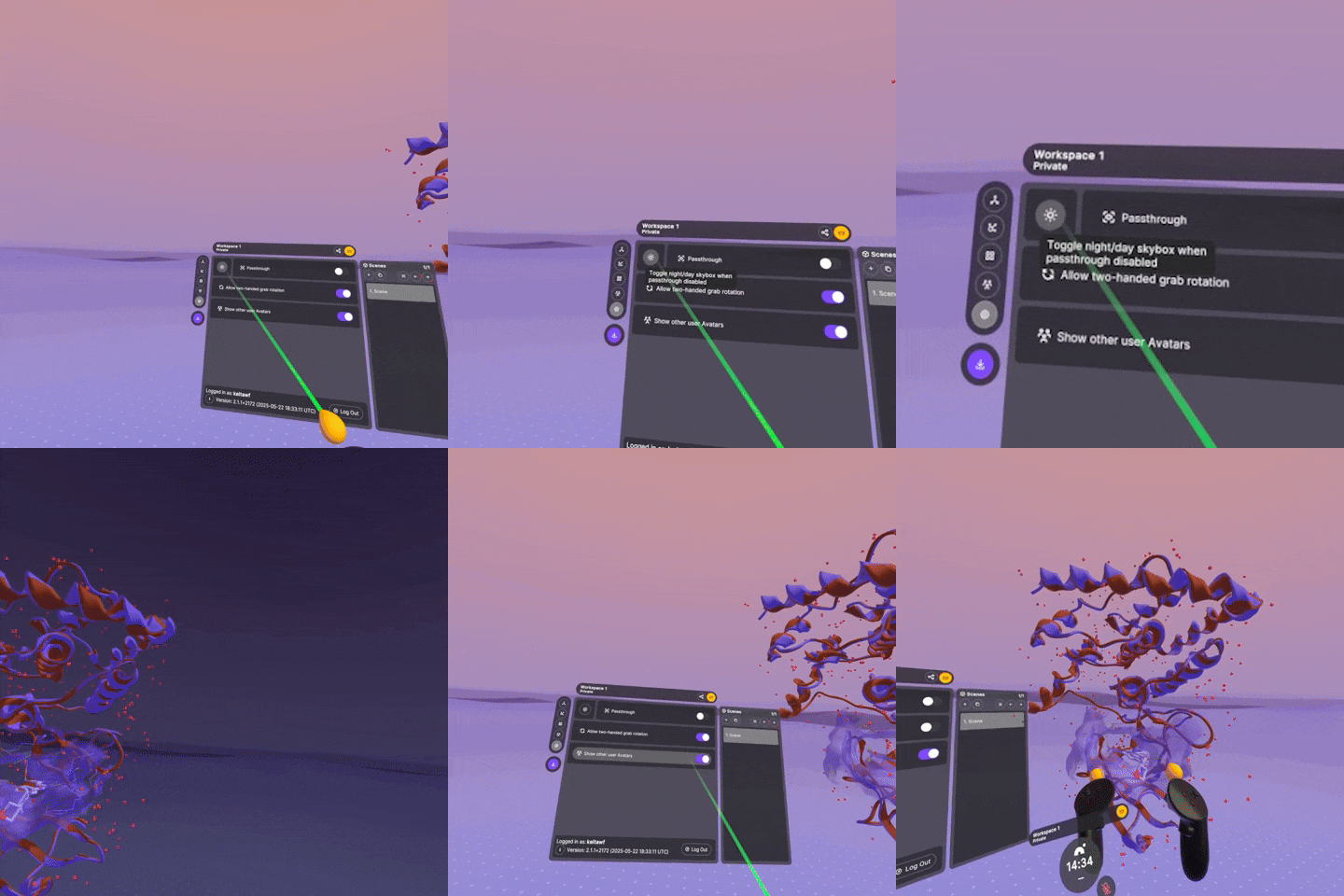
- Rotation Control: Optionally disable rotation when scaling
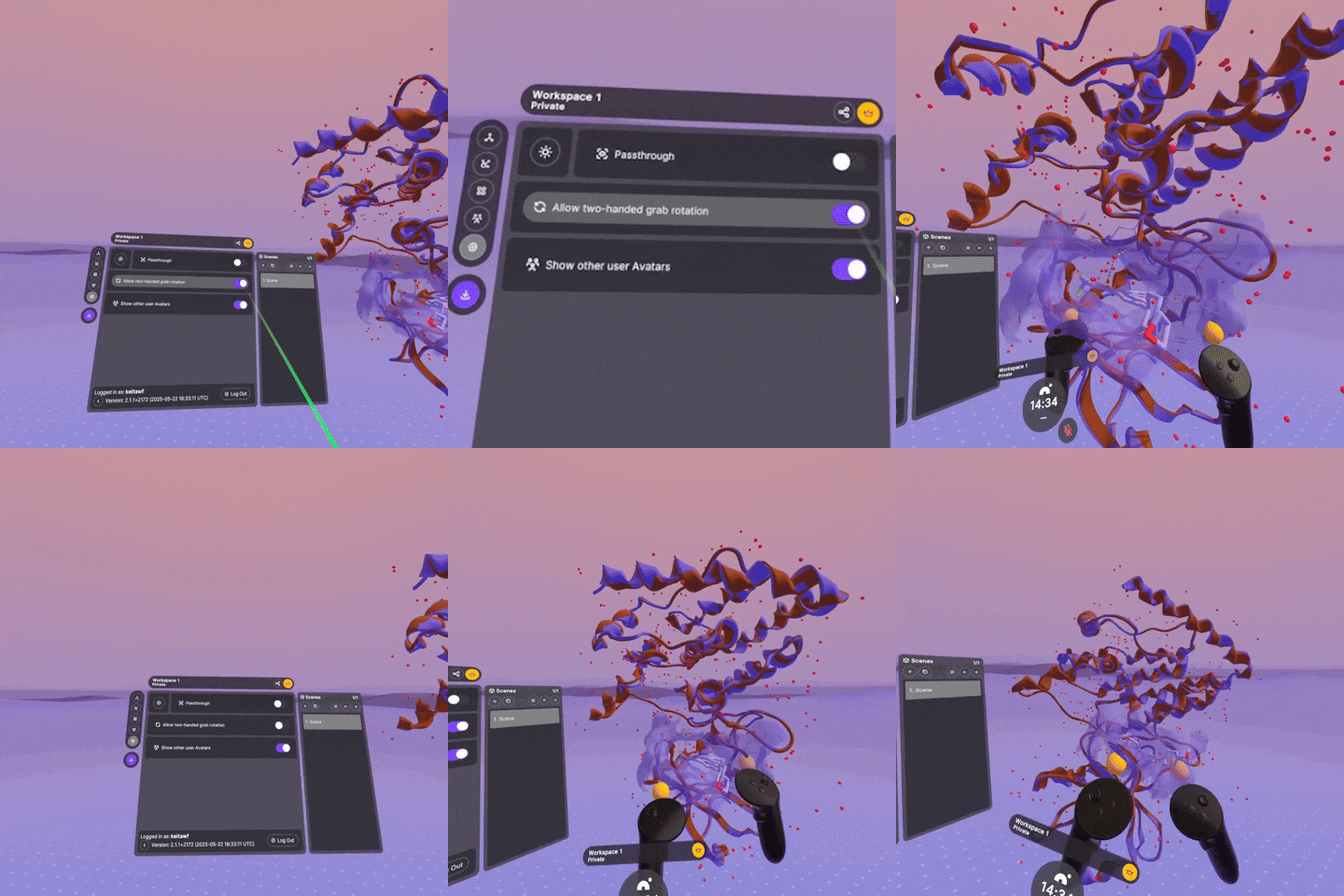
- Avatar Visibility: Option to hide background avatars
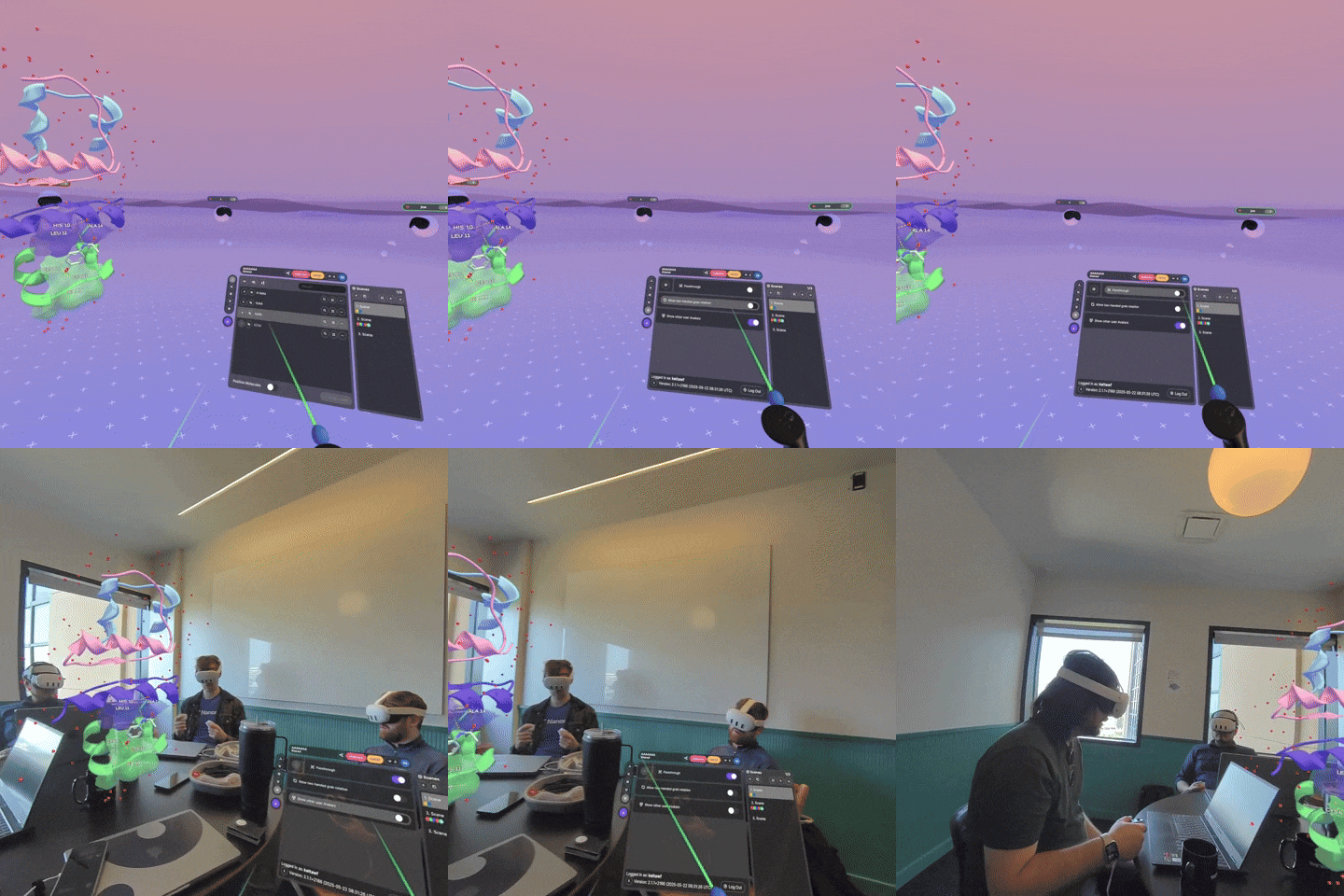
- Client Preferences: User settings now persist across sessions on your headset
Advanced Chemical Properties & Metadata
We’ve improved how Nanome handles and visualizes chemical data:
- SDF Metadata Import: Directly import metadata into the Ligands Menu
- Hydrogen Bonds: Distinguish between probable and less probable bonds while focusing on protein‑ligand interactions and ignoring intramolecular bonds
- Chemical Precision: Property values are now rounded to 3‑4 decimals for clarity
Connectivity & Stability
This release also improves reliability and robustness:
- Workspace API Errors: Better error feedback when issues arise
- Hydrogen Bond Rendering: Improved accuracy by ignoring intra‑component bonds in cross‑entry scenarios
Small Fixes & Improvements
- Environmental Visuals: Removed purple ambient lighting for a cleaner look
- Controller Color Update: Controllers are now sleek black
- Clicking on ligands no longer auto‑zooms your view
- Removed unused 3D surface highlight interactions
- Backend support for rainbow coloring (available via the web companion app)
- Increased Scene Scale: More flexibility in scene sizing
- Workspace Handling: Log back into your last‑used workspace instead of the default
- Workspace Controls: Easily delete the current workspace or scene
- Audible Notifications: Get alerts for new join requests
- Workspace Sharing: Fixed duplication issues when sharing
- Connection Safety: Older clients are now blocked from joining to avoid workspace corruption
While this may be labeled a patch, the number of improvements makes it feel like a much larger release. Even bigger features are right around the corner. In the meantime, let us know what you think. If you’re interested in trying v2, reach out at https://nanome.ai/demo/ and we’ll be happy to get you started.